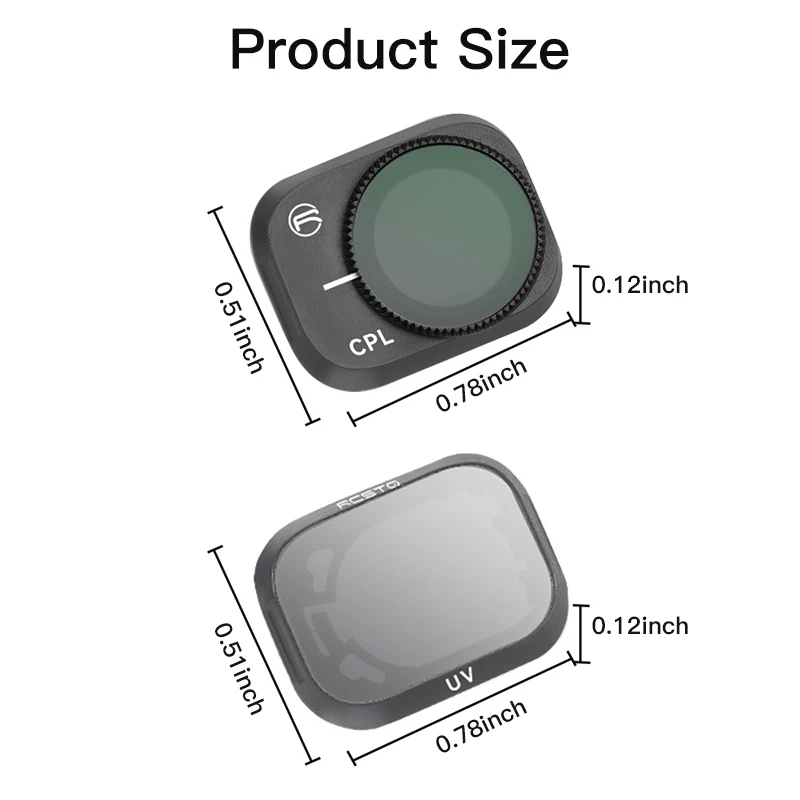
- High-concerned chemical: None
- Filter Type: ND Filter
- Package: Yes
- Brand Name: rcstq
- Origin: Mainland China
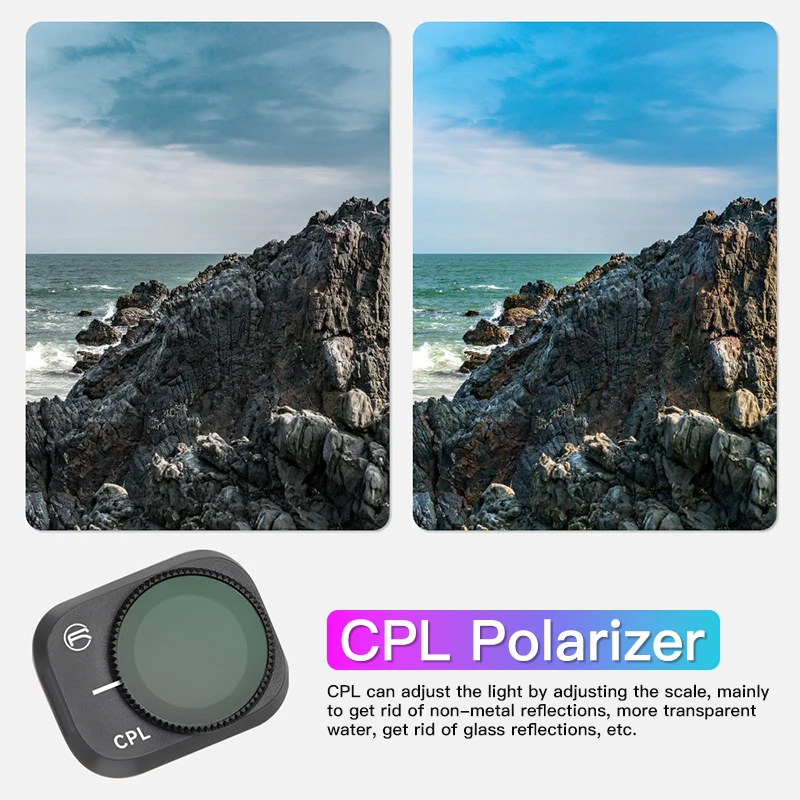
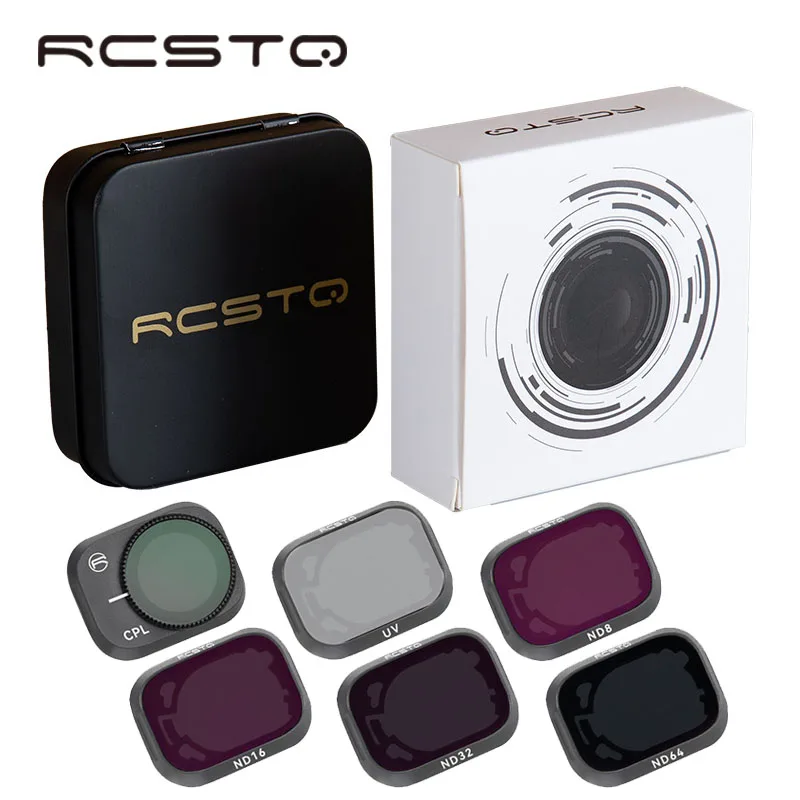
CPL Polarizer
CPL can adjust the light by adjusting the scale, mainly to eliminate non-metallic reflections,
make water more transparent, and eliminate glass reflections.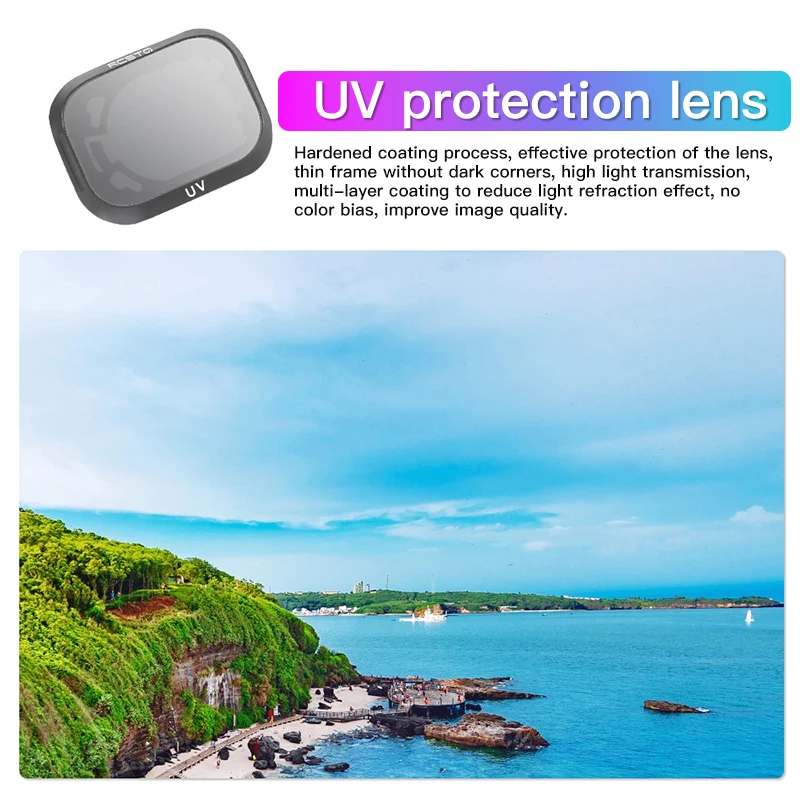
UV protective lens
Hard coating technology, effectively protect the lens, thin frame without vignetting, high
light transmittance, multi-layer coating reduces light refraction effect, no color shift,
and improves image quality.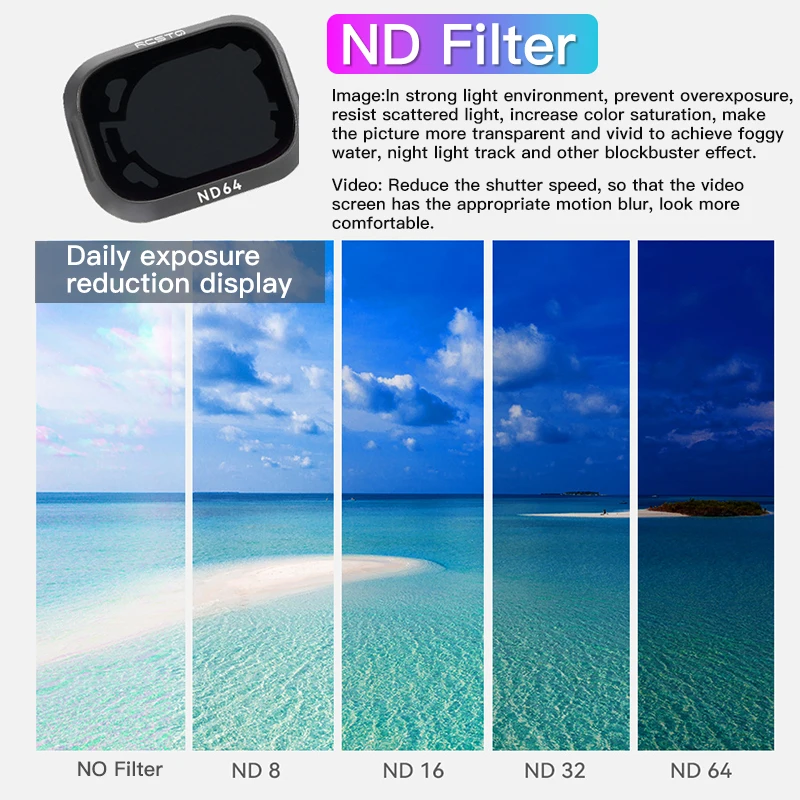
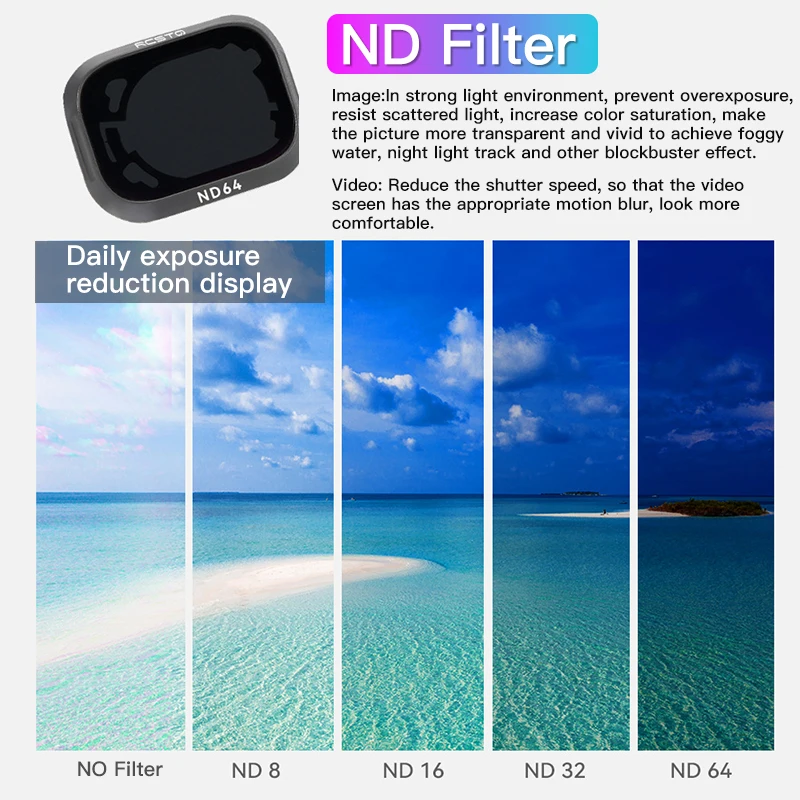
ND filter
Image: In strong light environment, it can prevent overexposure, resist scattered light,
increase color saturation, make the picture more transparent and gorgeous, and realize
large-scale effects such as foggy flowing water and night light trails.
Video: Reduce the shutter speed to make the video screen have
appropriate motion blur and look more comfortable.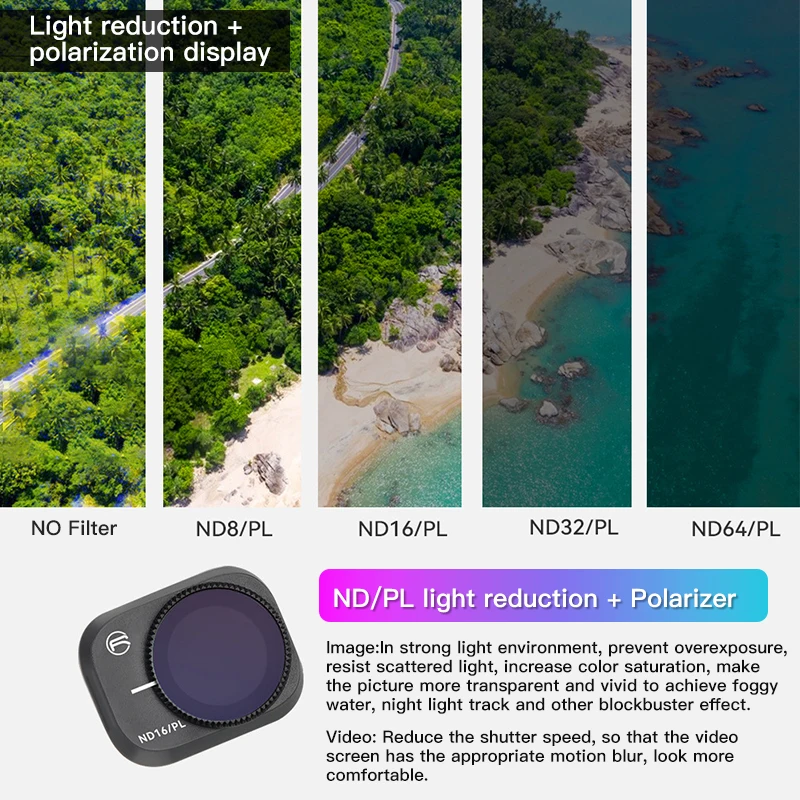
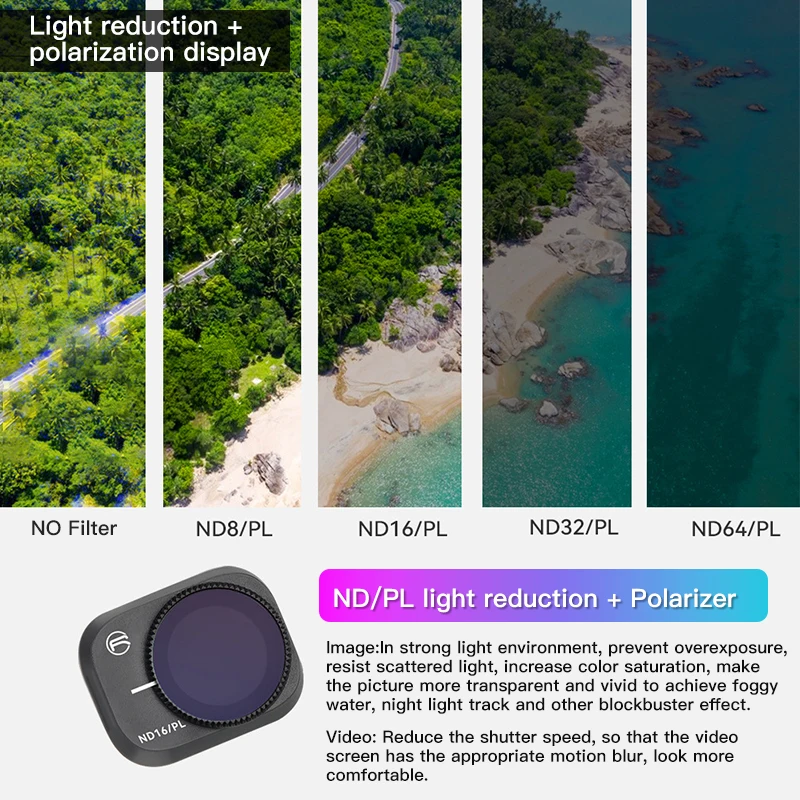
ND/PL light reduction + polarizer
Picture: You can adjust the gears to prevent overexposure in strong light environments,
resist scattered light, increase color saturation, make the picture more transparent and
gorgeous, and achieve large-scale effects such as foggy flowing water and night light trails.
Video: Reduce the shutter speed to make the video screen have appropriate motion blur
and look more comfortable.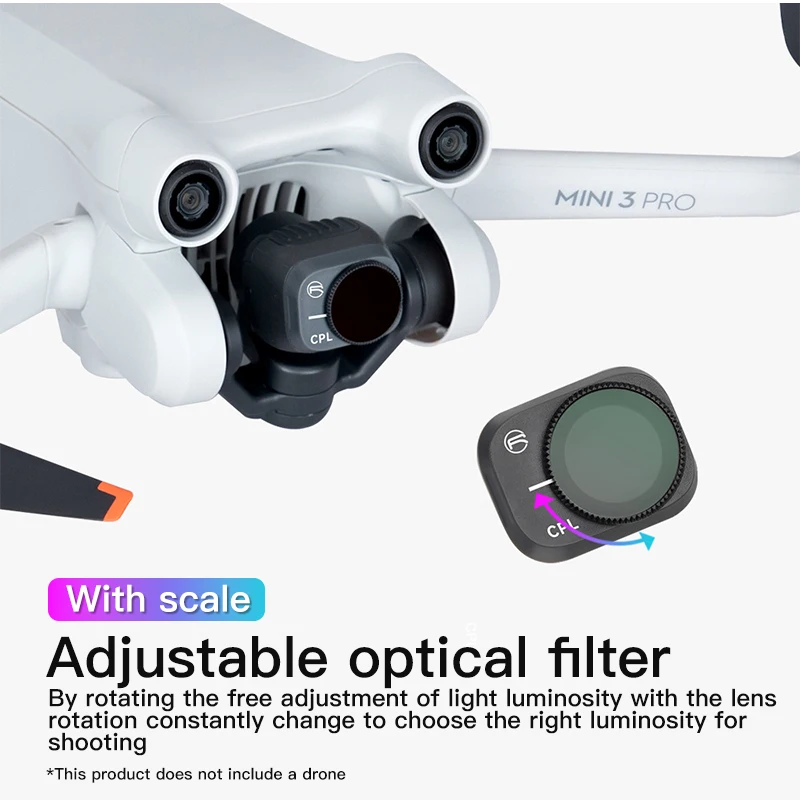
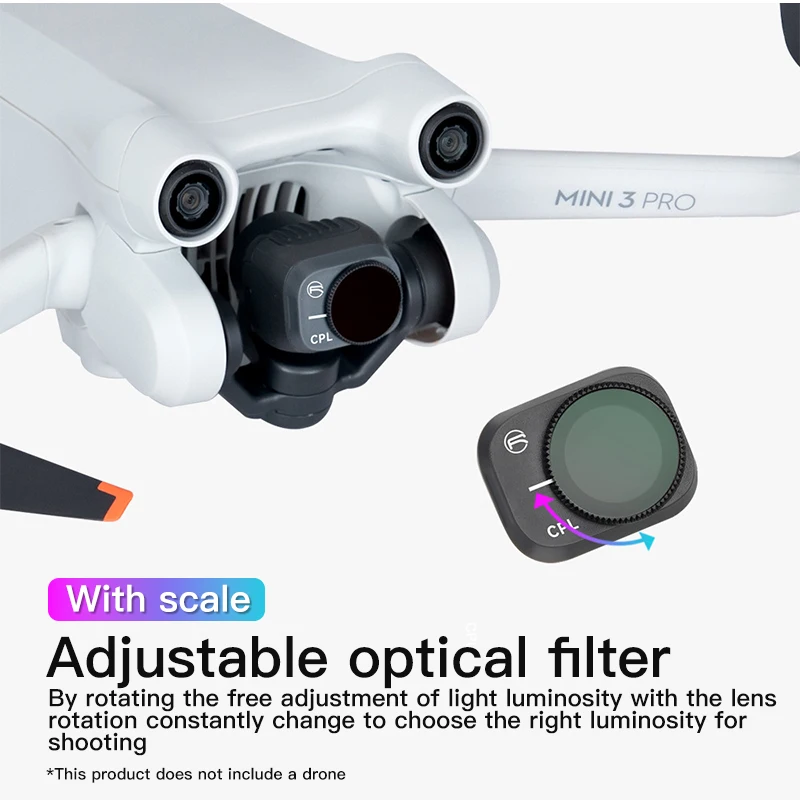
with scale
Adjustable Optical Filters
Freely adjust the luminosity of the light through rotation as the lens rotates and constantly
changes to select the appropriate luminosity for shooting.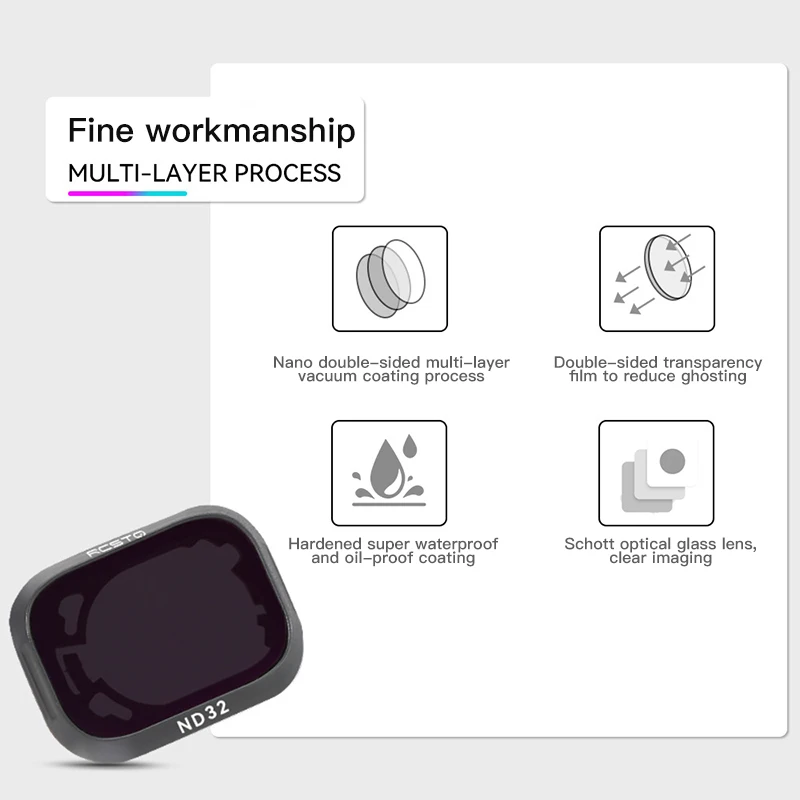
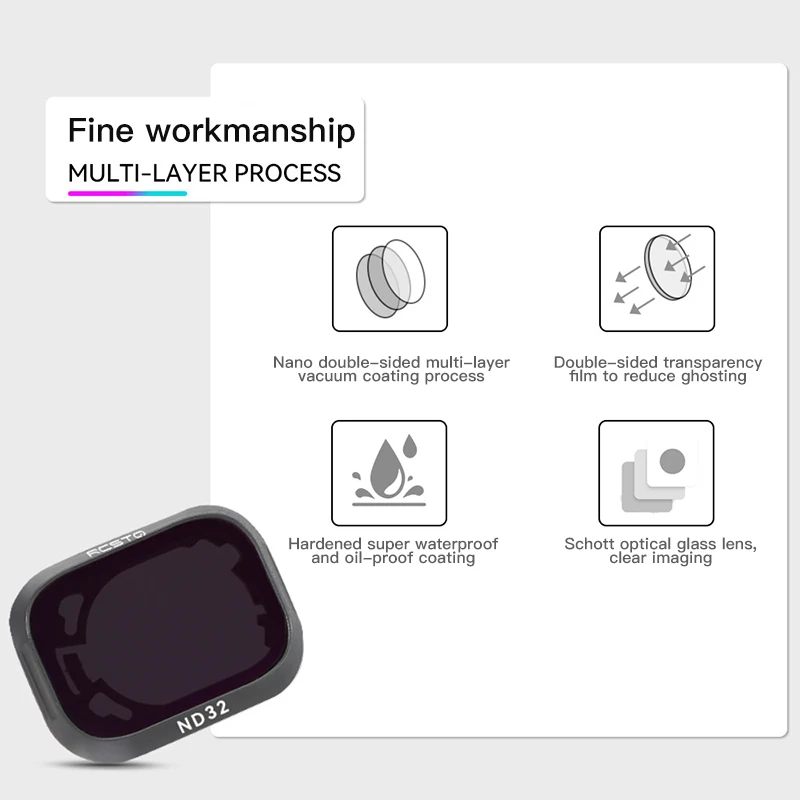
1. Nano double-sided multi-layer vacuum coating process
2. Double-sided anti-reflection coating to reduce ghosting
3. More resistant to dirt, waterproof, and oil-proof coating
4. Schott optical glass lens, clear image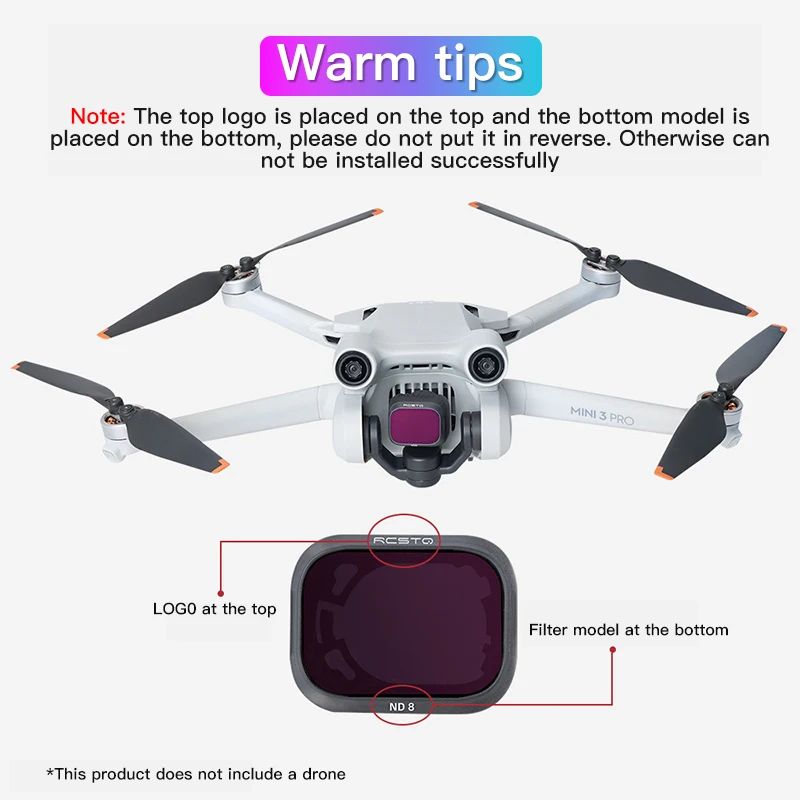
Reminder: Put the logo on the top and the model on the bottom. Do not put it backwards,
otherwise the installation will not be successful.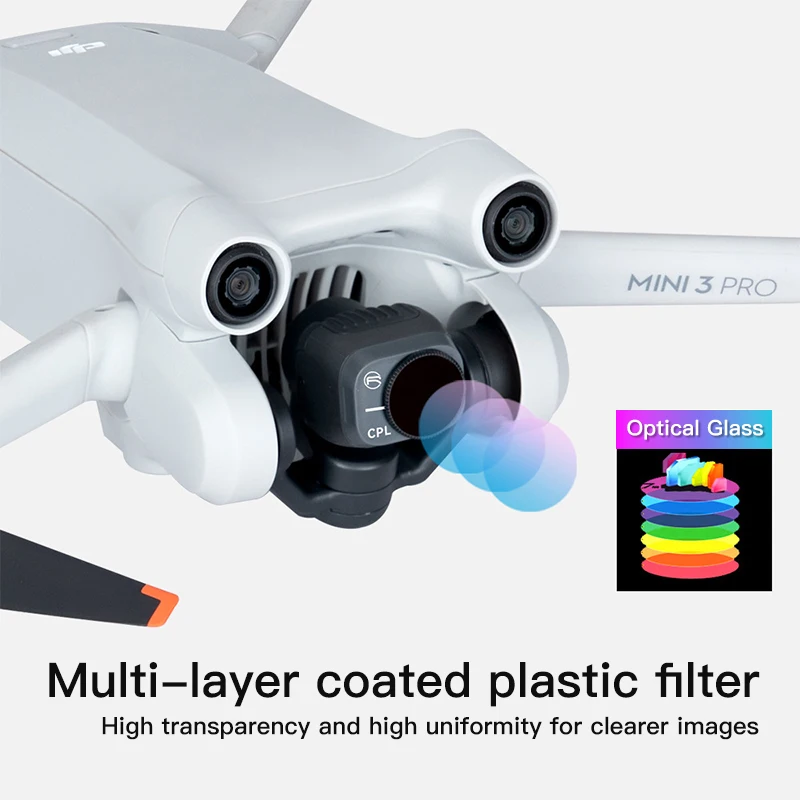
Multi-layer coated plastic filter
High transparency and high uniformity make the image clearer.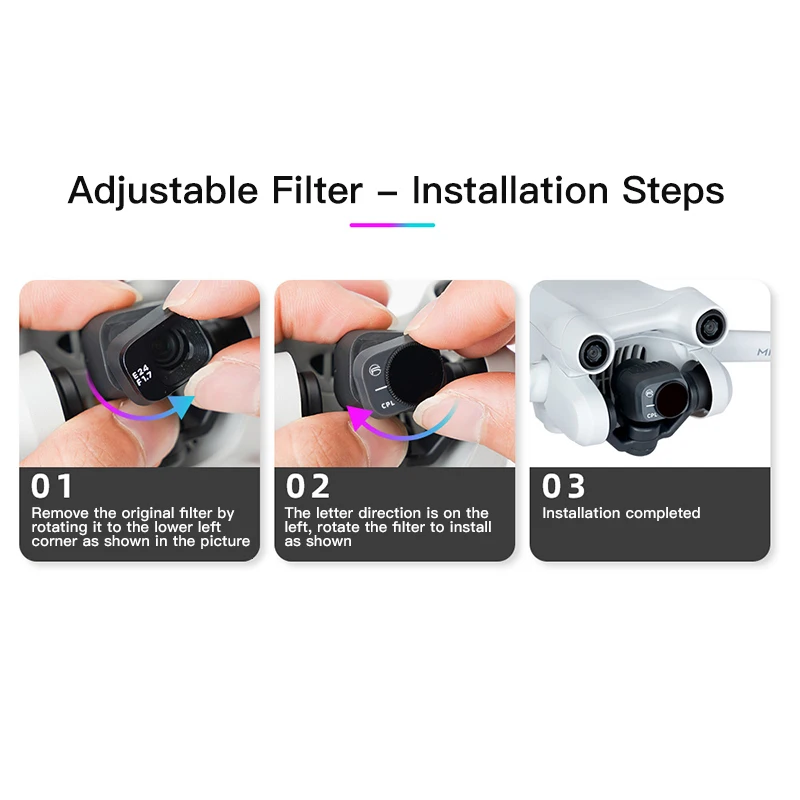
Adjustable Filter - Installation Steps
01: As shown in the picture, rotate to the lower left corner to remove the original filter
02: The direction of the letter is on the left,
just rotate and install the filter as shown in the figure
03: Installation complete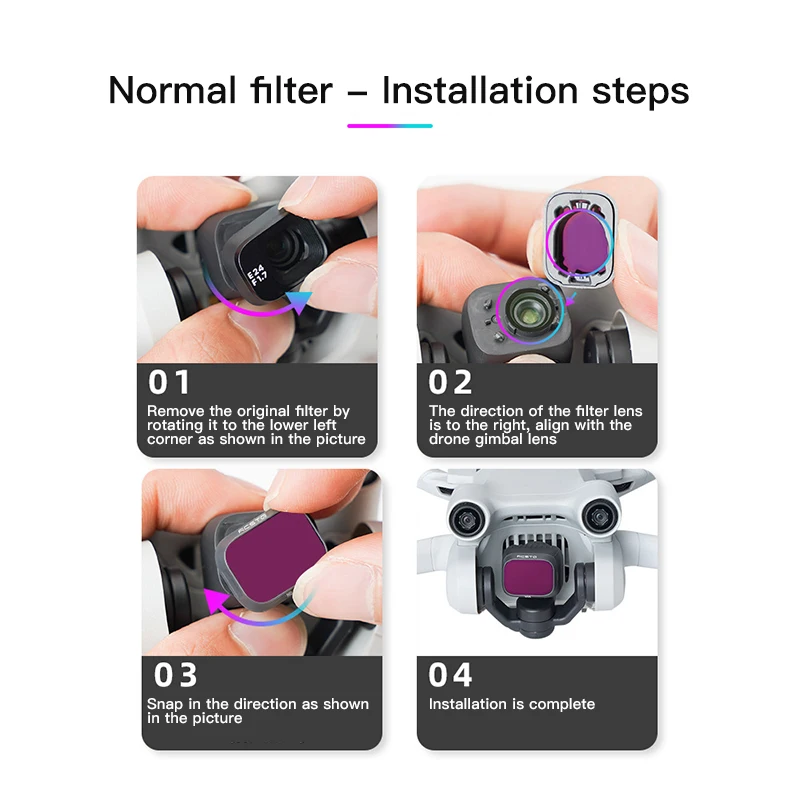
Common Filter - Installation Steps
01: As shown in the picture, rotate to the lower left corner to remove the original filter
02: The direction of the filter lens is facing right, aligning with the UAV gimbal lens
03: According to the direction shown in the figure, just rotate and buckle in
04: Installation complete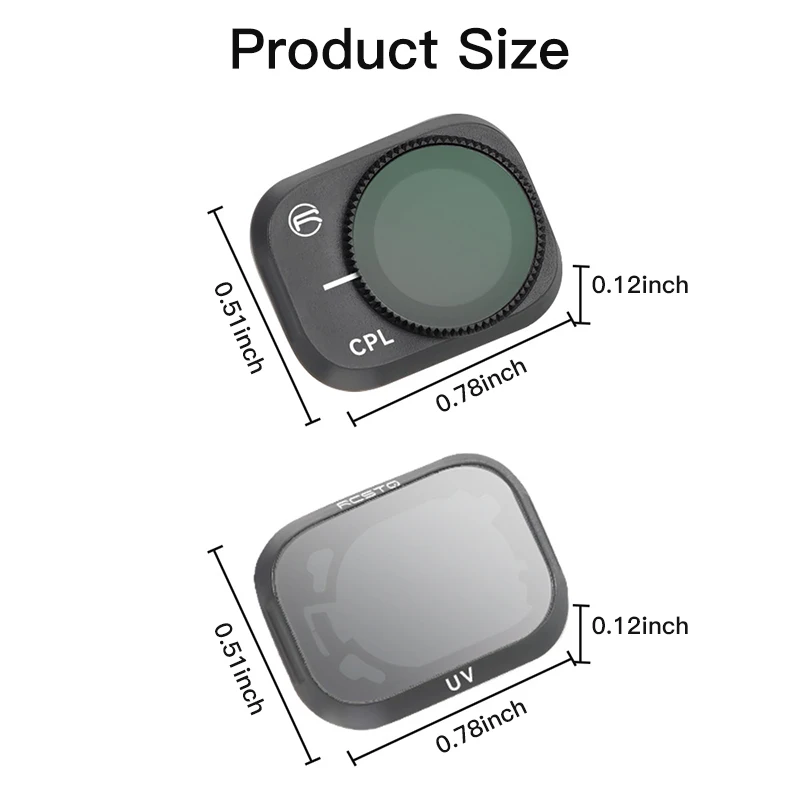




Avaliações
Ainda não existem avaliações.