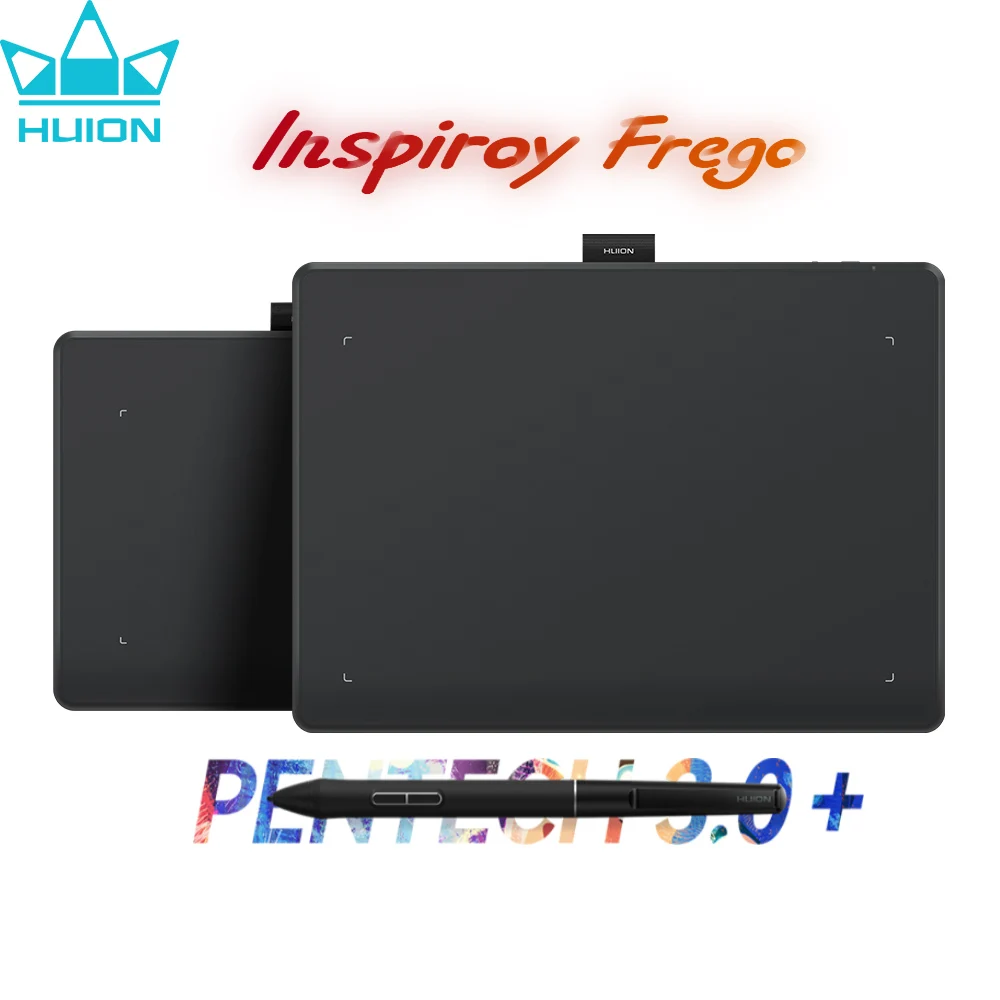



HUION Inspiroy Frego S/M Create Beyond Limits.
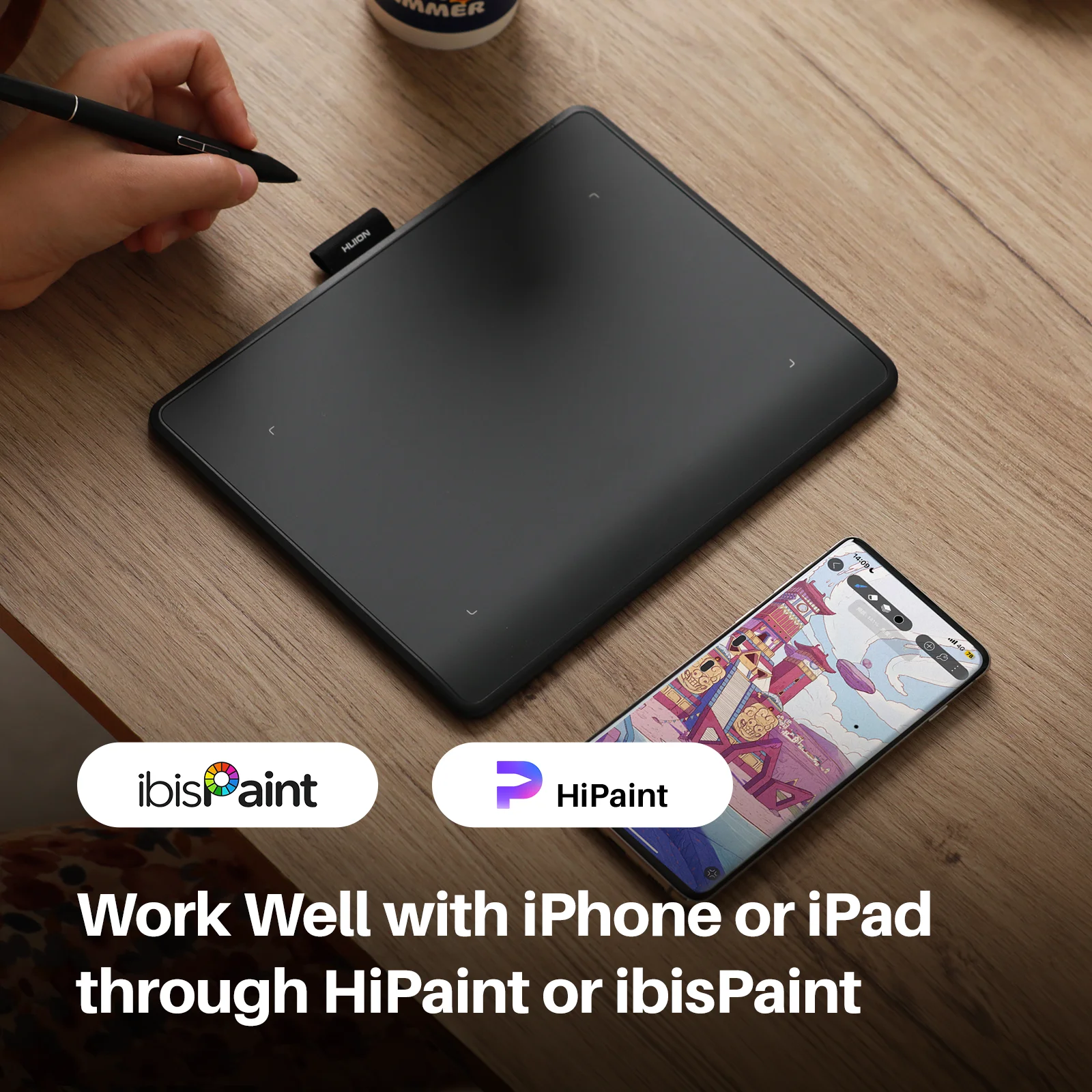
Newest Bluetooth 5.0 Connection Wireless Pen tablets
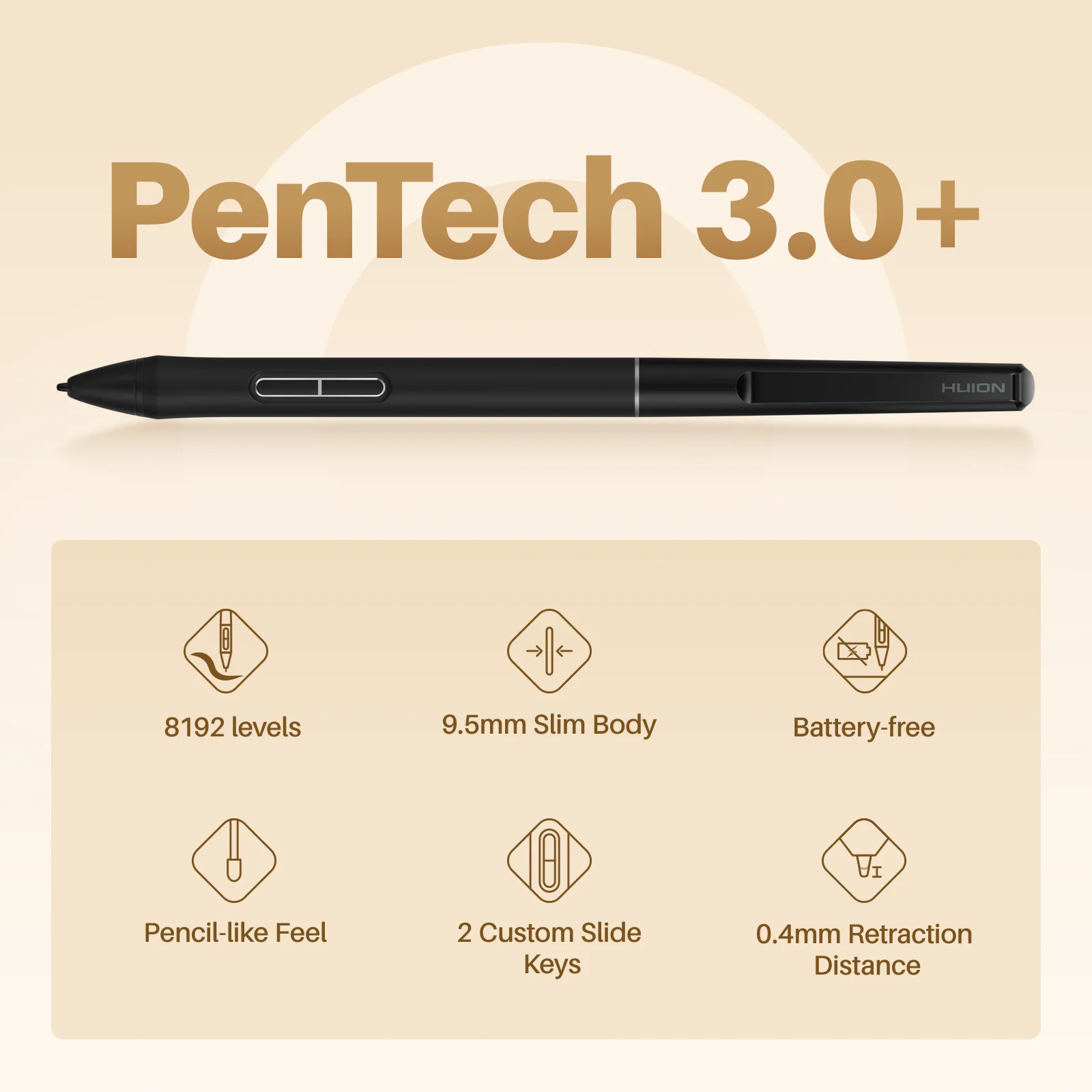
Wireless Bluetooth connectivity, minimalistic design without shortcut keys, supports Android and IOS, PenTech 3.0+, slim pen
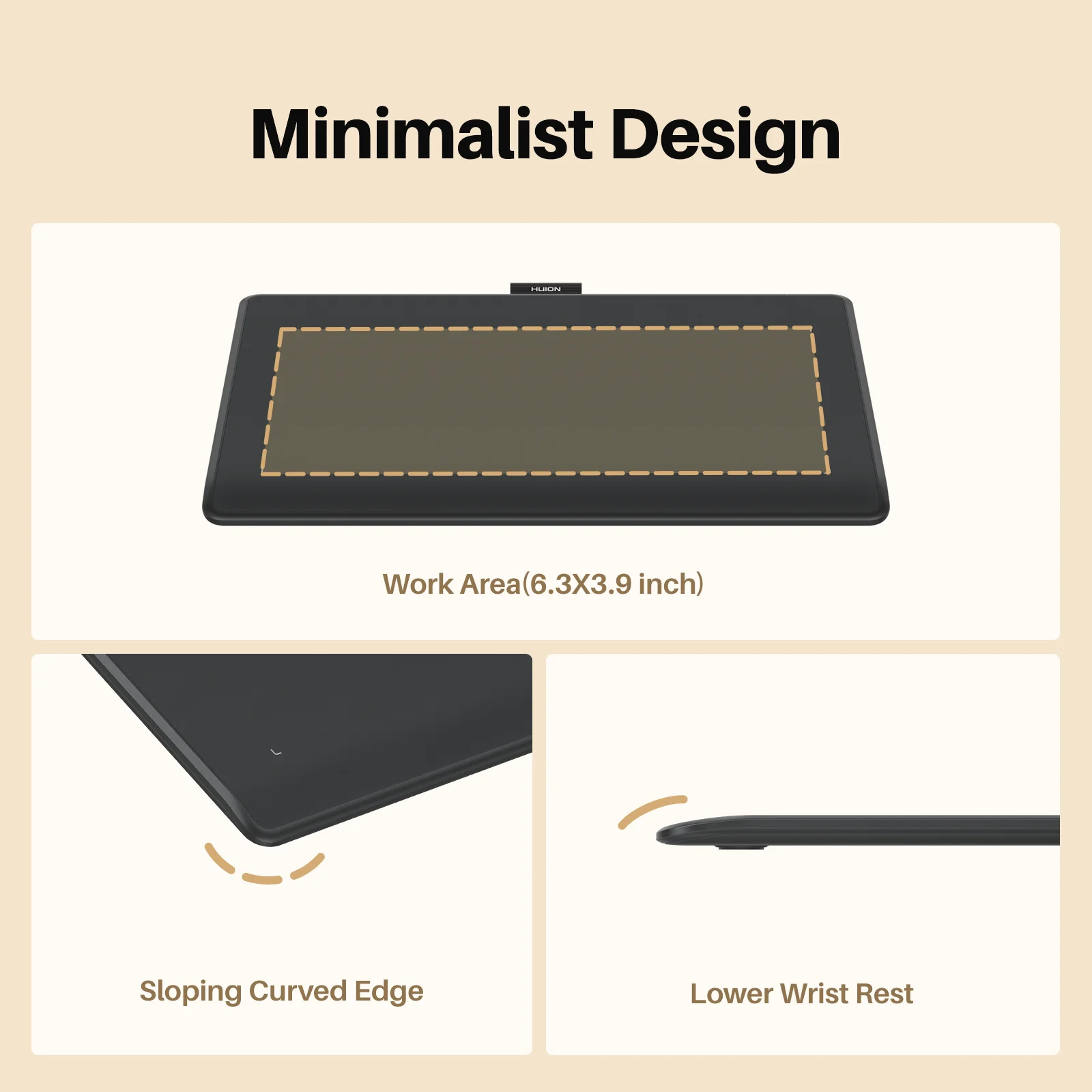
Minimalist Design.
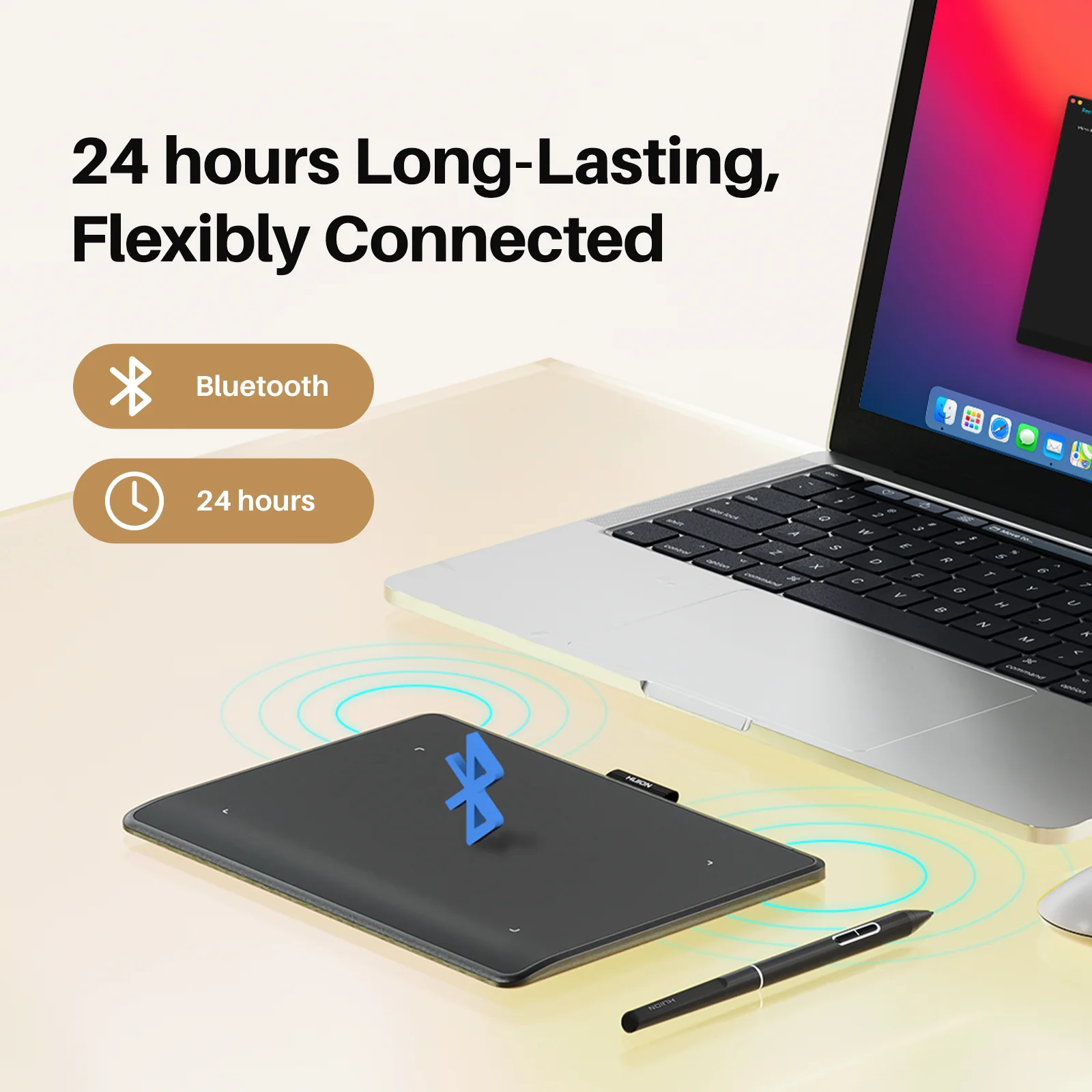
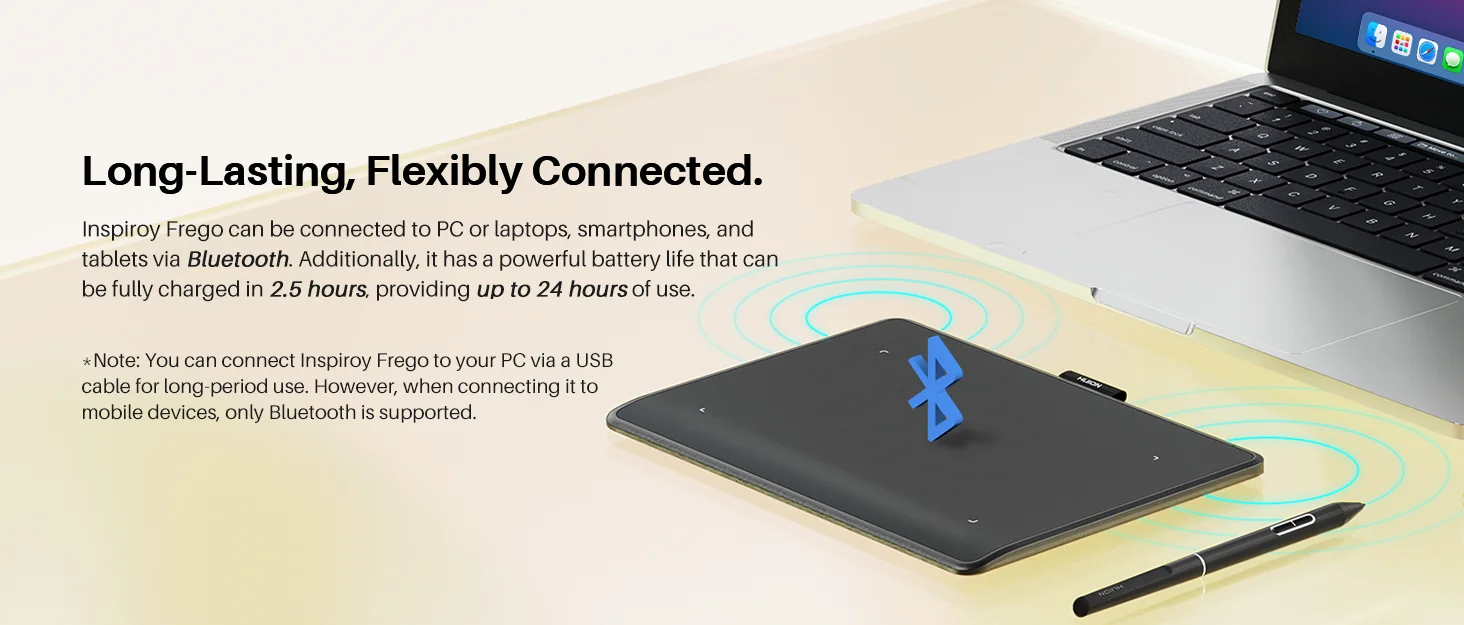 Long-Lasting, Flexibly Connected.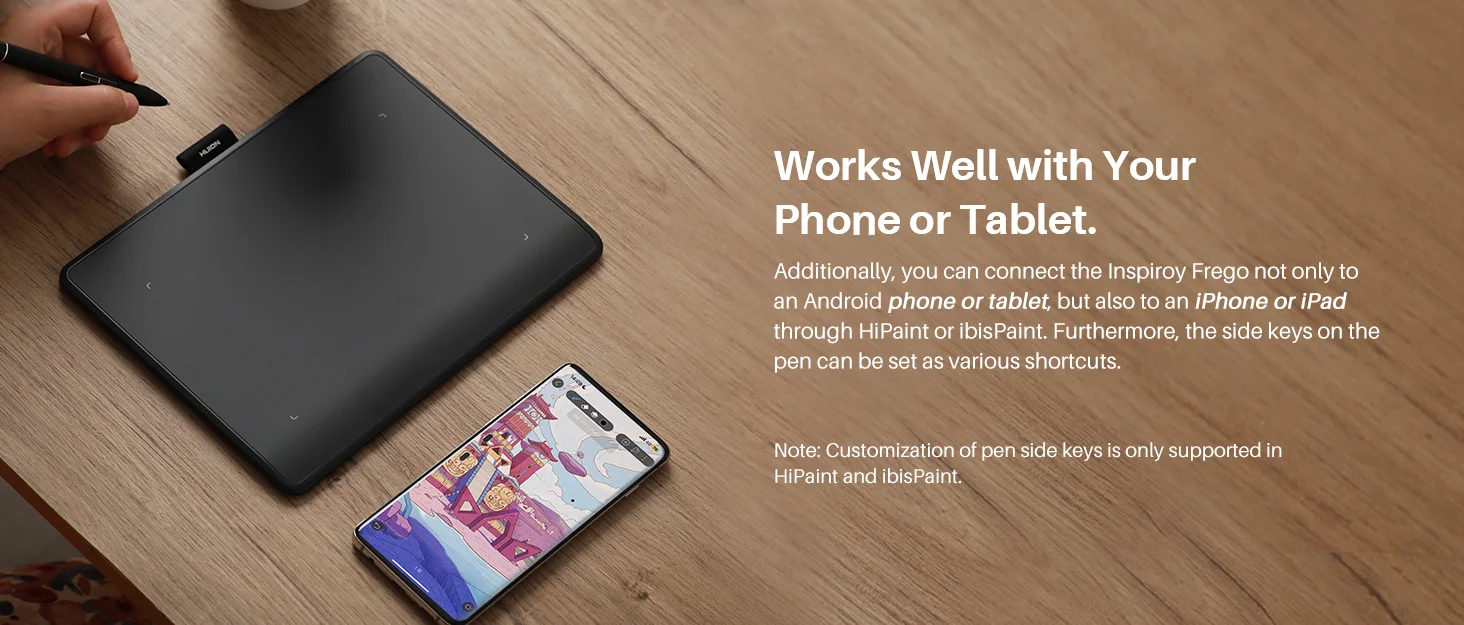
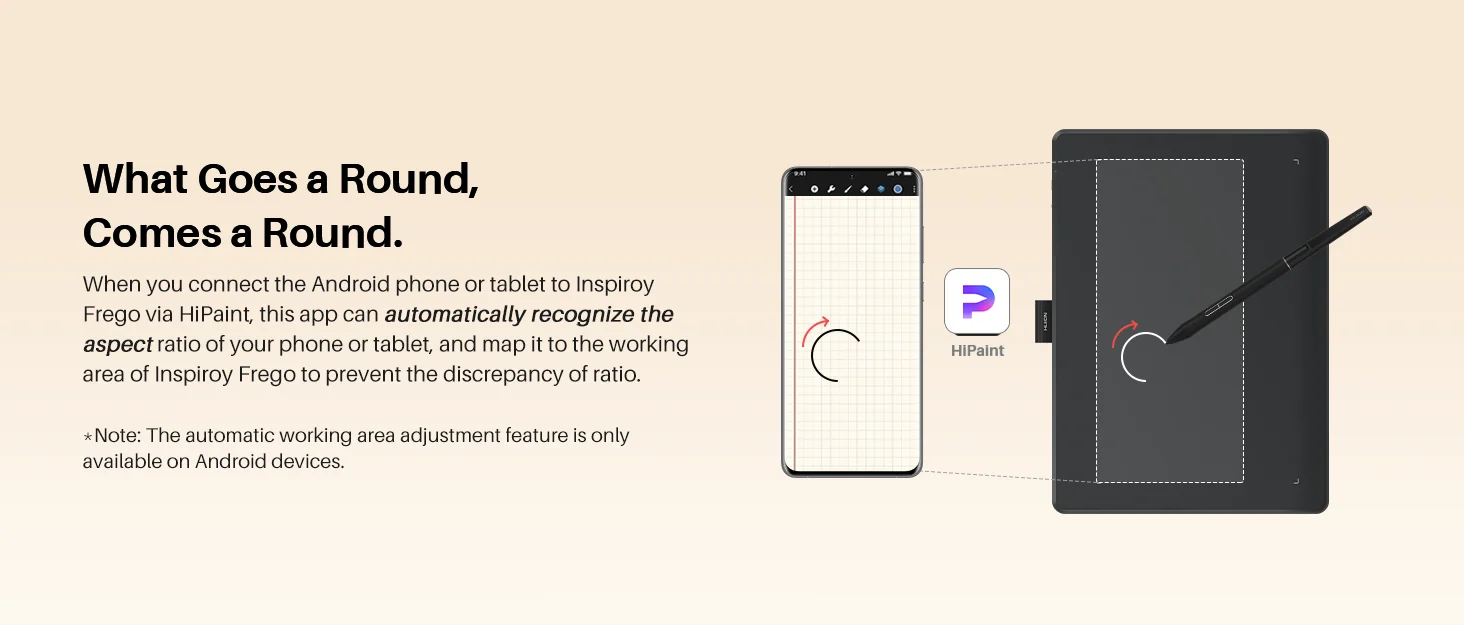
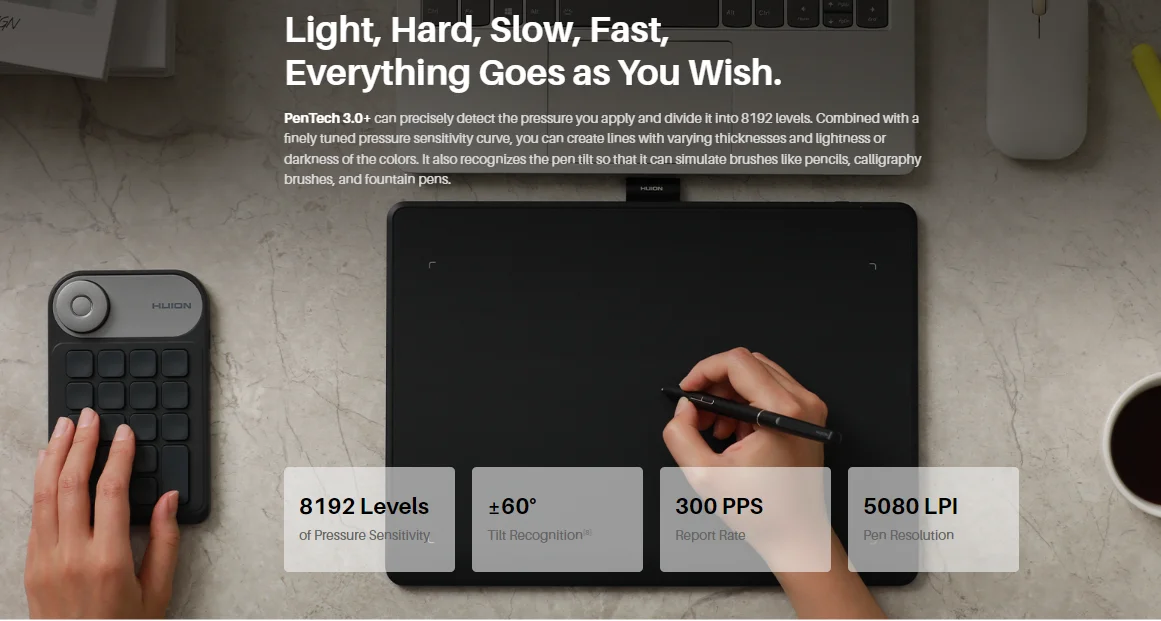
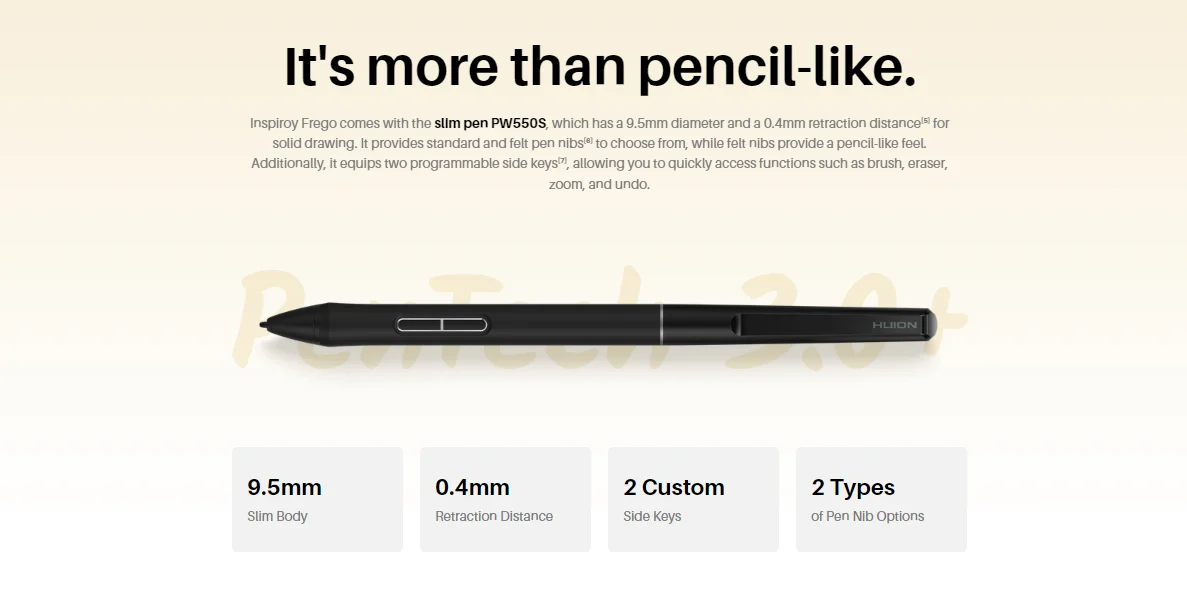
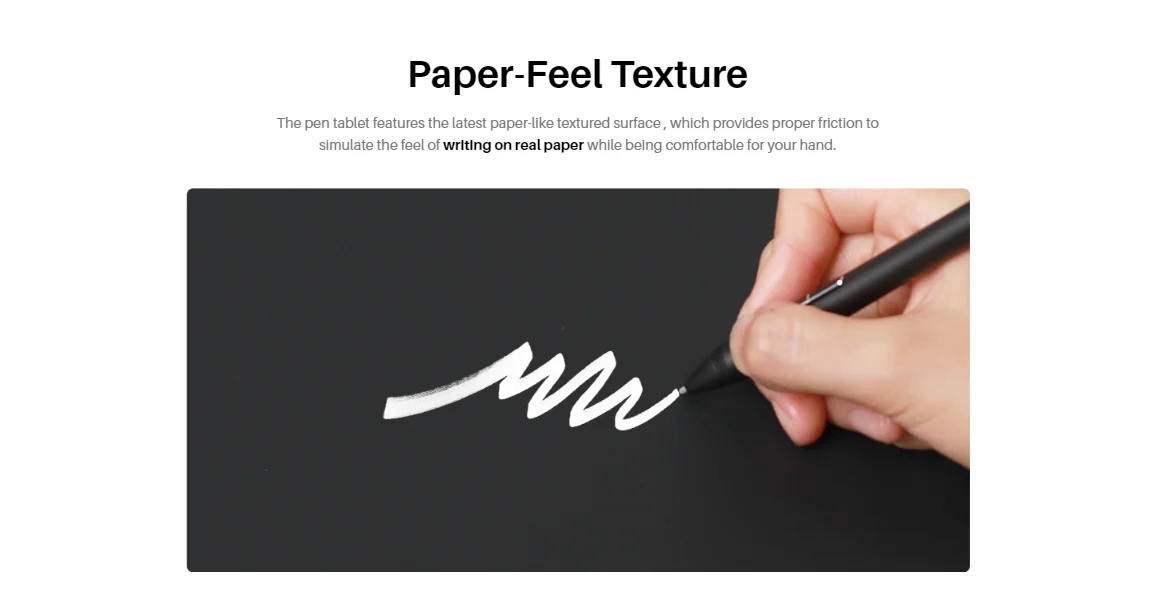
The pen tablet features the latest paper-like textured surface , which provides proper friction to simulate the feel of writing on real paper while being comfortable for your hand.
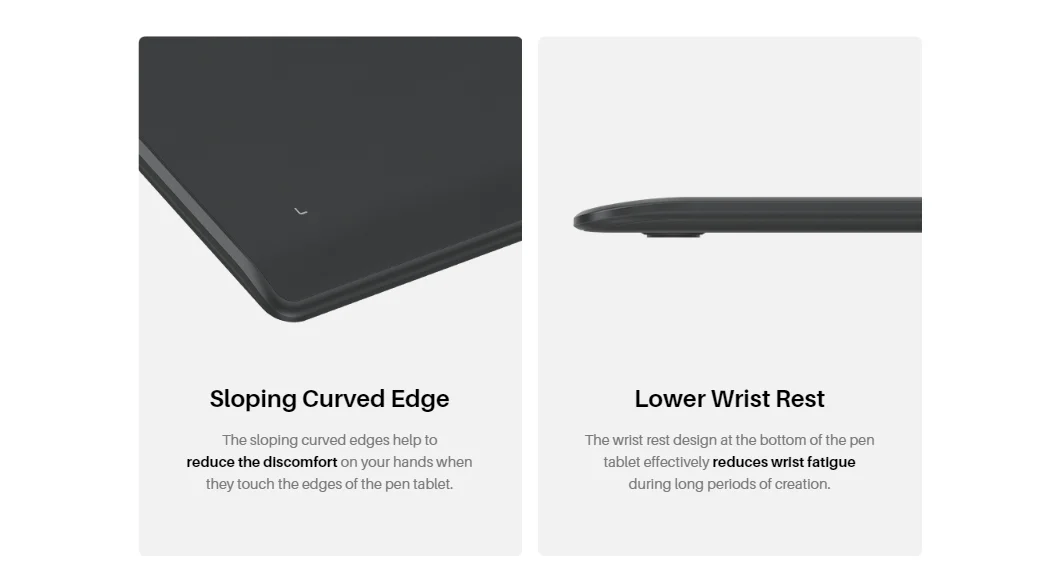
A Little Slope,A Lot of Comfort. To ensure a better drawing experience and reduce hand and wrist discomfort during long-time use, Inspiroy Frego incorporates several considerate optimizations.
Sloping Curved Edge——The sloping curved edges help to reduce the discomfort on your hands when they touch the edges of the pen tablet.
Lower Wrist Rest——The wrist rest design at the bottom of the pen tablet effectively reduces wrist fatigue during long periods of creation.

Compatible Operating System:
Windows (Wired: Windows 7 or later), (Bluetooth: Windows 10 or later 64bit);
- macOS (Wired: macOS 10.12 or later)), (Bluetooth: macOS 10.13 or later);
- Android (Bluetooth: Android 6.0 or later);
- ChromeOS (Wired & Bluetooth: ChromeOS 88 or later);
- LinuxOS (Wired: Ubuntu 20.04 LTS)
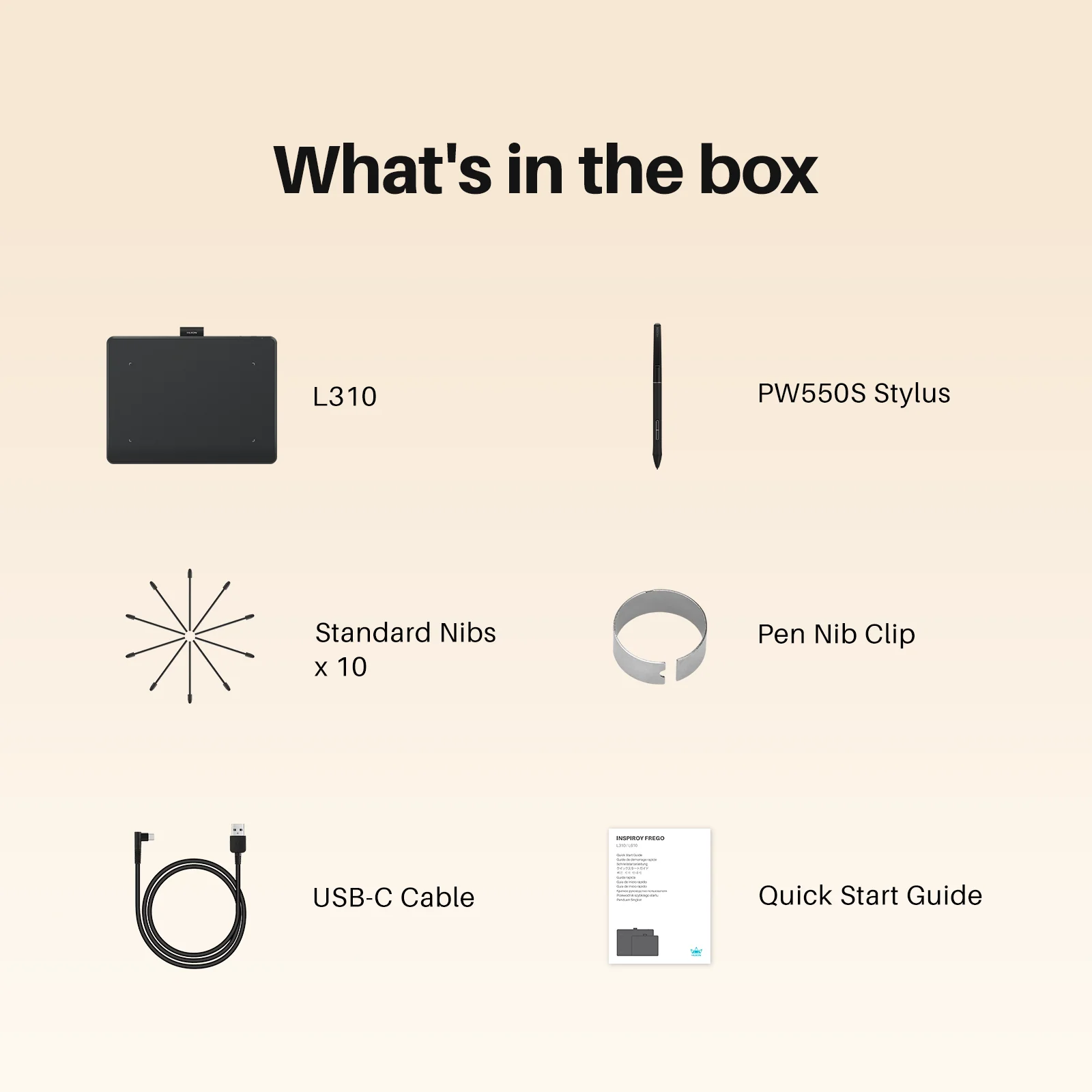
Package Lists: Inspiroy Frego M or Inspiroy Frego S, Battery-free Pen PW550S, Standard Pen Nibs, USB-C to USB-A Cable, Quick Start Guide.
Notes:
[1]The data is based on testing conducted in an ideal environment at Huion's internal laboratory.
[2]You can set functions of the side keys through HiPaint and ibisPaint for now.
[3]You need to connect the Inspiroy Frego to a mobile device through HiPaint first.
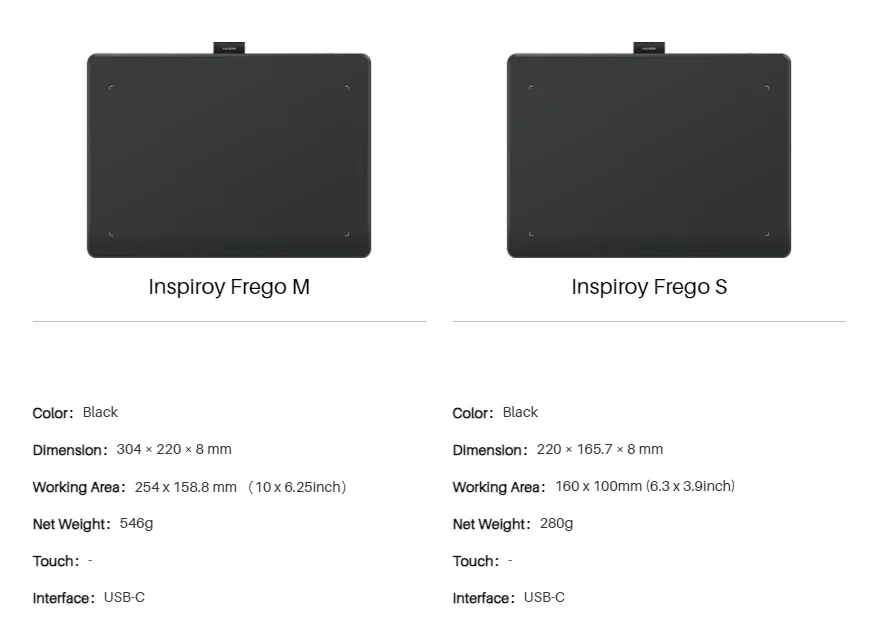
[4]The working area refers to the specific region on the pen tablet that can detect the digital pen's input, which is not identical to the overall dimensions of the tablet.
[5]Based on internal testing by Huion's laboratory, the Retraction Distance of the pen nib, from a natural state to fully compressed onto the screen, is 0.4mm.
[6]The package includes 10 standard pen nibs, and 1 felt nib.
[7]You can set the functions of the side keys within the driver.
[8]A 60-degree angle refers to the angle from the pen being vertical to tilted. Tilt support is only available in partial software. Please confirm whether the software you are using supports this feature before use.
[9]The symmetrical design refers to the overall product being roughly left-right symmetrical, without side keys, to ensure convenience for both left-handed and right-handed artists.
Avaliações
Ainda não existem avaliações.