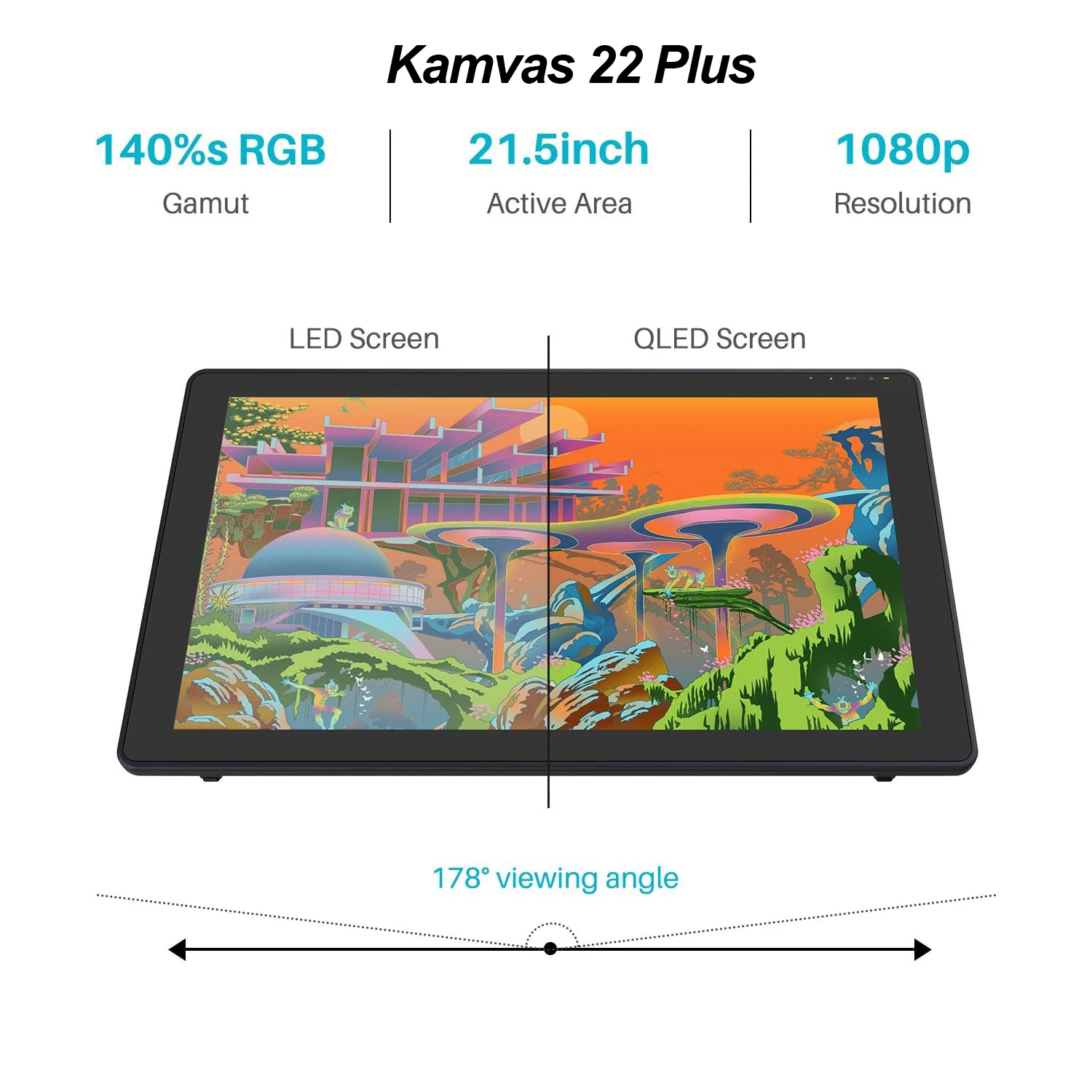
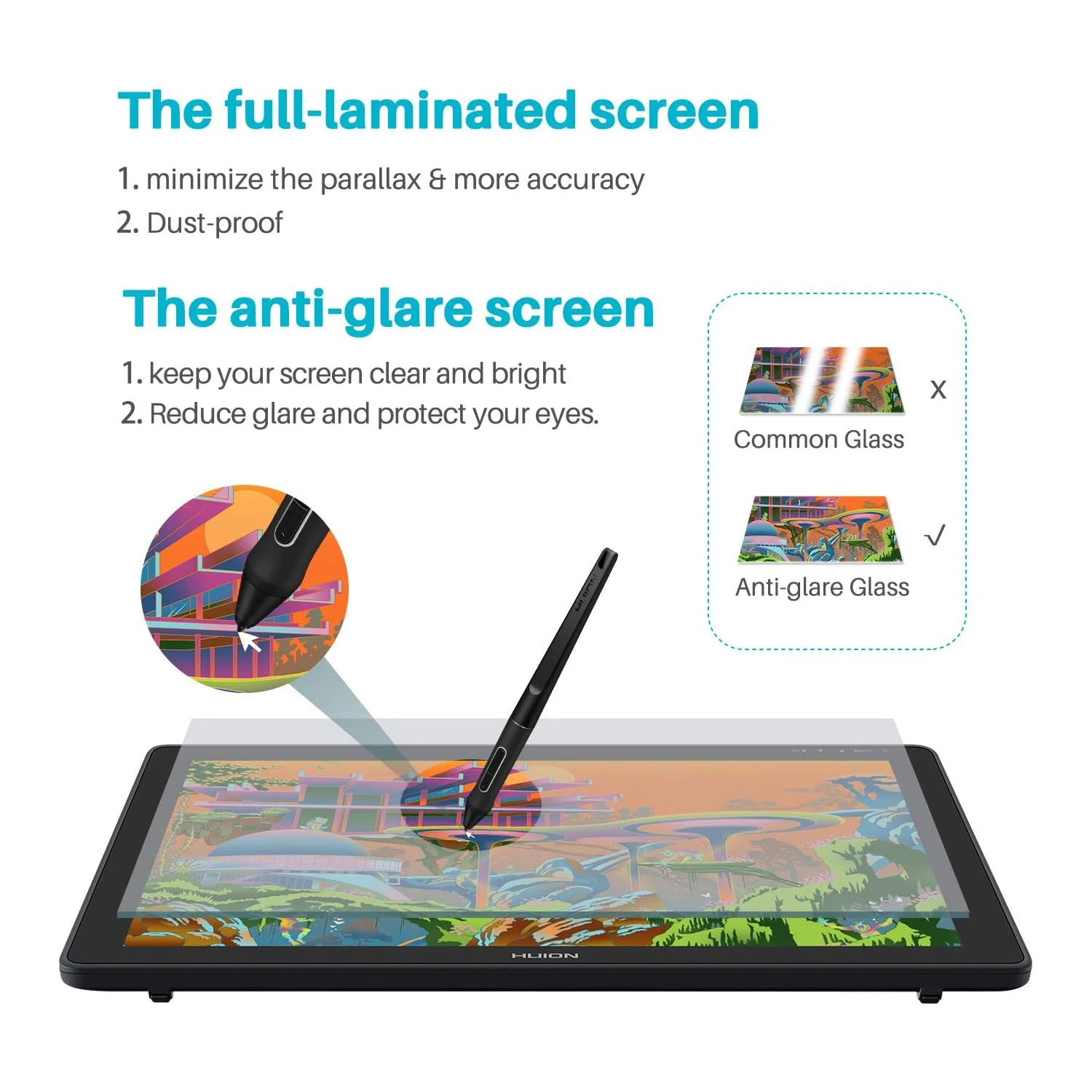
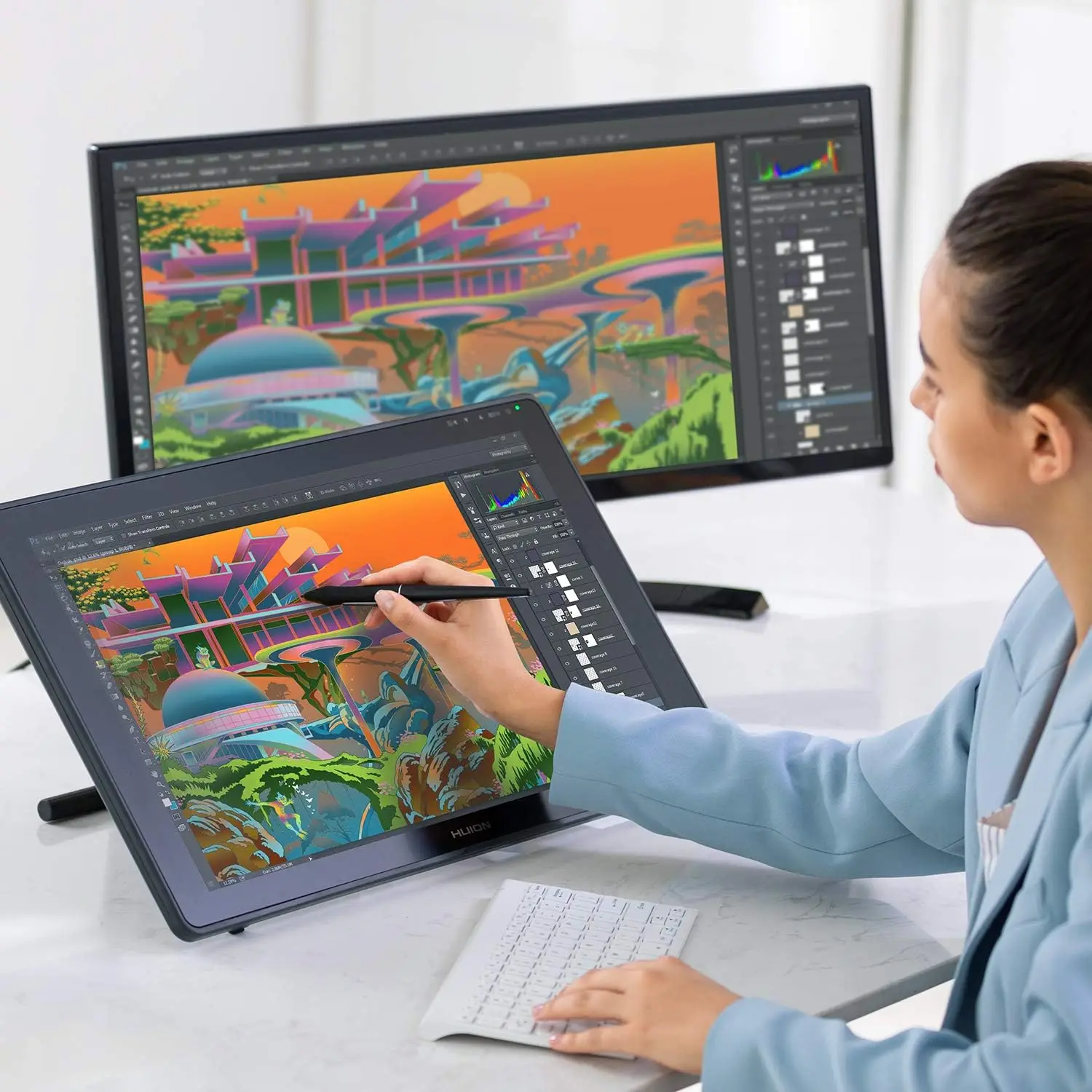
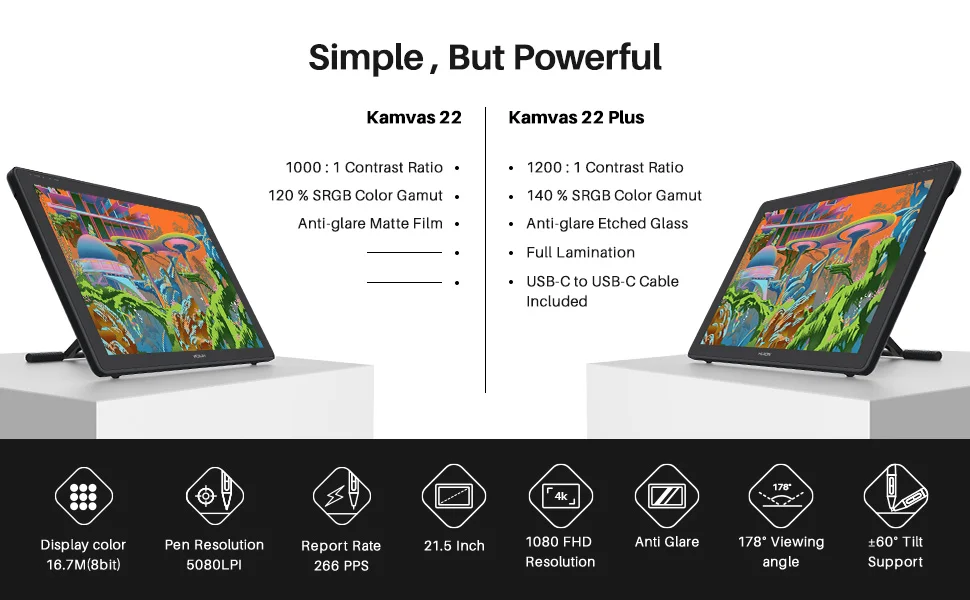
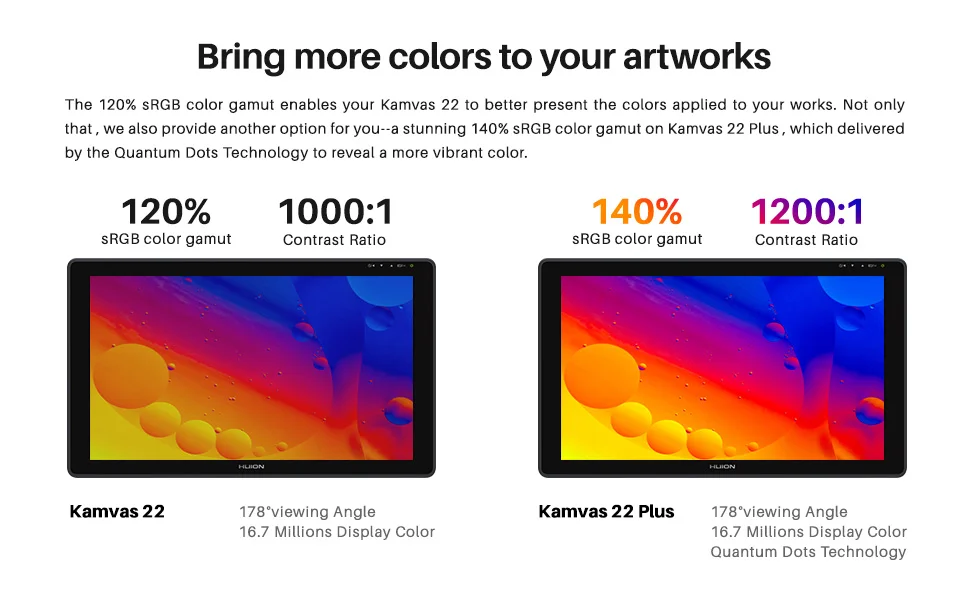
120% sRGB(Kamvas 22) or 140% sRGB(Kamvas 22 plus) & Full Lamination Technology &178 ° viewing angle - --Full lamination applied to the screen that reduces the parallax effect and brings an impressive aesthetic experience. Anti-glare glass reduces the harmful glare produced by the ambient lights and improves the display's viewing angle and brightness. With an ultra wide viewing angle of 178°, you can enjoy the real picture from any angle.
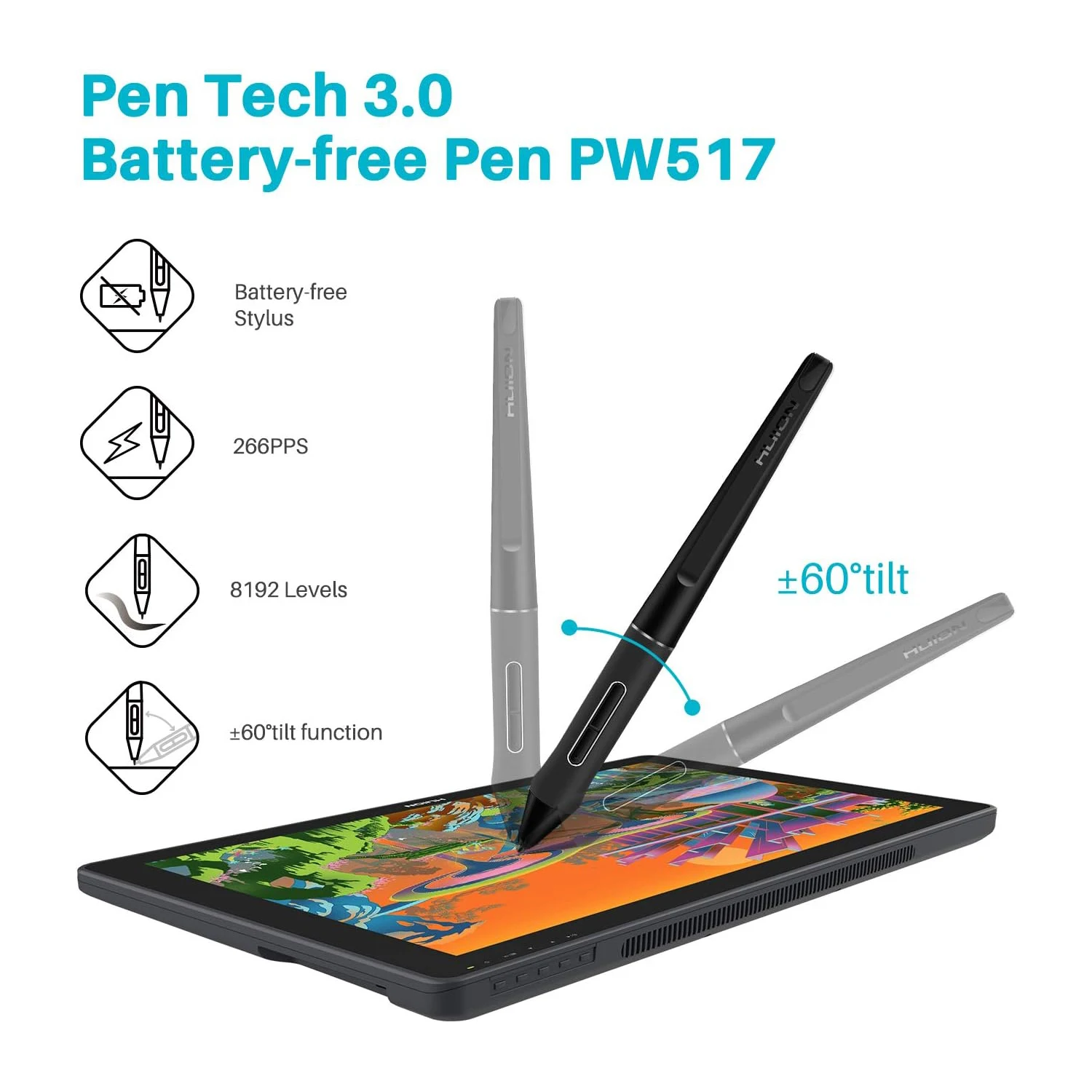
PW517 is upgraded from PW507,there is no shaking of the pen tip, the pen is written more accurately, and the water starts to draw, which is more similar to a real pen, and the drawing is more accurate. PN05A pen core, thinner and longer, not easy to lose, PH05A pen holder, silicone core more securely protect the pen core from damage, pen shortcut keys support custom adjustment in the driver.
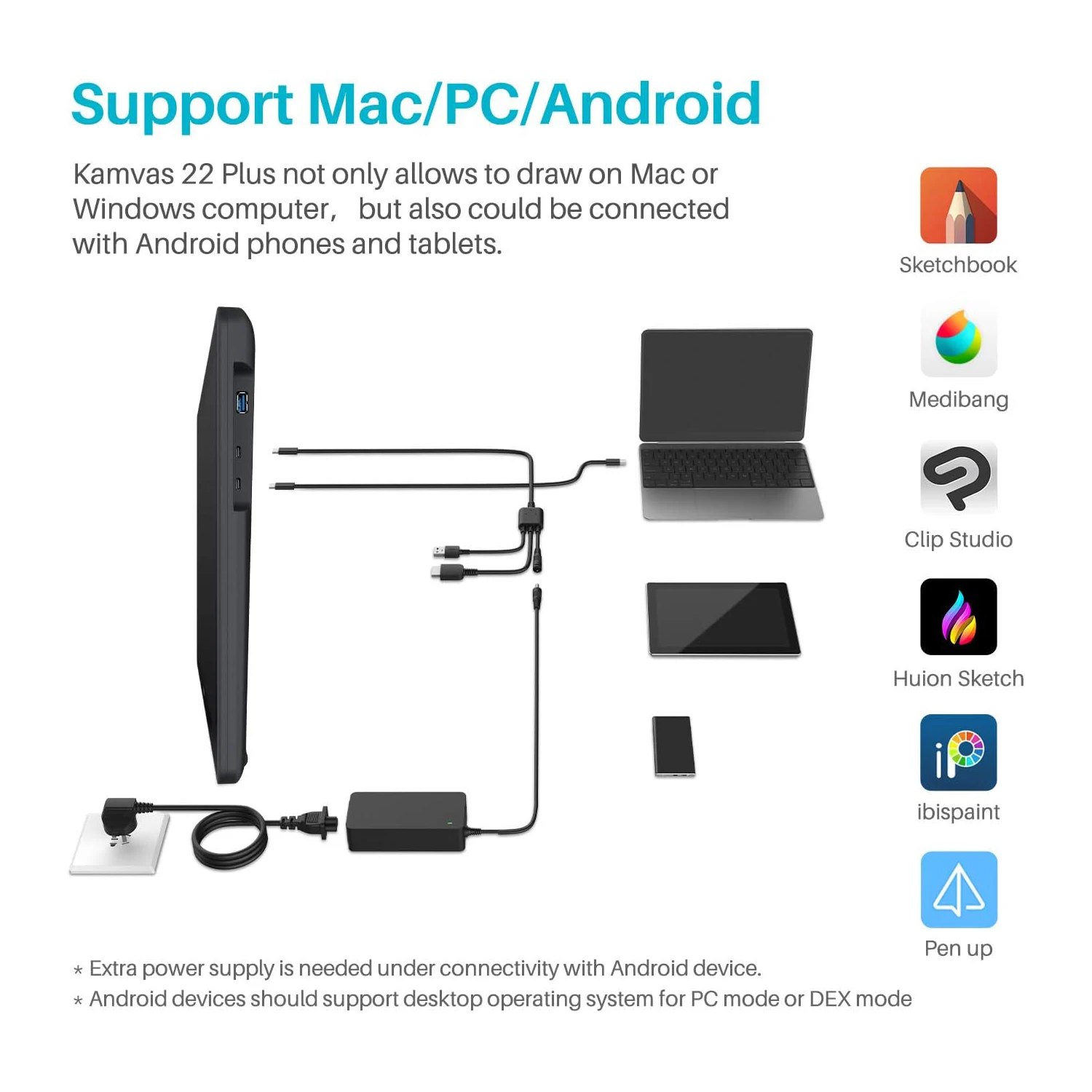
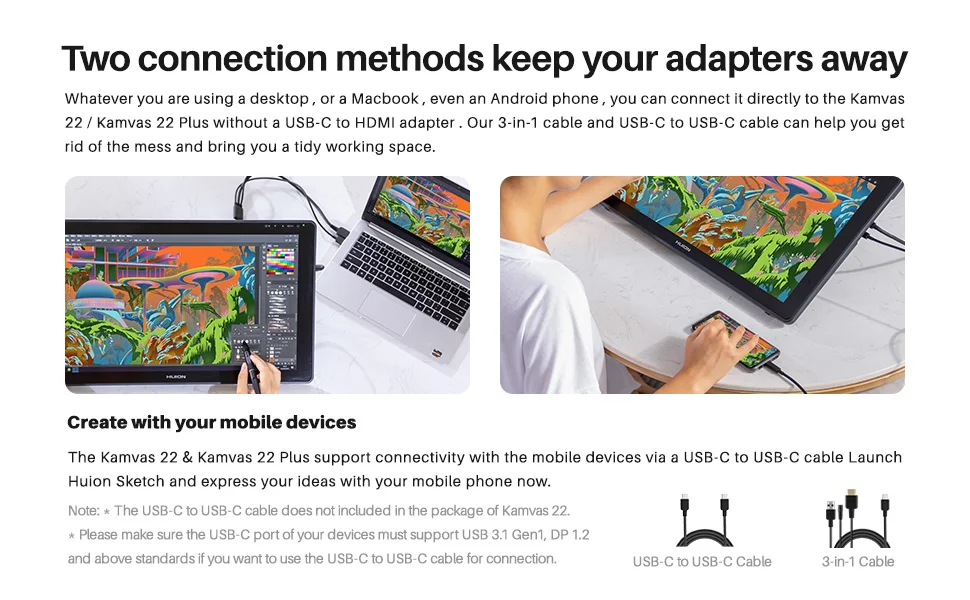
Not only use three-in-one cable,but also can be connected to some mobile phones through a Full-featured USB-C cable,When connecting to a mobile phone, you need to use a three-in-one USB-C cable to connect the pen display and the power cord to the power supply for power supply
Kamvas 22 and Kamvas 22 Plus are both compatible with Android( requests your Android device support USB3.1 DP1.2 or later), Windows, Mac 10.12 or later and Linux. Compatible with most major drawing software such as Photoshop, SAI, Illustrator etc.
2 USB-C ports bring more fun
3-in-1 USB-C Port (HDMI Signal):
Connect your Kamvas 22 Series to the computer and power supply via a 3-in-1 cable.
Full-featured USB-C Port (DP Signal):
Connect your Kamvas 22 Series to your computer or Android phone via a full-featured USB-C to USB-C cable.
An extra power supply is needed when you use the Full-featured USB-C cable.
Important Notices:
1. Kindly note that Kamvas 22/ Kamvas 22 Plus is NOT a standalone product. It needs to be connected to a computer/laptop to work.
2. Connection Tips:
The Kamvas 22 Series drawing monitors are coming with 2 UB-C ports, which support both a 3-in-1 USB-C connection(HDMI Signal) and a full-featured Type-C connection (DP Signal).
1) For the 3-in-1 USB-C cable,
Your computer needs to have HDMI and USB ports available for the connection, if not, you need an adapter to convert the connection. Please be assured the USB cable & HDMI cable securely plug into your computer.
It is only coming with a US power adapter (suited for 110V-240V). If you need EU or other power adapters, please ask us for further information.
2) For the full-featured Type-C cable,
It is included in the Kamvas 22 plus, but not Kamvas 22.
supports Type-C to Type-C connection and no need to have an HDMI port or HDMI adapter.
The extra power supply is needed.
The type-c port of your PC or Android devices needs to support USB3.1 GEN1 data transfer protocol and DP1.2
3) Connection with Android devices,Full-featured Type-C cable is needed if you want to connect Kamvas 22 Series with Android devices.
An extra power supply is needed for underconnectivity with Android devices.
Please note that not all Android phones support full-screen mode. Full-screen mode is only available for Android devices that support desktop operating systems for PC mode or DEX mode.
List of Compatible Android Devices:Samsung Galaxy Note 8/9/10/10+, Samsung Galaxy S8/8+/9/9+/10/10+, Samsung Tab S4/S5e/S6, Huawei P20/P30, Huawei Mate Serials
3. Driver Installation Tips:Huion driver will be regularly updated, so please go to Huion official web to download the newest driver, and install it on your computer.Before installation, please uninstall Other Brand’s Driver and reboot your computer. And please close all drawing program when installing the driver.
For Mac Mojave (10.14) Users, please Add the “TabletDriverAgent” into the whitelist first after installing the driver on your computer.
Please be sure that Huion driver is compatible with the newest Mac OS 10.15 Catalina.
4. Huion PenTech 3.0, adpots Capacitive Pressure Sensor and stable pen nibs to provide real pen-writing feeling.
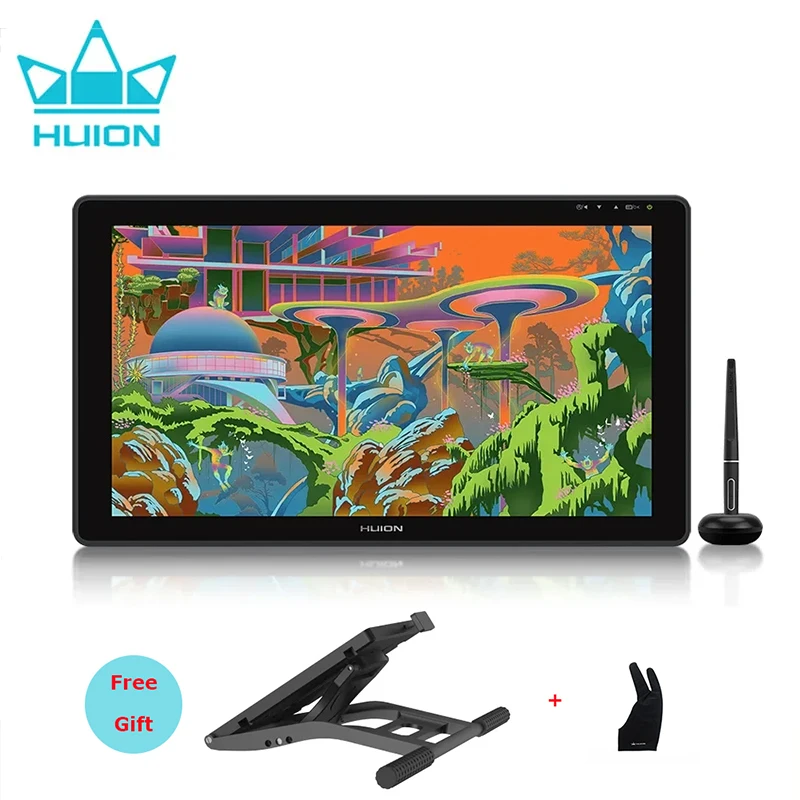
Kamvas 22 Plus Package: Pen display, Pen PW517, Pen Holder, Pen Nibs * 10 (In the pen holder), Stand, Power Adapter, USB-C to USB-C Cable, AC Cable, 3-in-1 Cable, Quick Start Guide, Cleaning Cloth.
Kamvas 22 Package: Pen display, Pen PW517, Pen Holder, Pen Nibs * 10 (In the pen holder), Stand, Power Adapter, AC Cable, 3-in-1 Cable, Quick Start Guide, Cleaning Cloth.

Avaliações
Ainda não existem avaliações.