
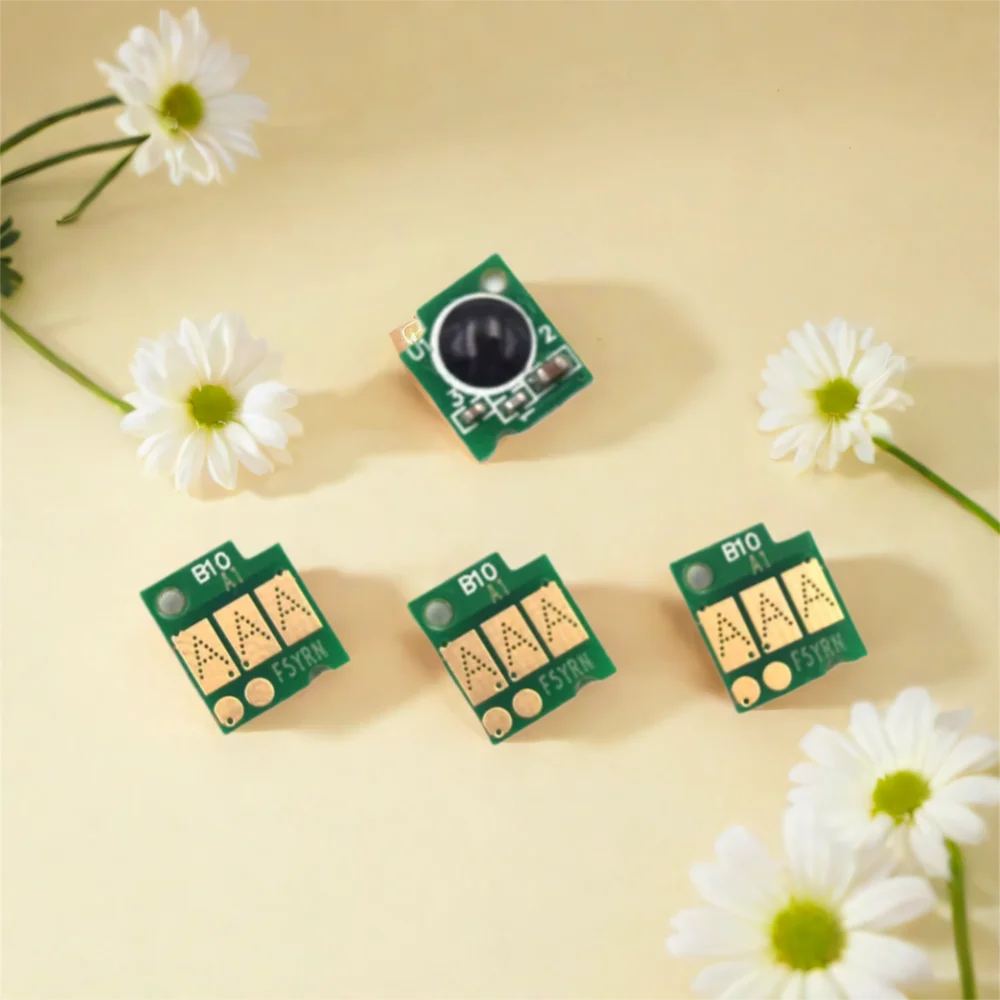
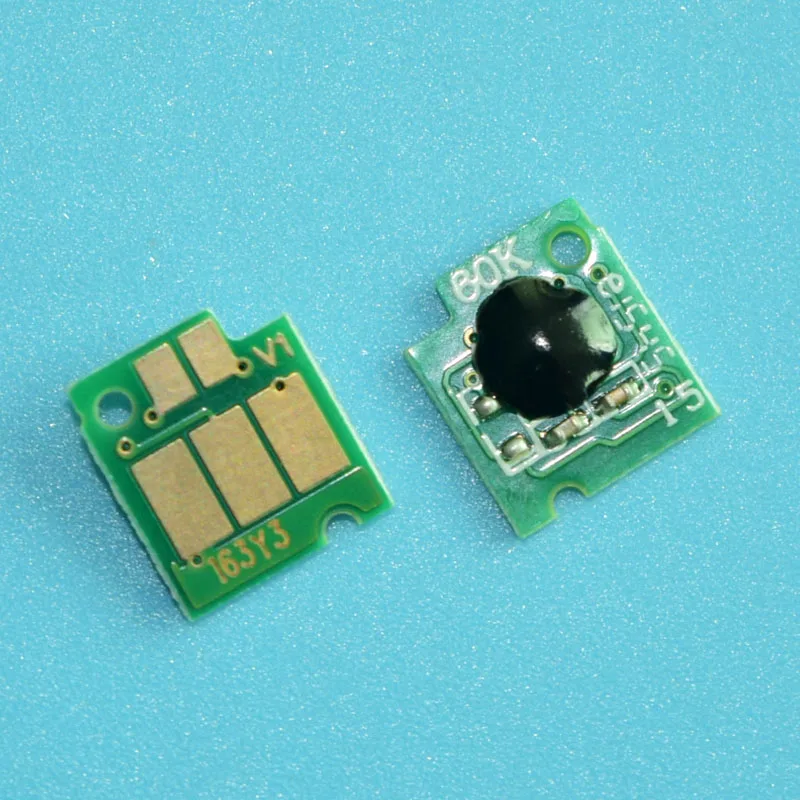



- High-concerned chemical: None
- Applicable Equipment: Printer
- Structure: Separated Cartridge
- Model Number: LC203 LC203 XL
- Compatible Brand: brother
- Brand Name: boma.ltd
- Origin: Mainland China
- Type: Cartridge Chip
- Product Name: Cartridge Chip
- Cartridge Model: LC203
- Printer model: MFC-J4320DW J4420DW J4620DW J5520DW J5620DW J5720DW J460DW J480DW J485DW J680DW J880DW J885DW
- Chip Type: Auto reset Chip
- Color: BK C M Y-4colors
- MOQ: 1 Set
- Lead time: 1-3 working days after payment
- USE Area: North America
LC203 LC203XL Auto-reset ARC chips for Brother MFC-J4320DW J4420DW J4620DW J5520DW J5620DW J5720DW J460DW J480DW J485DW J680DW
LC203 For North America, Before Order, Please Check Your Original Cartridge Model
★☆☆-What's in the Packing?
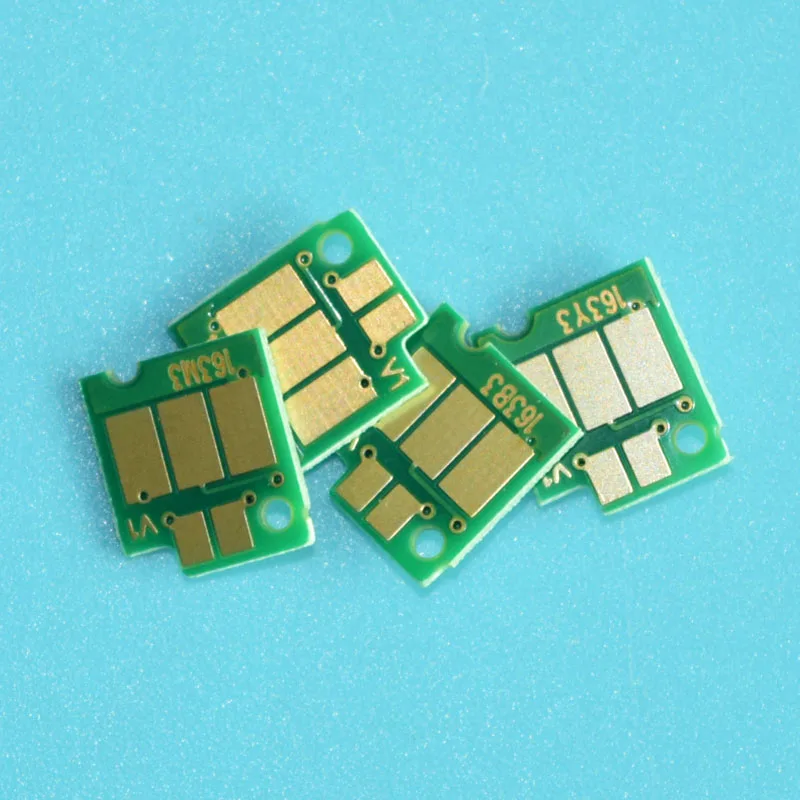
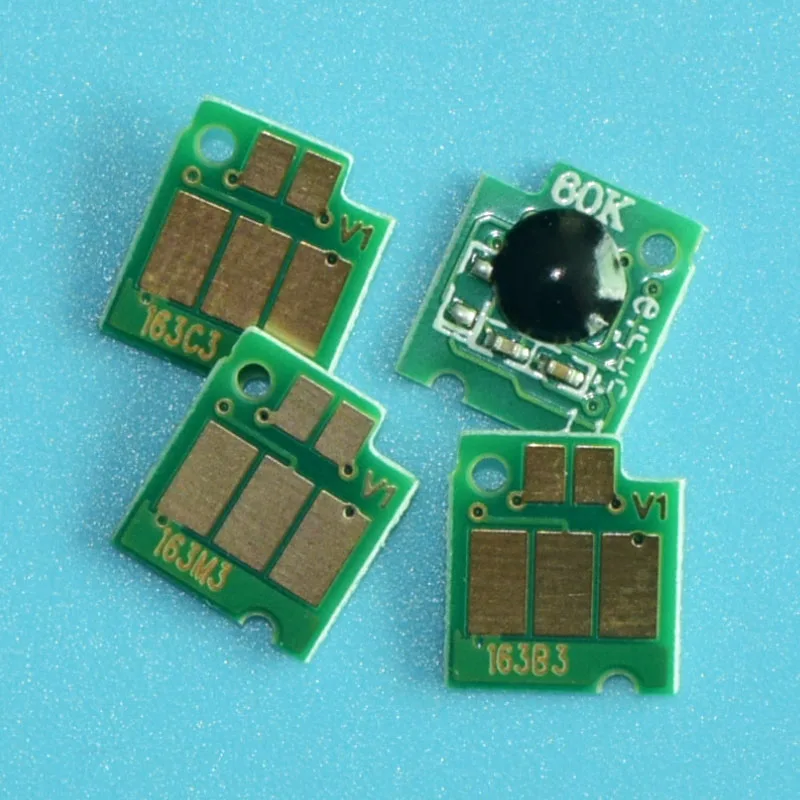
1 Set LC203 One time use chip(Total:BK, C, M, Y - 4 Pieces)
★☆☆-Specification
Products:Cartridge chip
Ink Cartridge Number:For Brother LC203 use for North America
Printer Model:For Brother MFC-J4320DW J4420DW J4620DW J5520DW J5620DW J5720DW J460DW J480DW J485DW J680DW J880DW J885DW
Chip Type:Auto reset chip / Permanent Chip
Reset method:Take out and insert the cartridge when the chip print empty
Color:BK C M Y - 4 colors
MOQ:1 Set
Defective:1:1 Replacement
Cost:Our prices not include payment charges,customs duty,vat cost and remote areas fee
Remote areas:We don't delivery to remote areas except you paid extra cosre
Contact Details:Please leave us available address and contact information for shipment
★☆☆-Product Display (The picture is for reference only,please refer to the actual goods received)
Auto reset Chip of LC203 ( Use for North America version printer)
The LC203 is permanent chip, When the printer prompts or replace the ink cartridge, pull out the ink cartridge and reinsert it,the chip ink level will become full
Note:Different markets use different chips, please choose the correct model matched with your OEM cartridge number like LC203.
Auto reset Chip
The Auto reset chip, which permanent shows the ink level, when the chip life end, needs to reset by dismantle and insertion, the chip will continue to work and shows the ink level all the time
★☆☆-Chip Precautions
2. If the "X" is displayed when the printer is newly installed, it proves that the chip is in poor contact with the printer. Please check whether the position of the chip on the ink cartridge is offset, and check whether the contact shrapnel contacted by the chip is deformed or bent. These will cause the chip to display " X"
3. The newly installed chip displays "—" This phenomenon is the most common
① Check whether the printer is a brand new printer or the motherboard has been replaced. Brand-new printers and printers with replaced motherboards must first use the original ink cartridges to activate printing, and then replace other compatible ink cartridges.
② The chip is not installed properly, the position of the chip on the ink cartridge is offset, it is not centered, and it cannot be well contacted on the printer. Contacts will also report errors.
③ There are foreign objects on the chip and static electricity. This phenomenon will also cause the chip to fail to identify and display "—".
④ False error is reported. The most common situation is that a set of ink cartridges are used by multiple printers, or the ink cartridges are frequently replaced, or mixed This error is most likely to occur when using ink cartridges. This situation is not that the chip is really stable. Switching the ink cartridge back and forth requires switching the chip. Incomplete switching data causes the printer to report an error. The best solution to this situation is to spare a set of original ink cartridges. , After the original ink cartridge is used for printing identification, other compatible ink cartridges can be replaced, which is a good identification and printing
The above is the technical department of our company, which has accumulated test experience for a long time. If you have new insights, welcome to communicate with our staff, thank you !




Avaliações
Ainda não existem avaliações.