

- High-concerned chemical: None
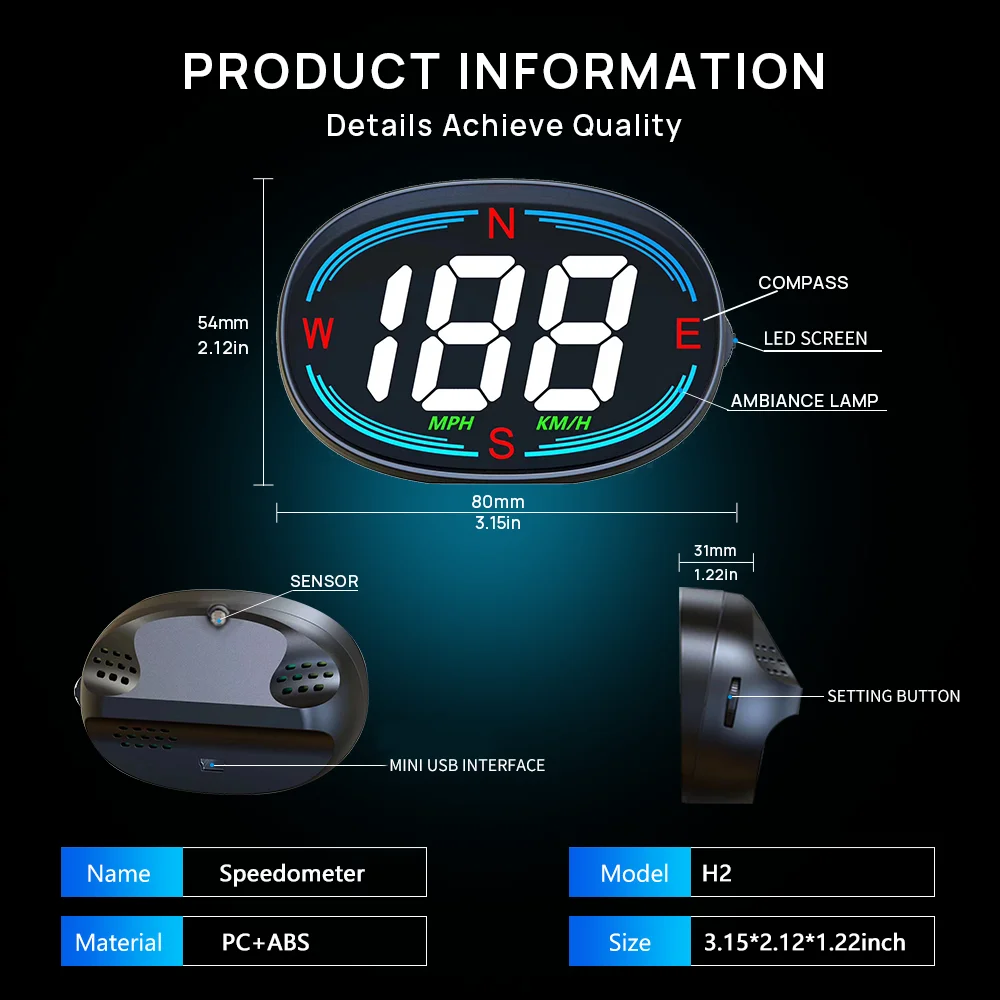
- Size Name: 80*31*54mm/3.15*2.12*1.22inch
- Wire or Wireless: Wired
- Brand Name: KWHUD
- Origin: Mainland China
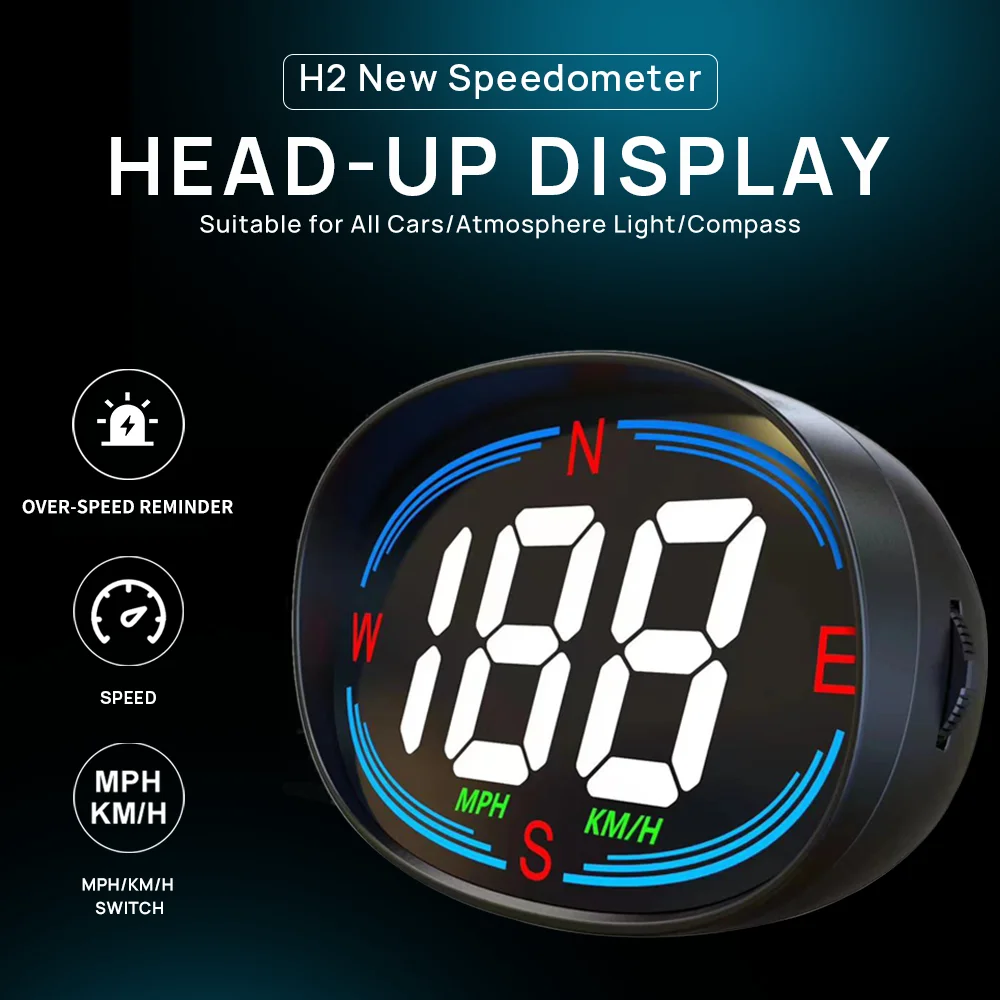
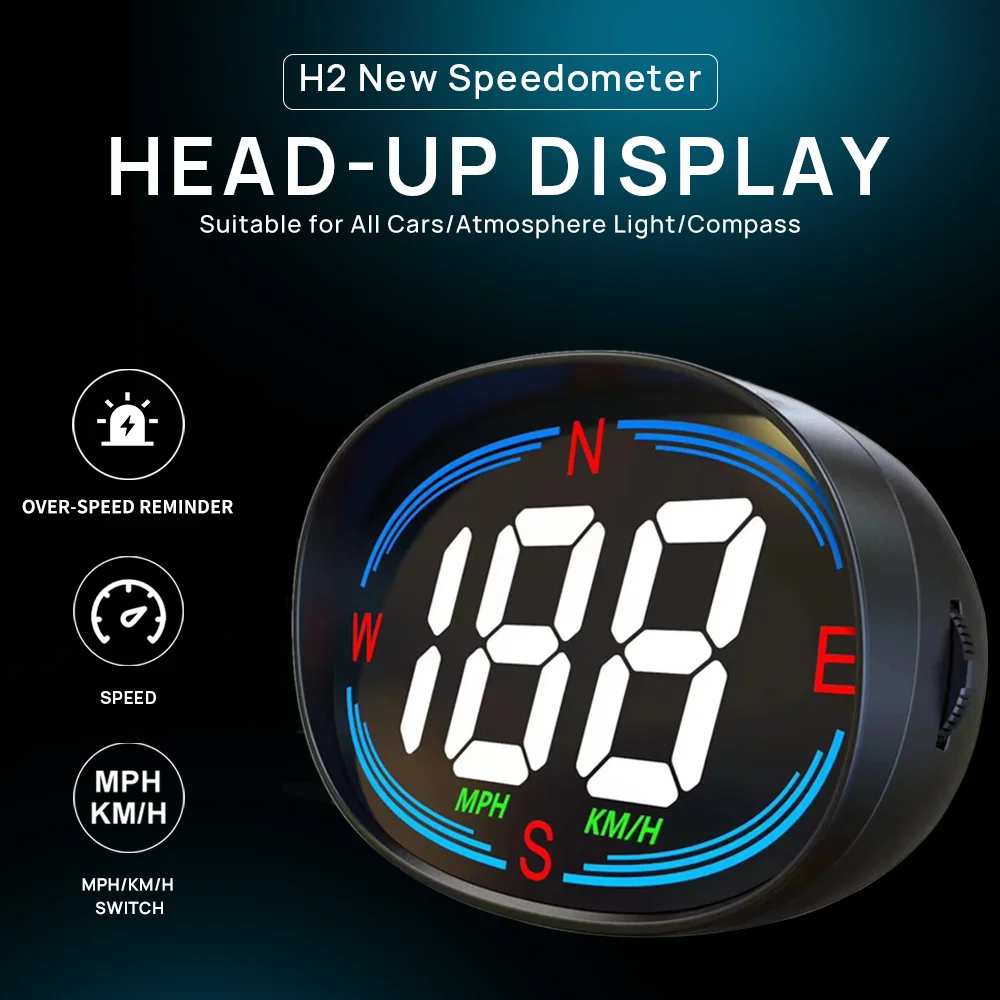
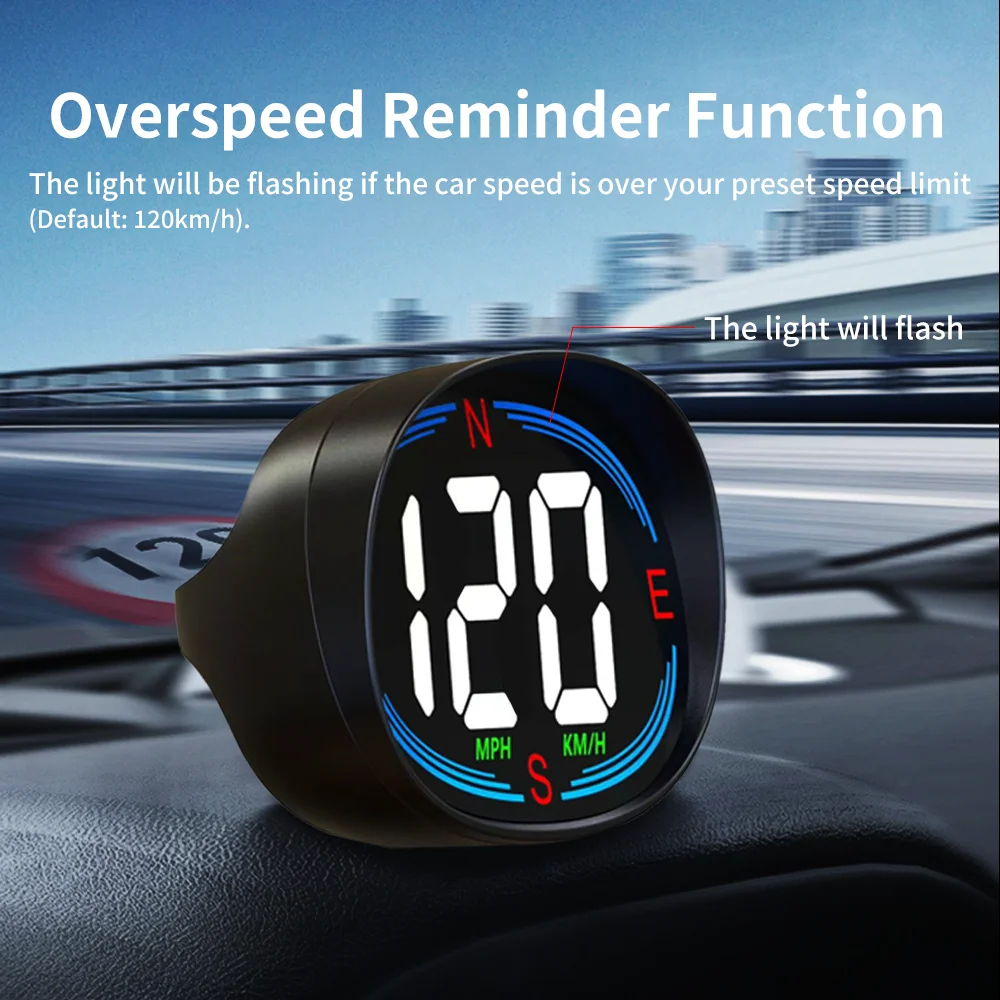
- Function: GPS Speed, Compass, LED Ambient Light, Automatic&Adjustable Brightness, Overspeed Reminder(the led light will flash, default speed limit 120km/h).
- Speed Unit: KM/H, MPH (Free to Switch)
- Input Voltage: DC 5V
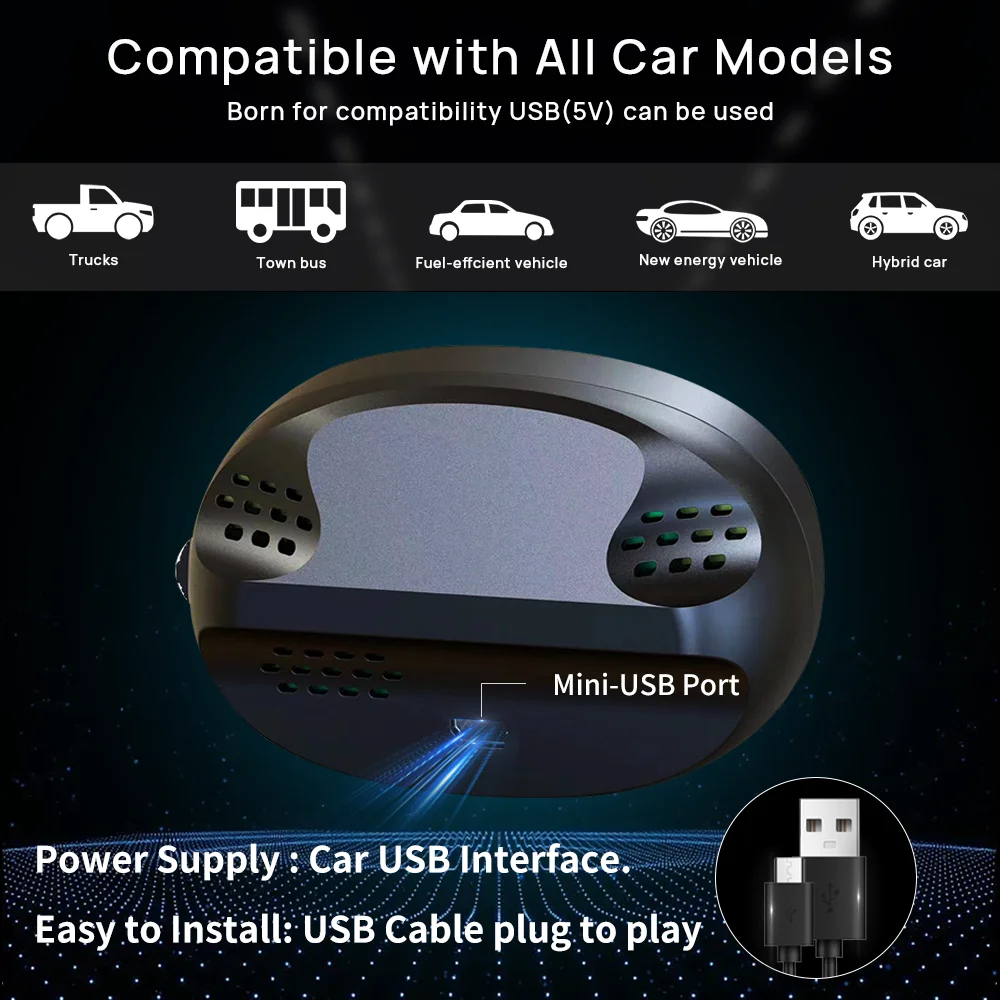
- Compatible With: All Car Models with USB Port
- Power Supply: Car USB Powered Supply
-Compatible With: All Car Models with USB Port.
-Description:
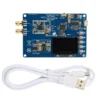
1. Item Type: Head-up Display
2. Material: ABS+PC
3. Size: 80*54*31 mm/3.15*2.12*1.22 inch
4.Speed Unit: KM/H, MPH (Free to Switch)
5. Power Supply: Car USB Port(Input Voltage: DC 5V).
-Feature:
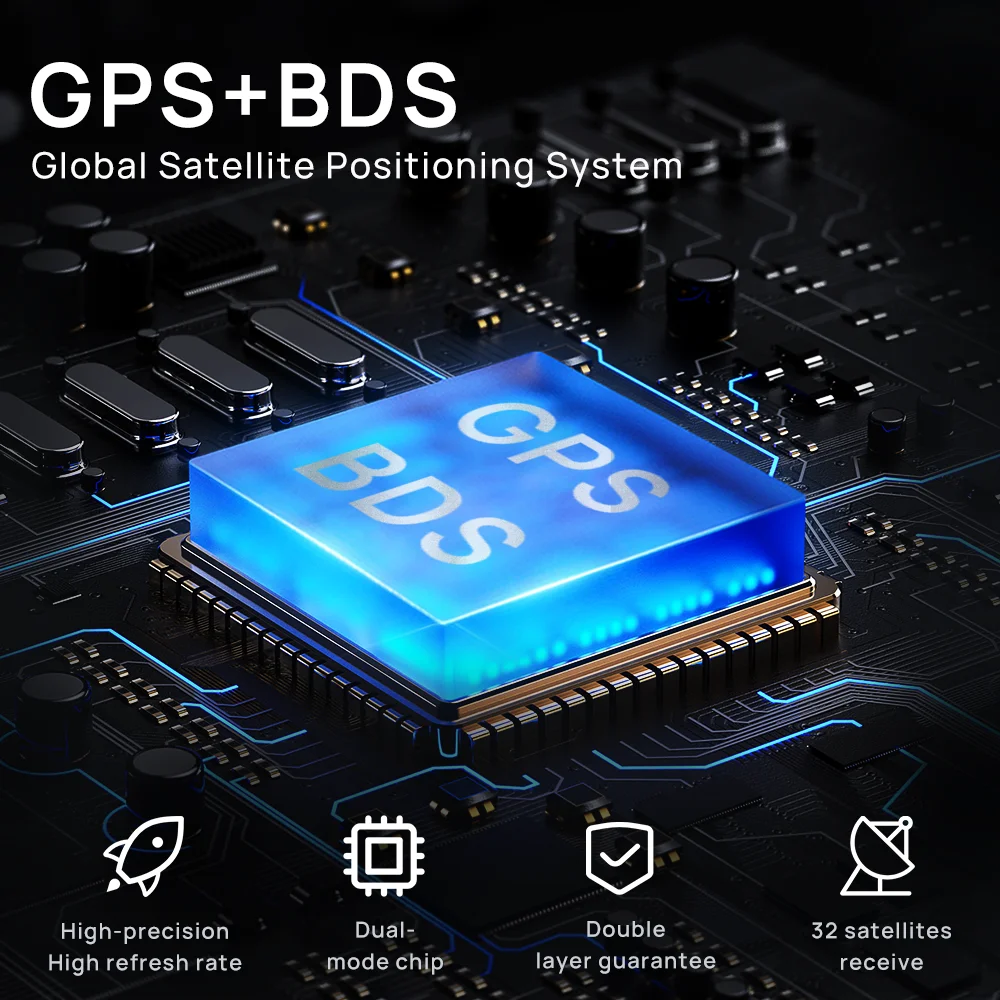
1.GPS Speed: The stronger the GPS signal, the more stable the speed display. Tips: There is no GPS signal in tunnel, underground and rainy/cloudy day. And please allow 1-3km/h speed error, if you mind that, please don’t buy.
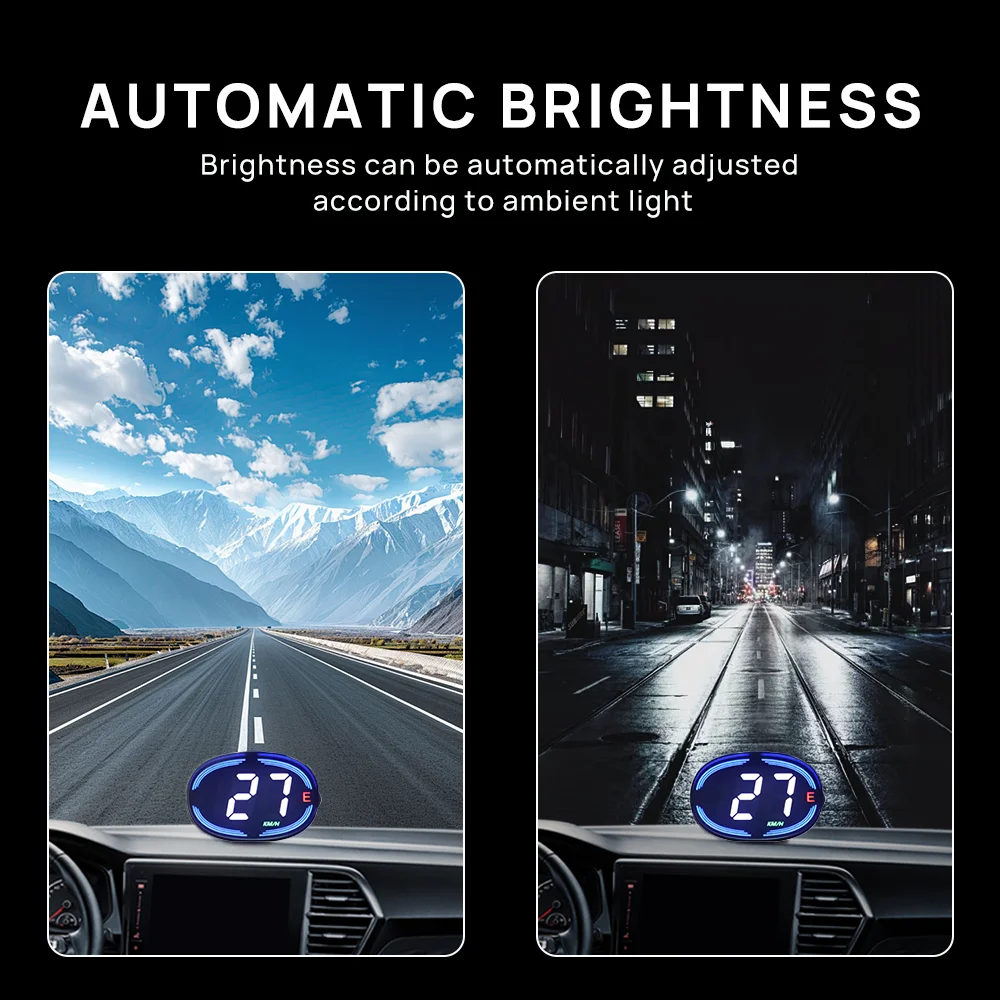
2.Automatic&Adjustable Brightness: Brightness can be automatically adjusted according to ambient light, you can also adjust it by yourself.
3.LED Atmosphere Light: Make the driving so cool.
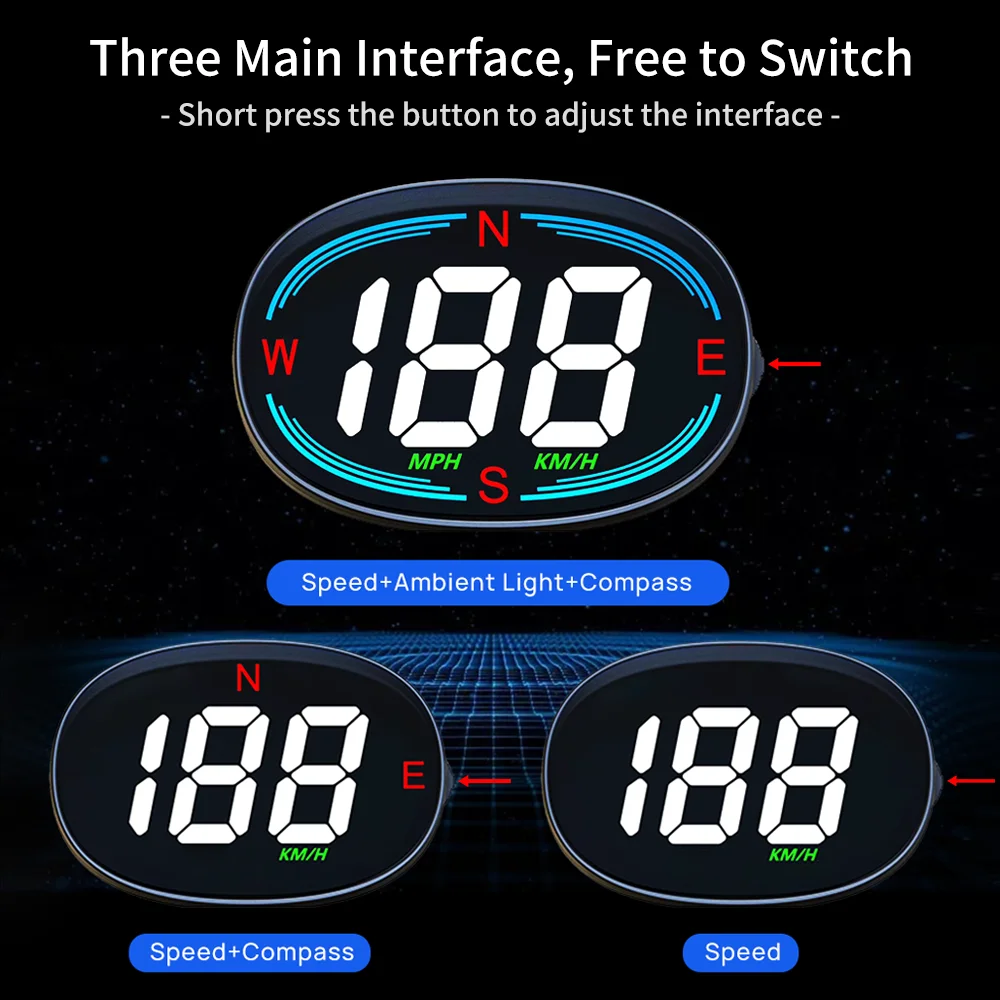
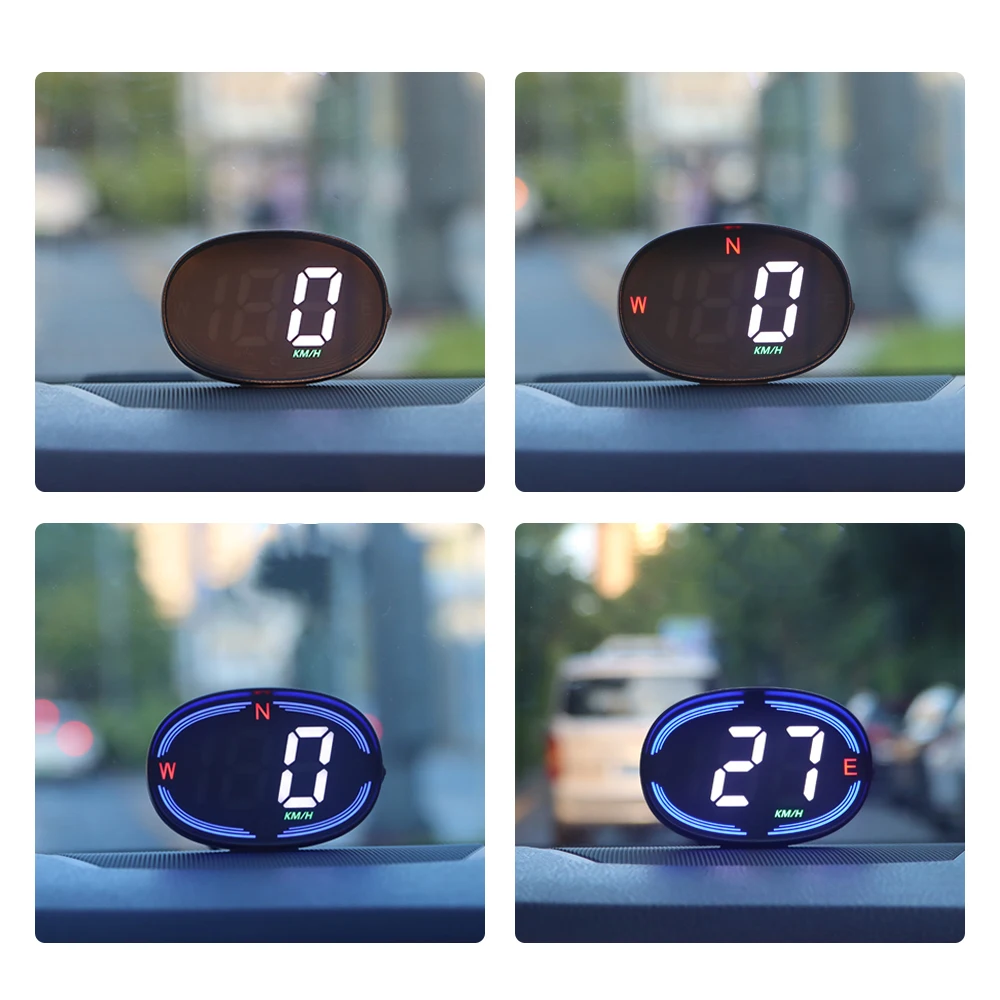
4.With Compass: Show current driving direction(E, ES, S, SW, W, WN, N, NE).
5.Over-speed Reminder: The light will flash once the speed is over your preset speed limit(Default: 120km/h).
6.Three Display Modes, Free to Switch: Short-press the button to adjust the display mode.
-How to Install: (First Time Use)
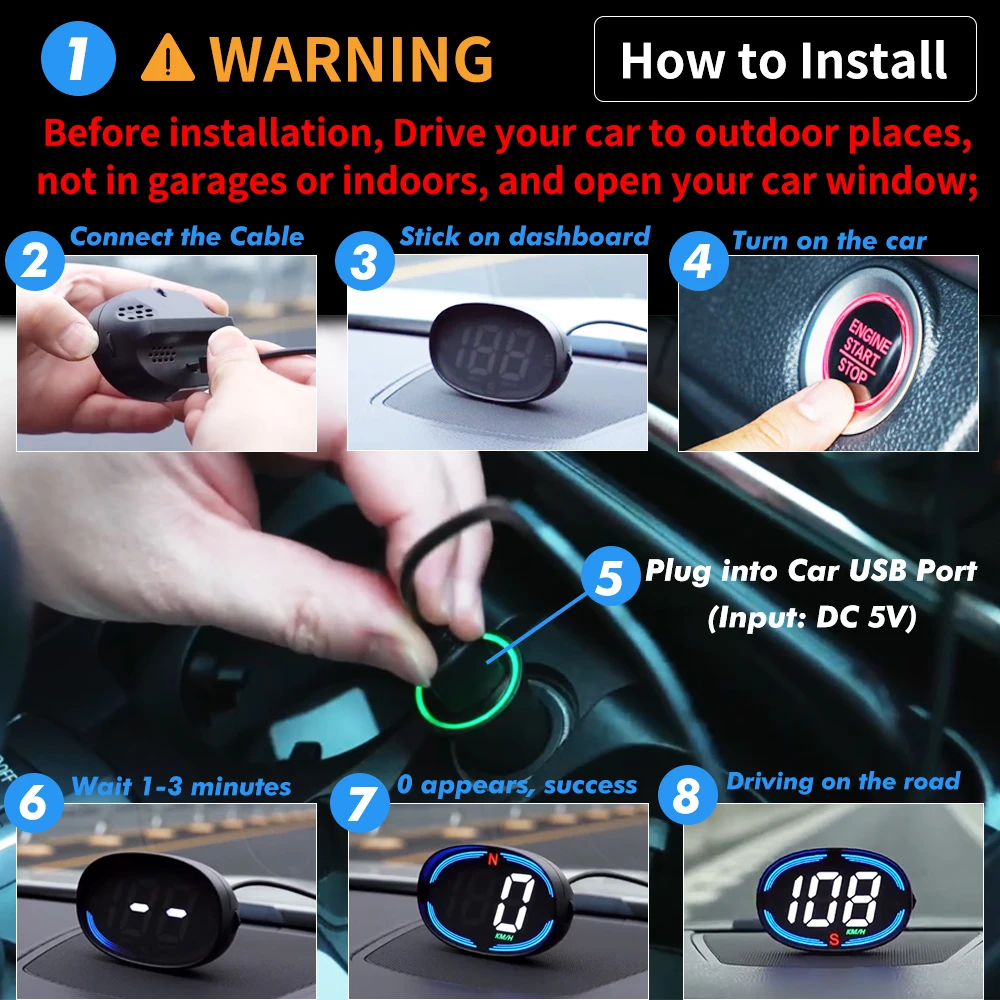
1.Noted: Before installation, drive your car to outdoor places, not in garage or indoors, and then open you car window;
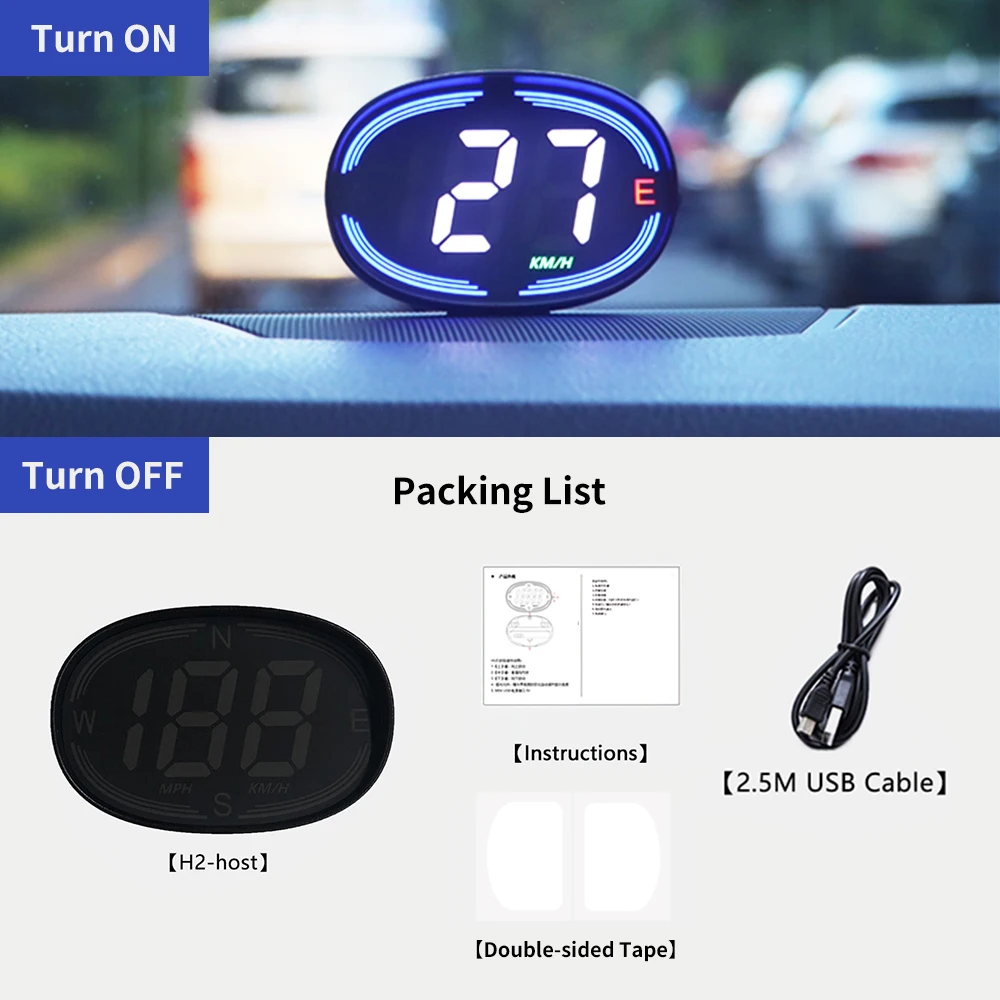
2.Plug our USB cable to your car's USB port and the other end to your device; Stick it on the dashboard;
3.Turn on your car, it will take about 1-3 minutes to search for the satellite signal; When "0" appears, it is successful to install; driving your car on the road, the speed data will display;
4. Unplug the cable, the device will turn off.
FAQ:
-How to Adjust the Speed Unit?
1. Long press the button to enter into the setting interface.
2. Scroll up/down the button to adjust the number to -1, short press the button to confirm it.
3. Scroll up/down the button to adjust the the speed unit;
4. Short press the button to save it. Release your hand, it will automatically back to the main interface.
-How to Adjust the Speed Reminder Limit(Default: 120KM/H)?
1. Long press the button to enter into the setting interface.
2. Scroll up/down button to adjust the number to -2, short press the button to confirm it.
3. Scroll up/down button to adjust the number to your prefer speed alarm limit, default is 120 km/h.
4. Short press the button to save it. Release your hand, it will automatically back to the main interface.
-How to Adjust the Brightness(Default: 0, Automatic Brightness)?
1. Long press the button to enter into the setting interface.
2. Scroll up/down button to adjust the number to -3, short press the button to save it.
3. Scroll up/down button to adjust the number to your prefer brightness(0 is automatic brightness, the higher the number, the higher the brightness).
4. Short press the button to save it. Release your hand, it will automatically back to the main interface.
-How to Adjust Speed Error (Default Value: 100)?
1. Long press the button to enter into the setting interface.
2. Scroll up/down the button to adjust the number to -4, short press the button to save it.
3. Scroll up/down the button to adjust the value(default is 100).For example,
If the vehicle speed is 100, the device shows 103, you can adjust the value to 97;
If the vehicle speed is 100, the device shows 97, you can adjust the value to 103.
4. Short press the button to save it. Release your hand, it will automatically back to the main interface.
-How to Restore Factory Setting?
1. While long press the 【 Middle 】 key, plug into the USB cable.
2. HUD displays "0" in the middle to release, and the factory setting is complete
Avaliações
Ainda não existem avaliações.