


- High-concerned chemical: None
- Matrix color depth: 8 bit
- Refresh rate sync technology: AMD FreeSync
- Screen surface: Glossy
- Bracket Type: Swivel Lift Bracket
- Screen curvature: None
- High-Dynamic Range: Other
- Display Size: 16 inch
- Refresh Rate: 60 Hz
- Plug Type: EU Plug
- Vertical Viewing Angle: 90°
- Horizontal Viewing Angle: 178°
- Built-in Speaker: Yes
- Black and White Response Time: 10 ms
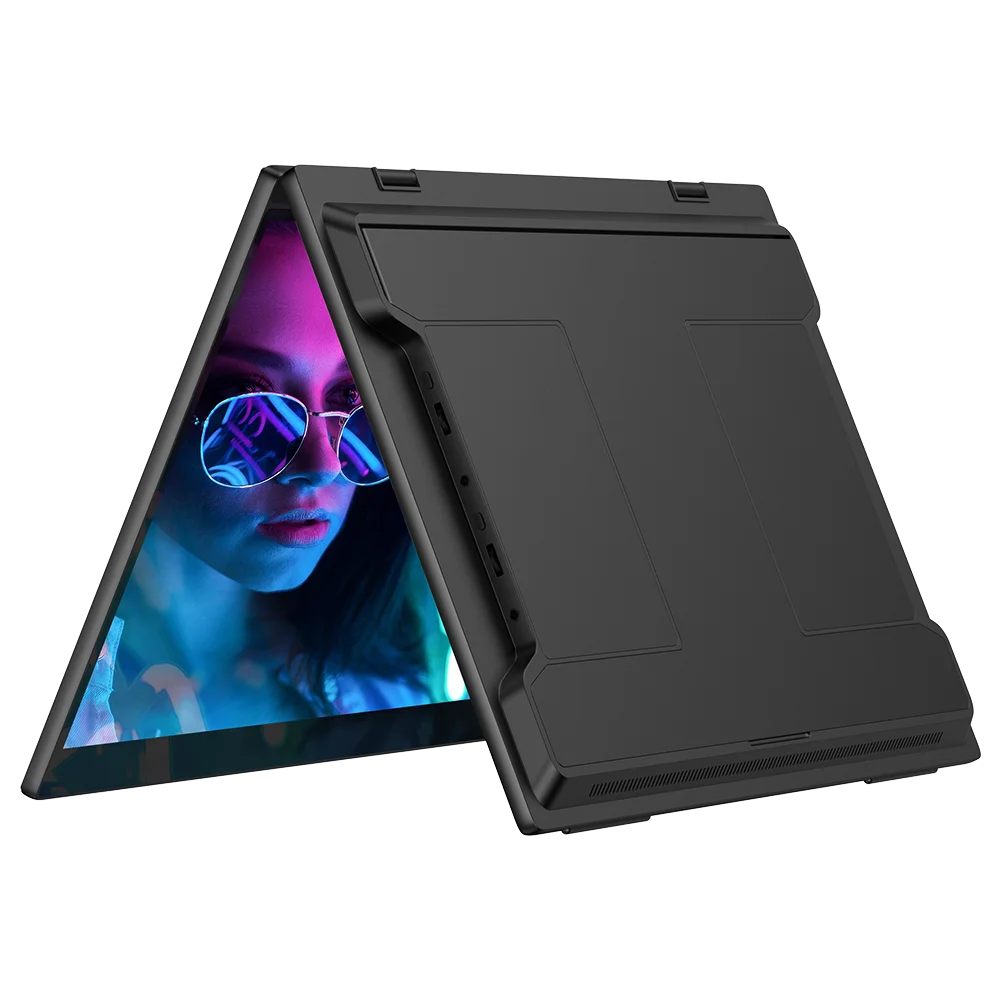
- Feature: Usb port,Speaker,Touch Screen,Gaming,Vertical mode
- Application: Laptop
- Pixel Pitch: 0.28mm
- Response Time: 25ms
- Panel Type: IPS
- Products Status: STOCK
- Contrast Ratio: 1200:1
- Interface Type: HDMI-Compatible
- Display Ratio: 16:9
- Display Size: 16Inches 400mm
- Resolution: 2560x1600
- Brand Name: Uperfect
- Uperfect Model: Delta
- Resolution: 2560x1600
- Origin: Mainland China
- Screen Type: WLED
- Certification: CE,EAC,FCC,RoHS,UL,KC,pse,weee
Breaking Through the Bottleneck of Production Capacity
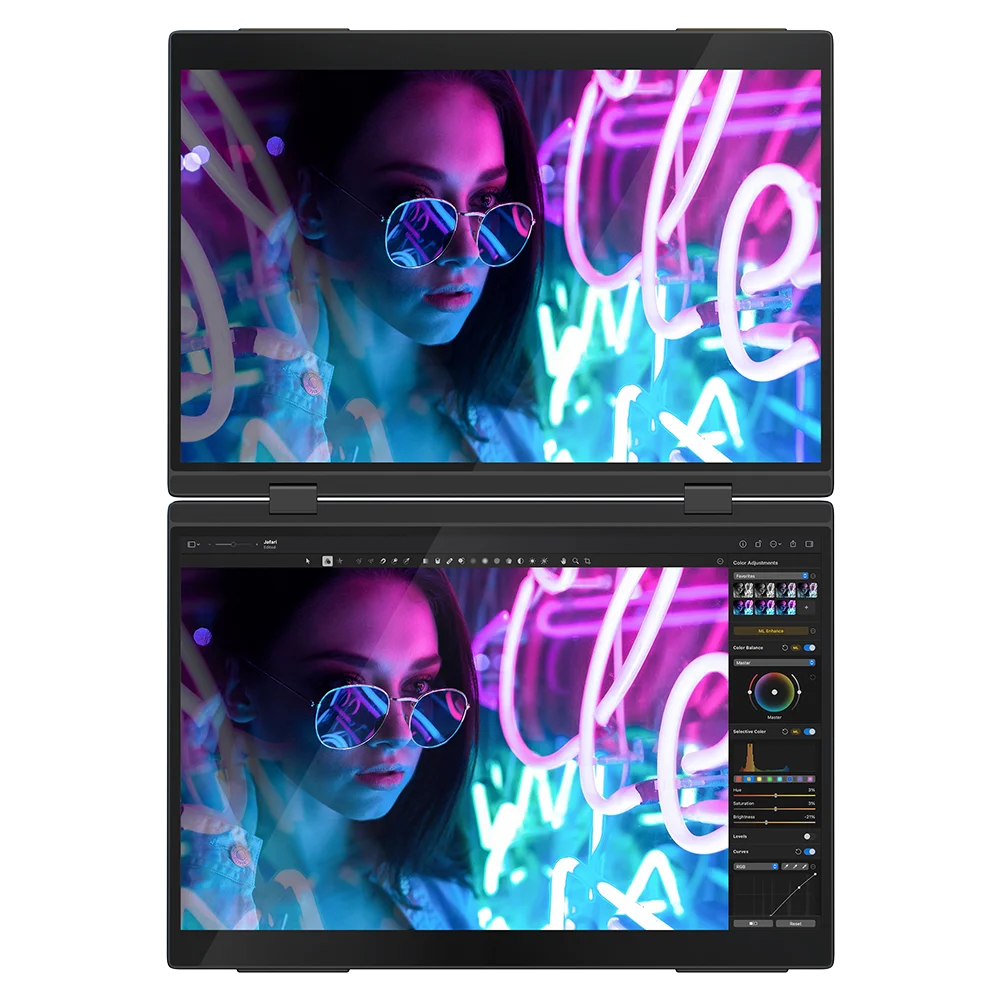
Delta Pro Touch is designed for users who pursue high efficiency and portability. Each screen has a 2.5K resolution of 2560x1600, providing clear images and perfect details, suitable for various scenarios such as design, programming, and entertainment. It is an ideal companion for improving work efficiency and enjoying entertainment, meeting the diverse needs of modern life.
Support Capacitive Pen Wrighting & Drawing
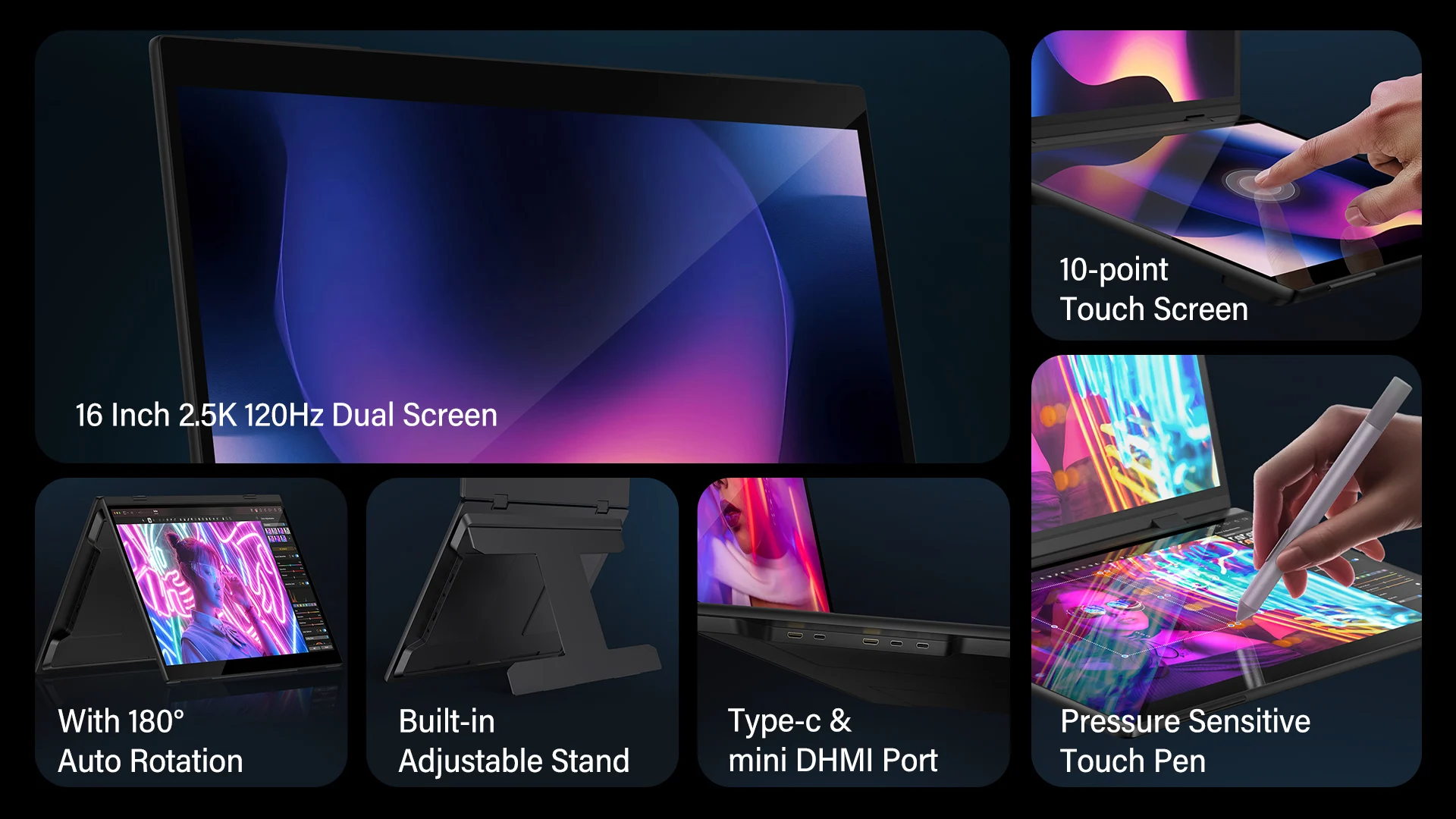
Pressure-sensitive touch can recognize different gestures and operations based on the user's touch strength and pressure changes, and convert them into digital signals. This precise control allows users to achieve more precise and precise operations in drawing, design, and gaming. For example, in drawing software, users can control the thickness and depth of lines by adjusting touch pressure to achieve a more realistic painting effect. Improve creativity and expression.
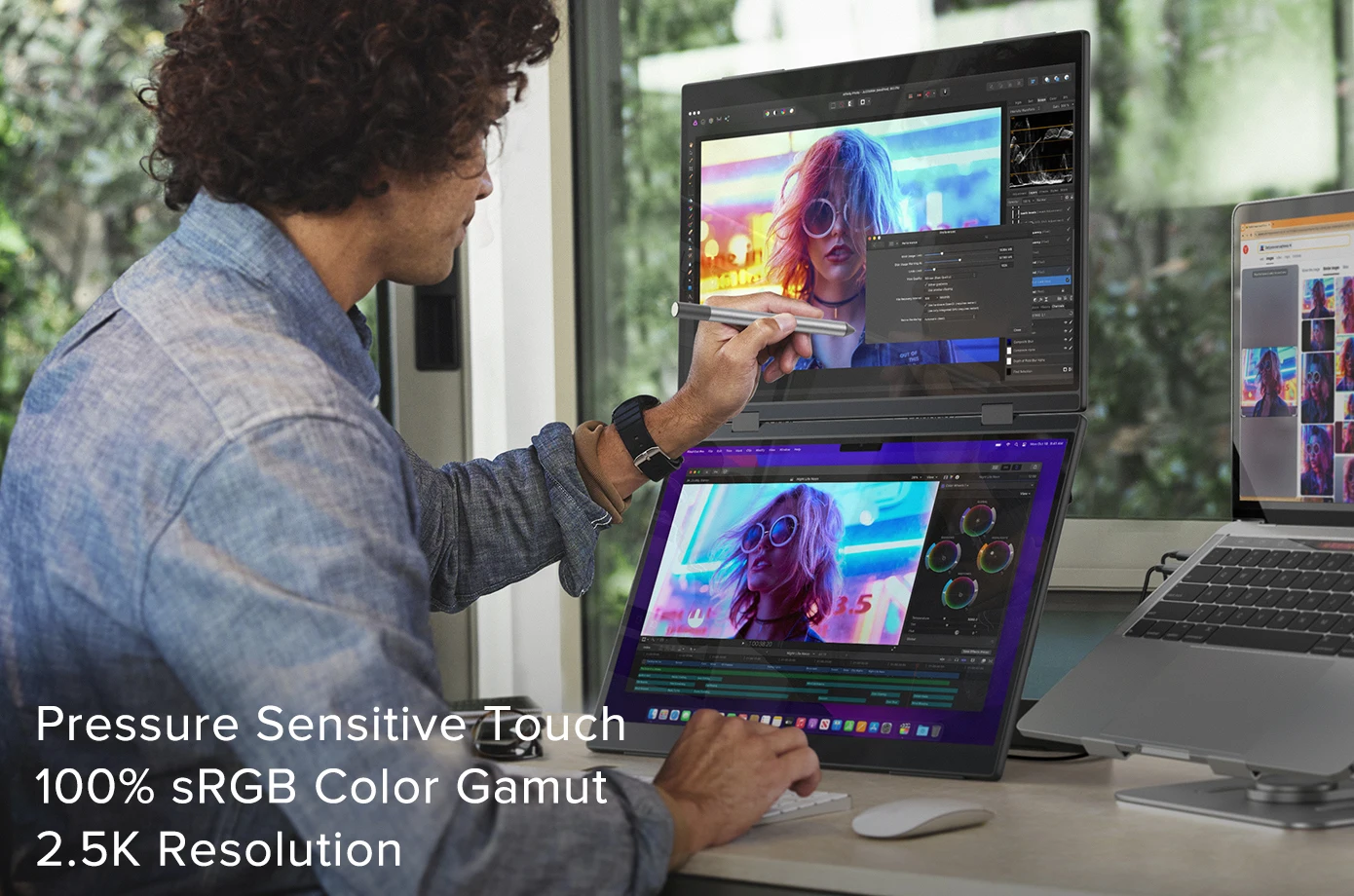
World's First 16K Pressure Levels
Equipped with a pressure-sensitive touch pen, it can improve the user's operating efficiency and reduce the possibility of misoperation. It provides users with a richer, more accurate and more realistic interactive experience and improves their creativity, efficiency and operational accuracy. By adjusting touch pressure, users can select and operate targets more accurately without relying on additional external devices. This saves time and effort and improves the overall interaction.
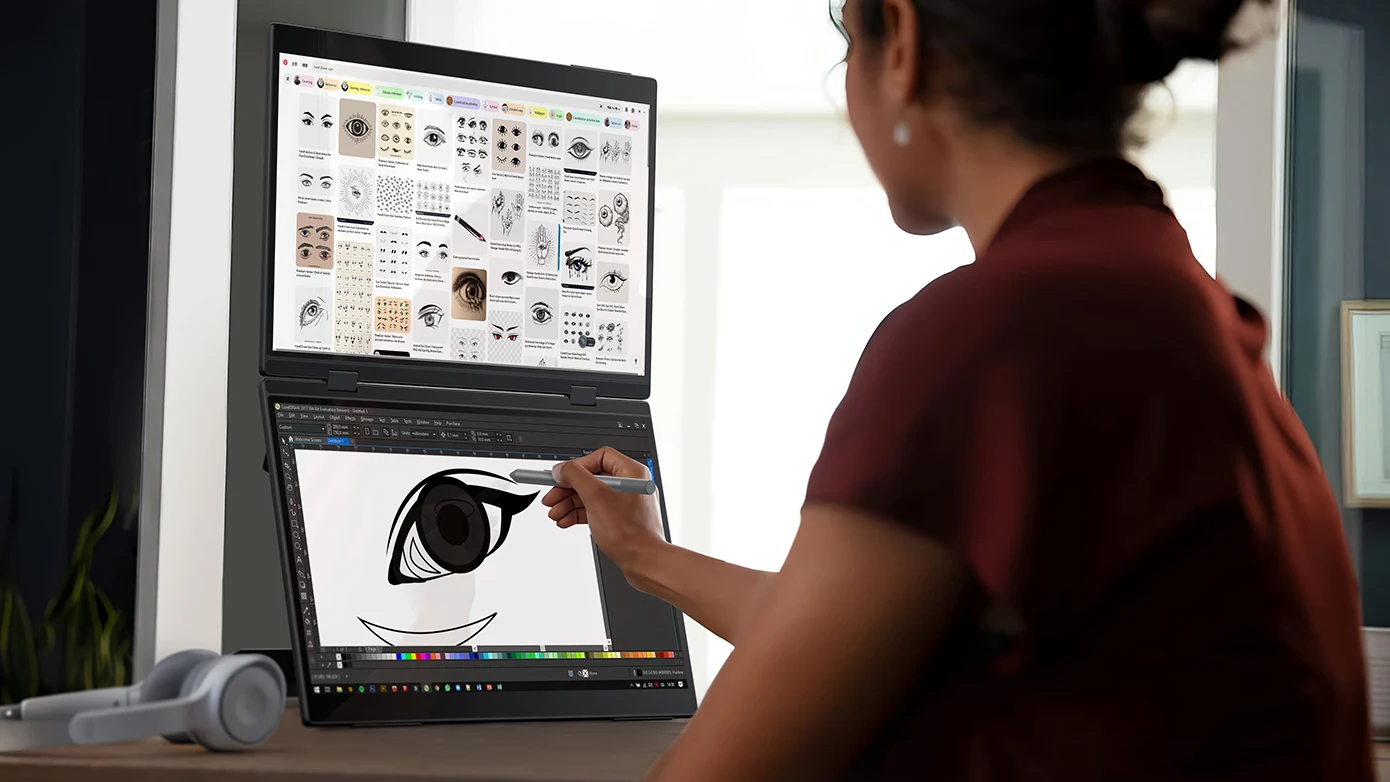
10-point Touch Screen
Touch functionality enables users to interact with the display directly by touching the screen without using a mouse, keyboard, or other external device. This intuitive interaction method makes operations more natural and faster, and users can complete various tasks through simple gestures, such as swiping, clicking, and pinching.
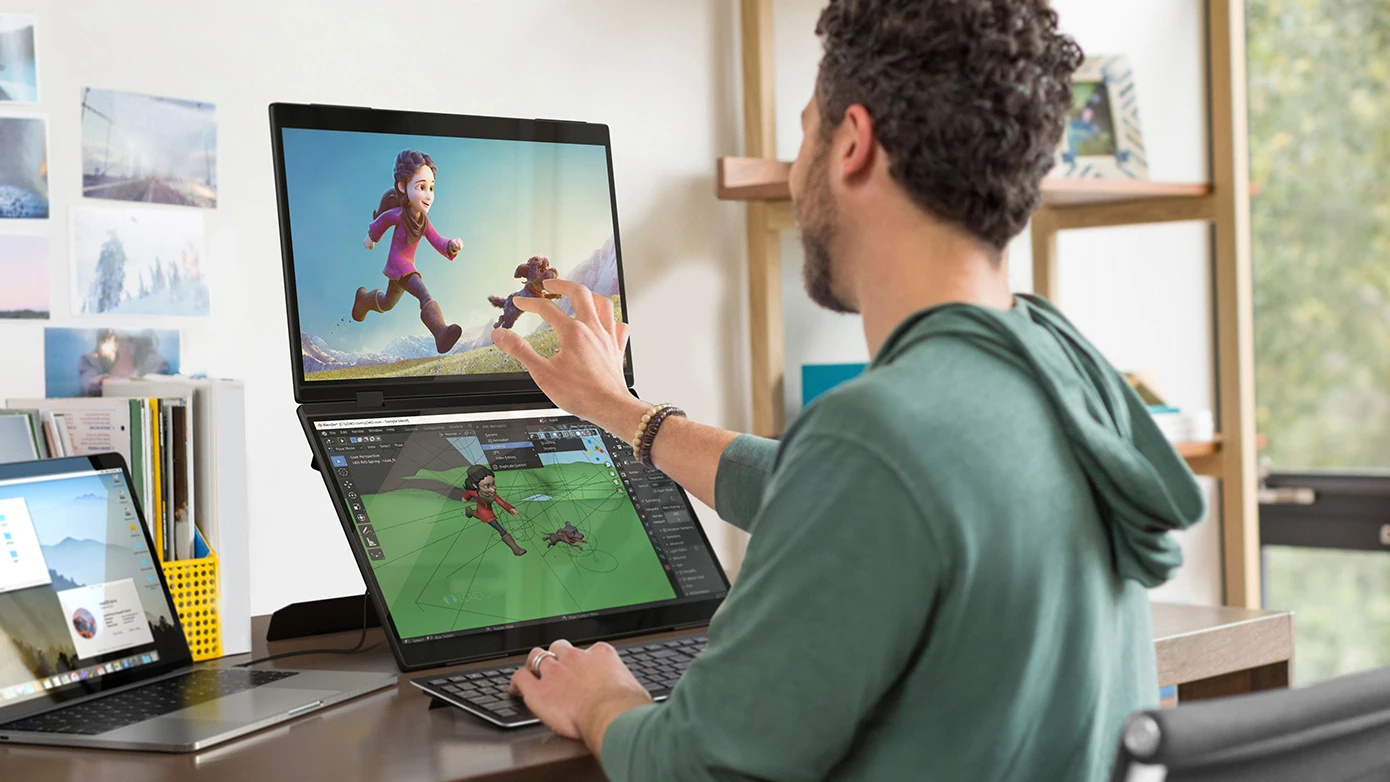
Reveal More Details and Enhance Creativity
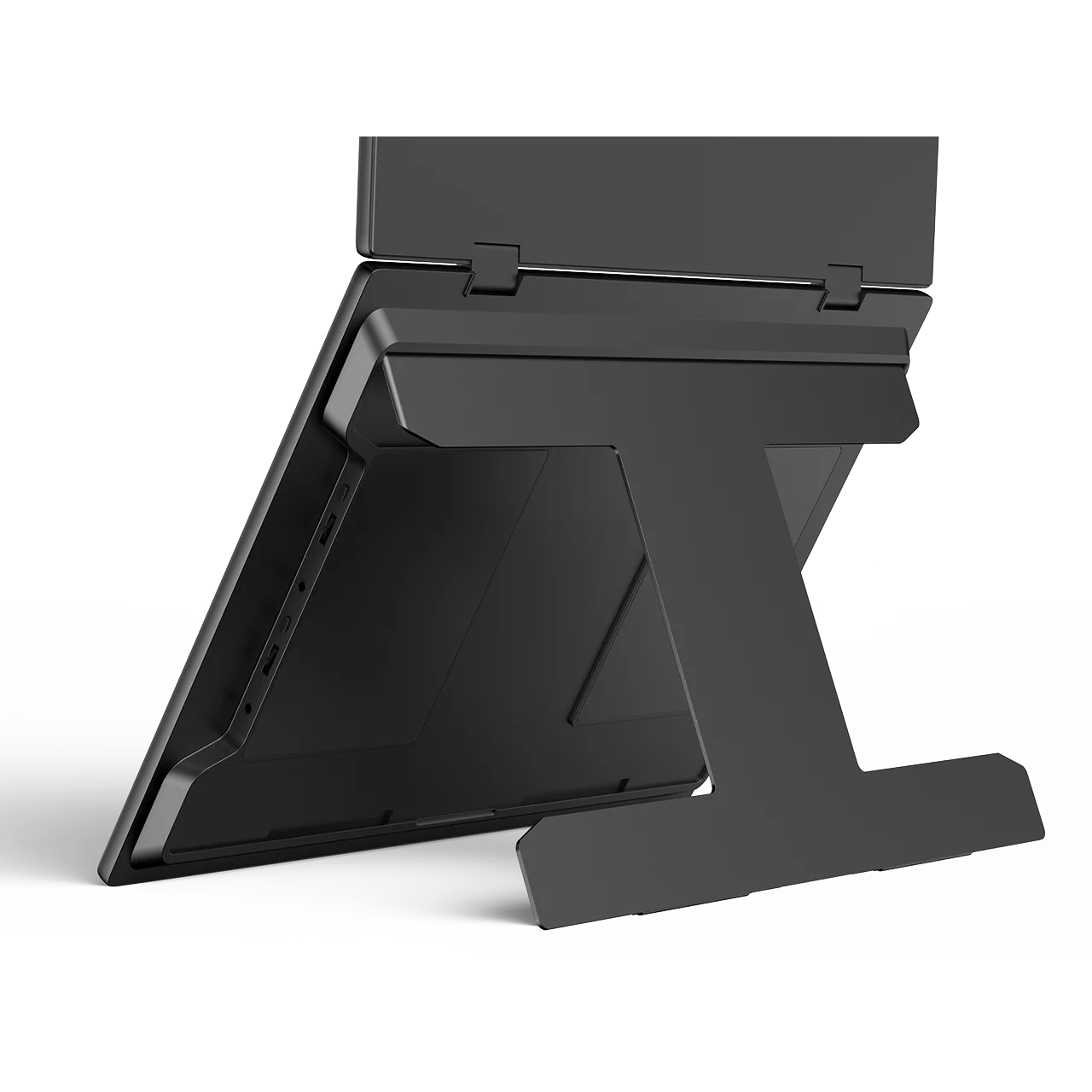
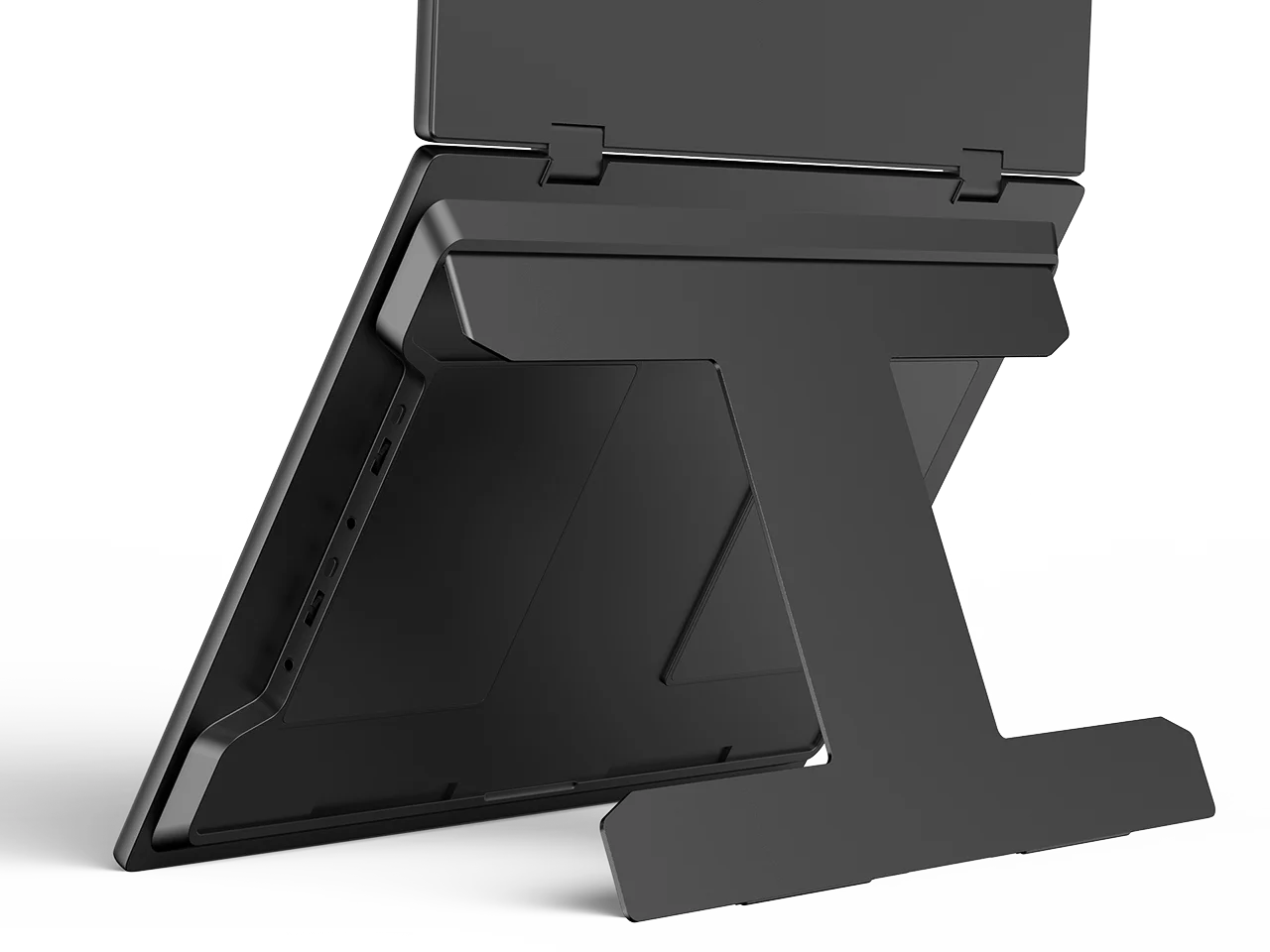
Adjustable Stand
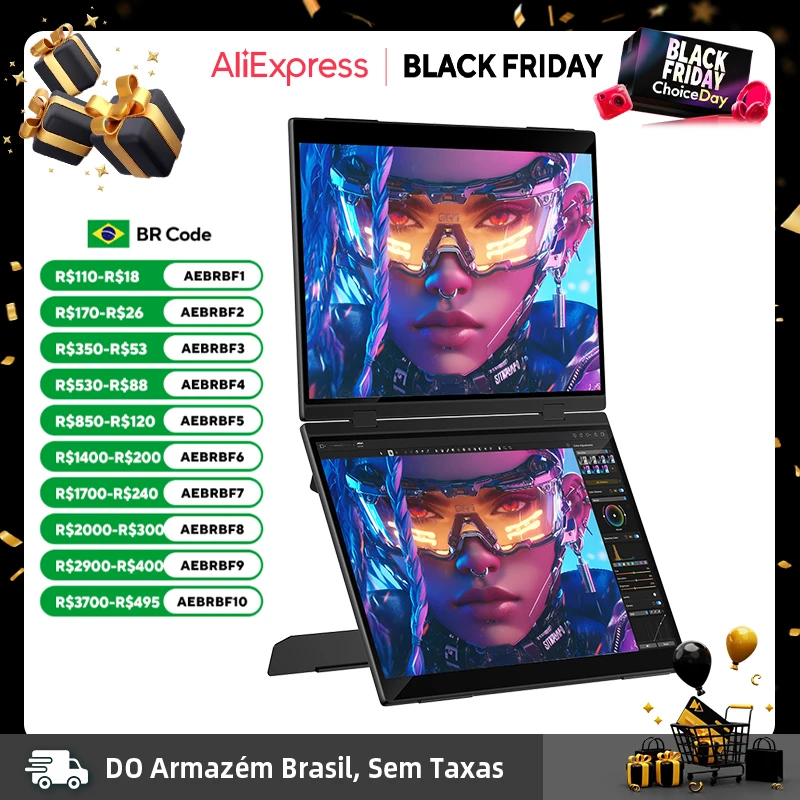
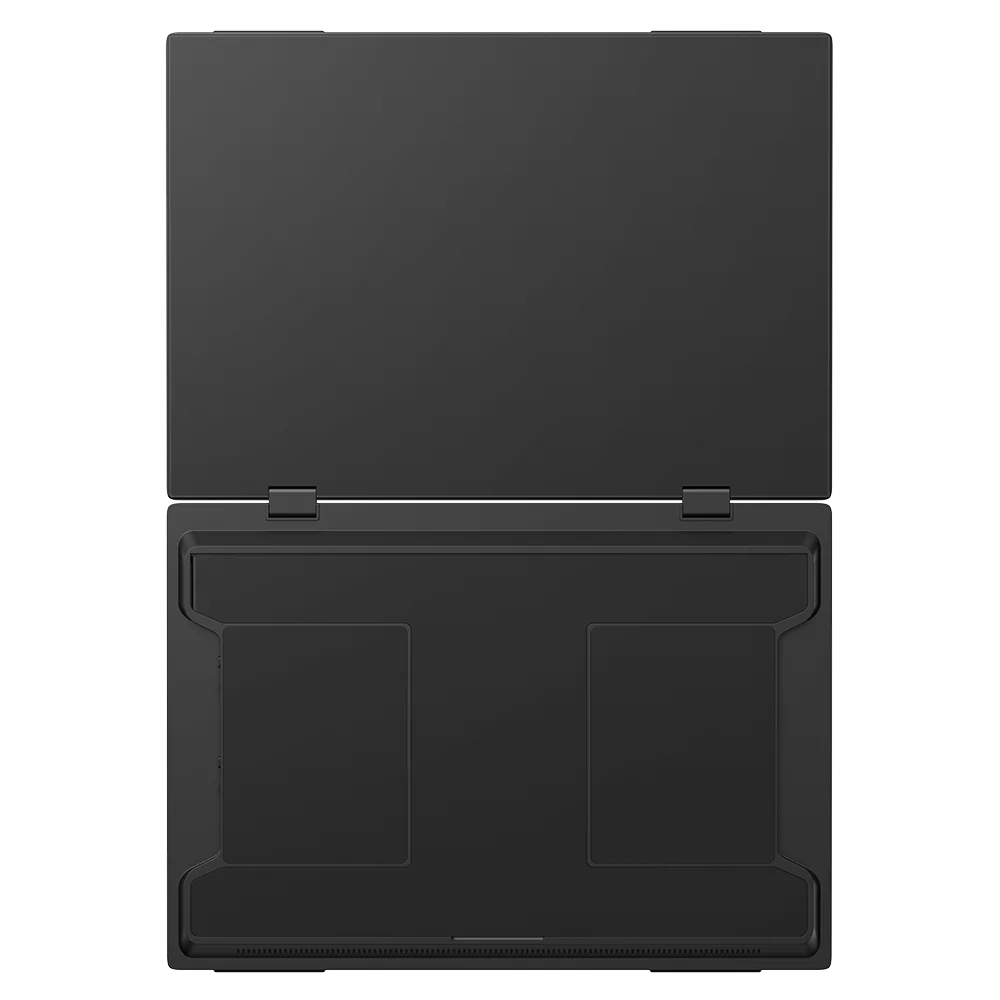
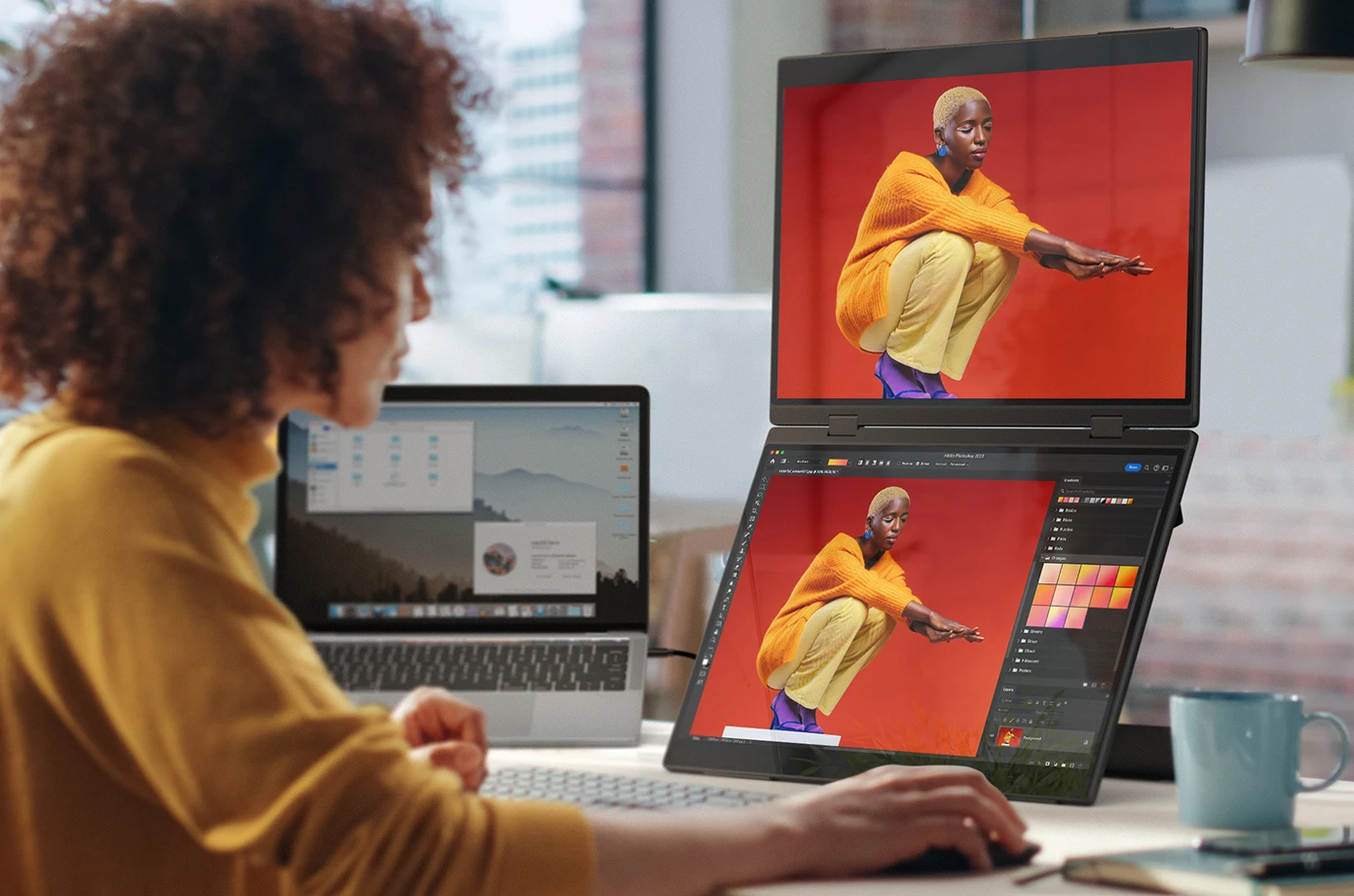
The adjustable stand allows two screens to be stacked, without an external stand, creating the most ergonomic all-in-one workstation.

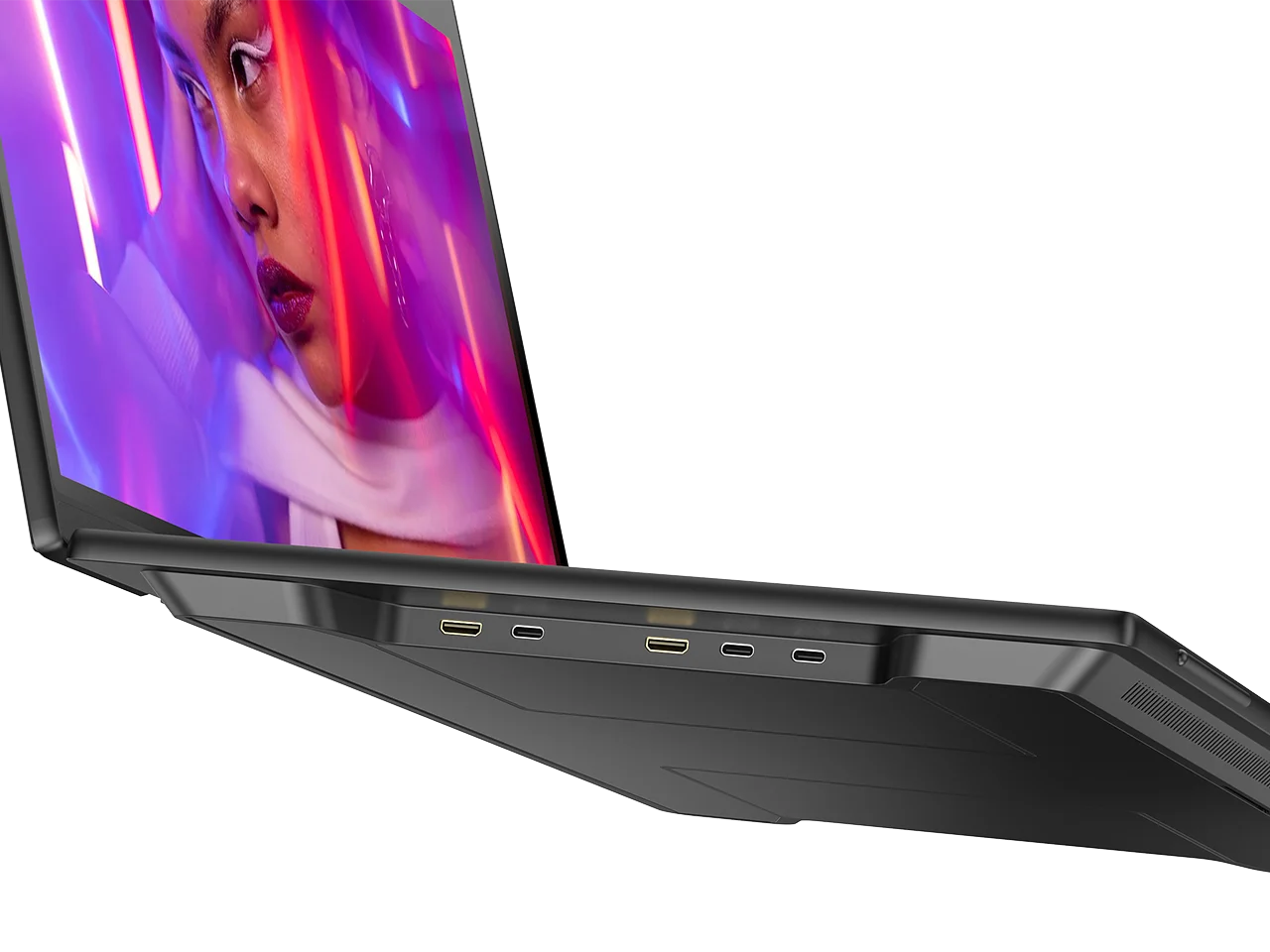
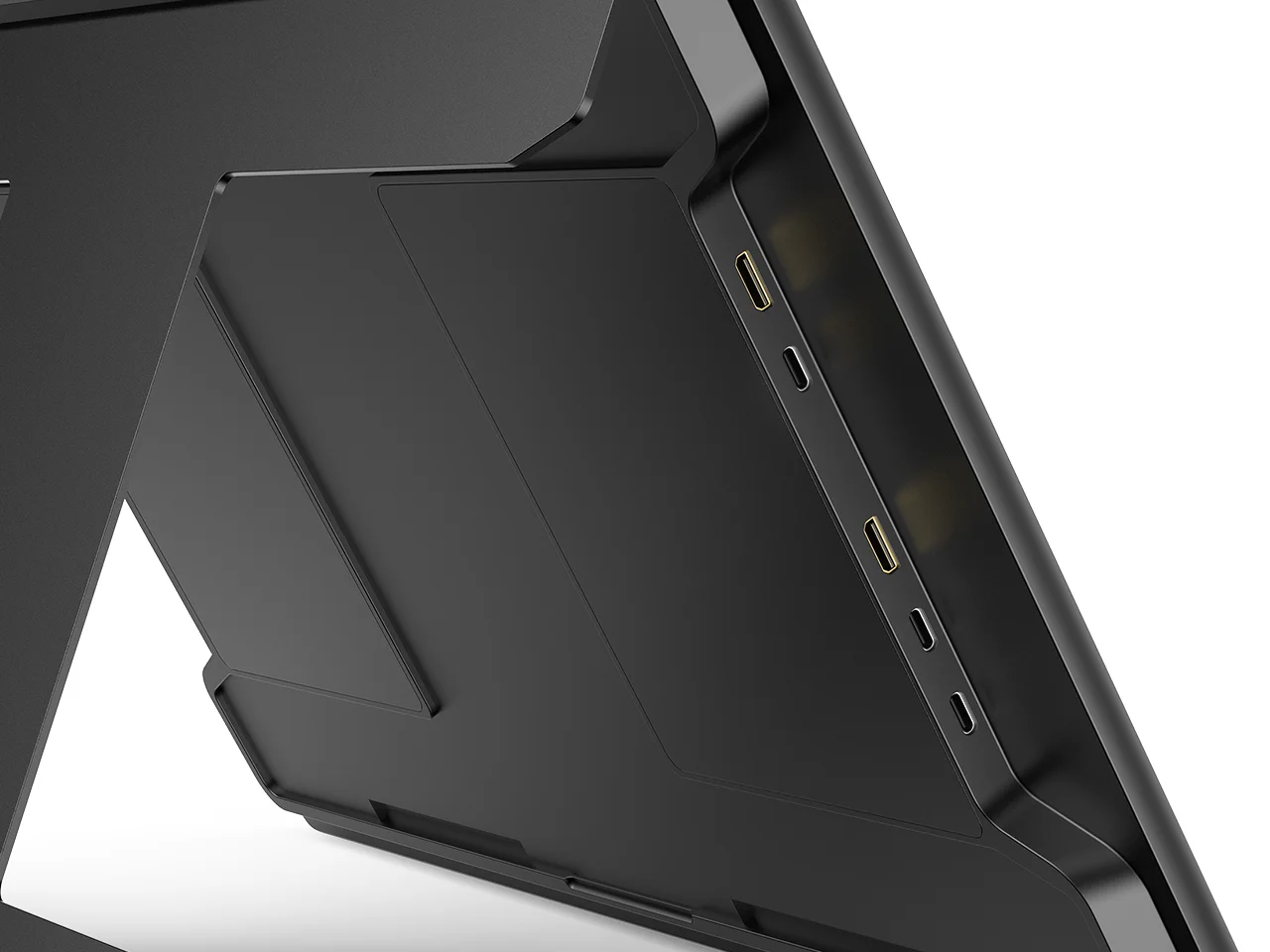
One Cable Connects Two Screen
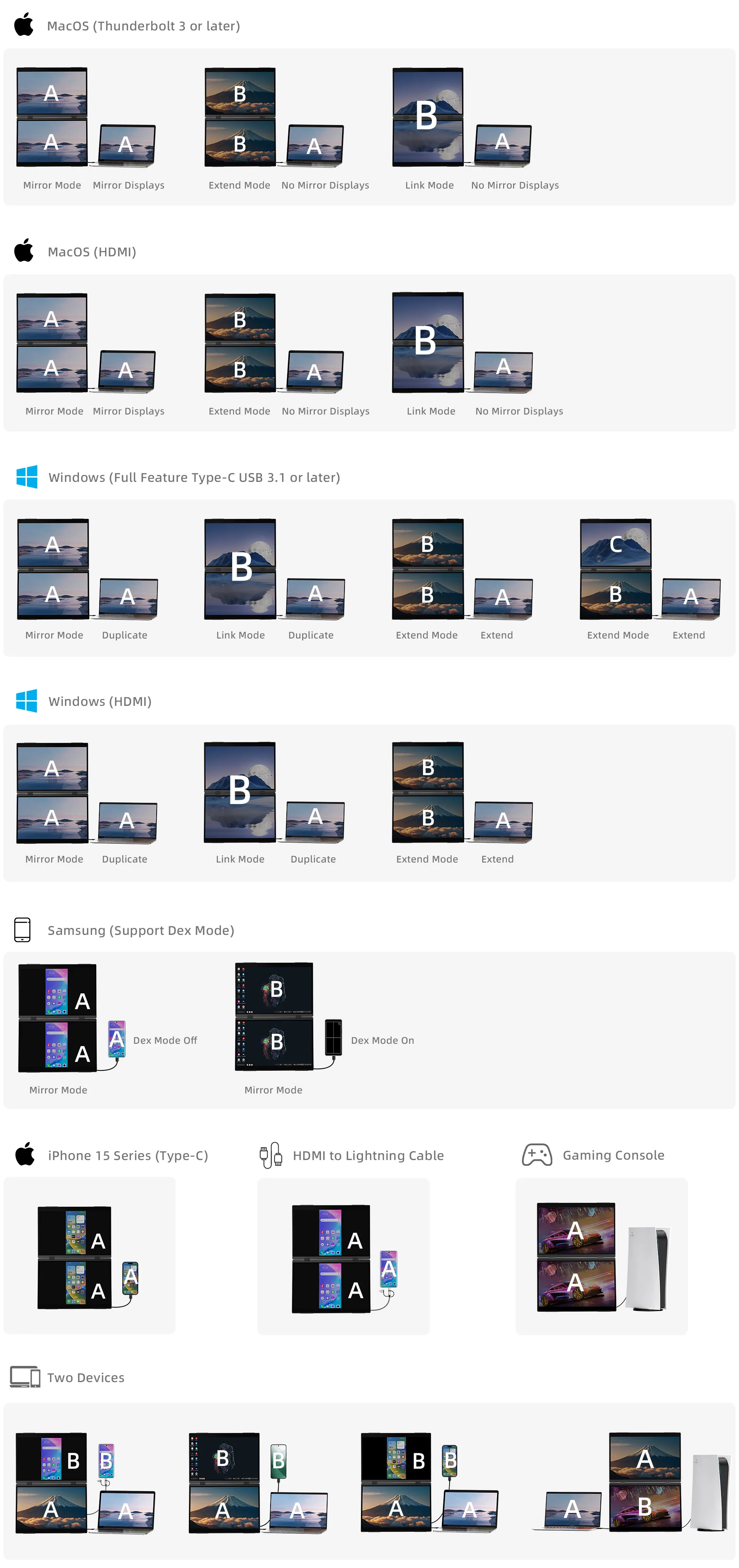
Adopting the latest one-line dual-screen setup, there is no need to install a driver. Two screens can be connected through a type-c or HDMI cable. The reduction of wires optimizes the connection procedure, saves time and cost, and makes the desktop tidier, making The workspace is more comfortable.
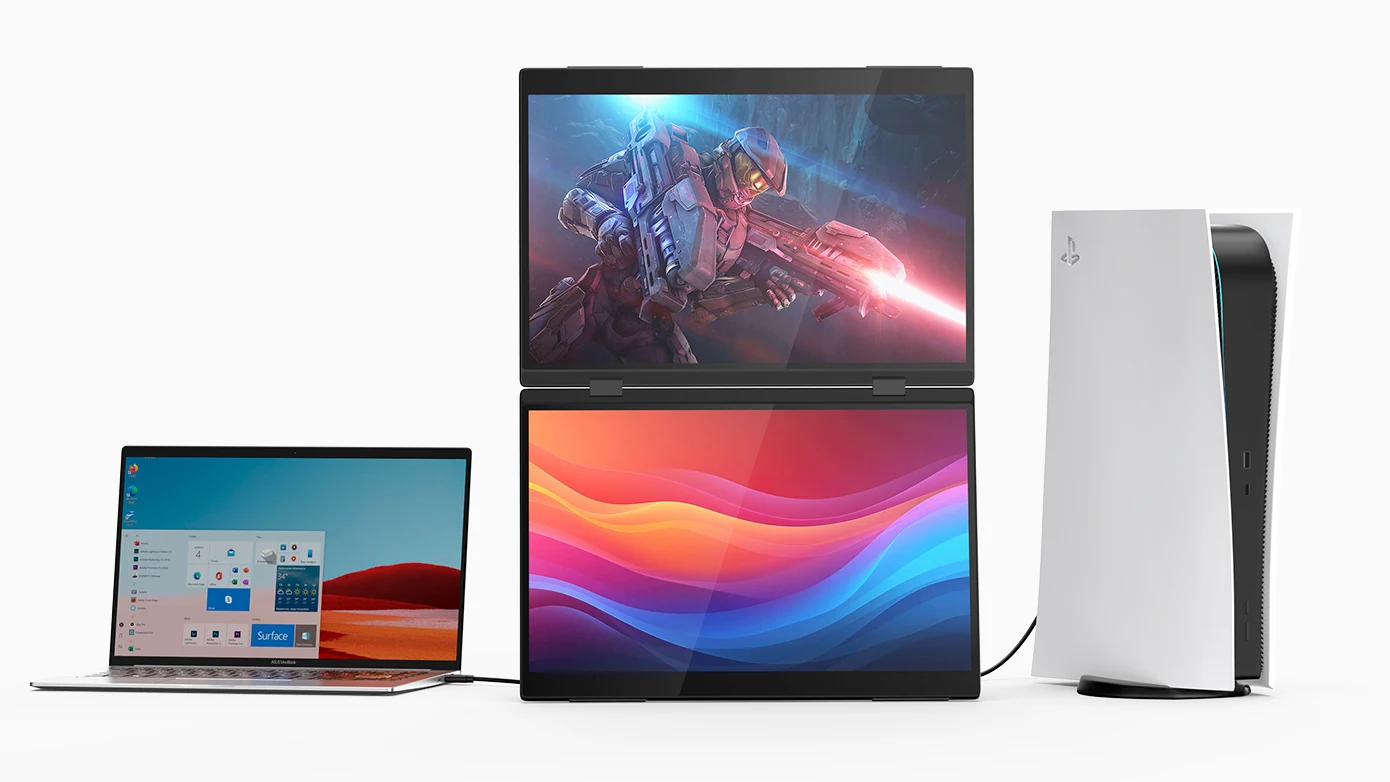
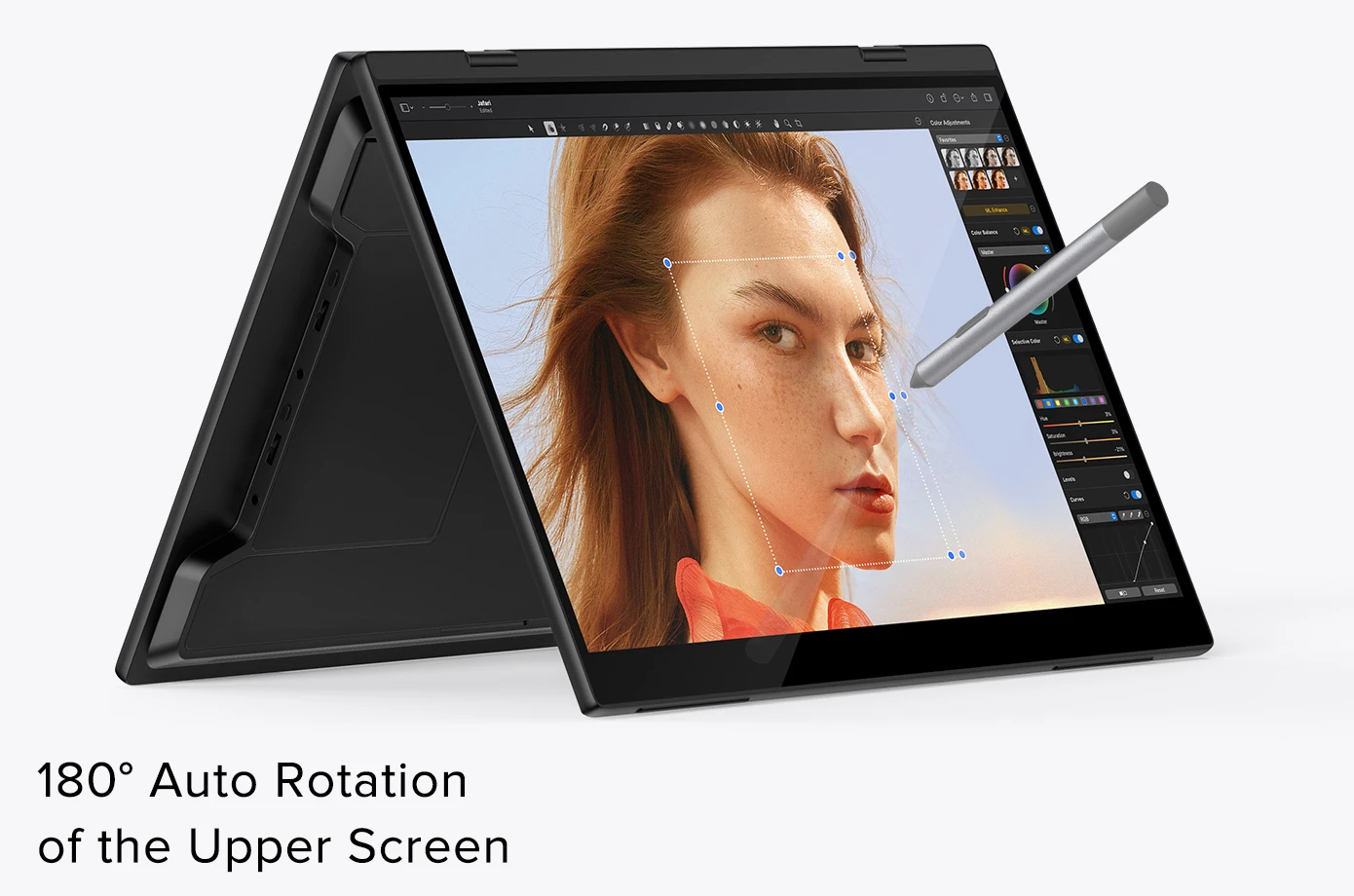
180° Auto Rotation
Neutral gravity sensing automatically adjusts the screen's orientation based on the device's orientation. Adapt to user usage patterns in a timely manner. This provides a more convenient and natural user experience.
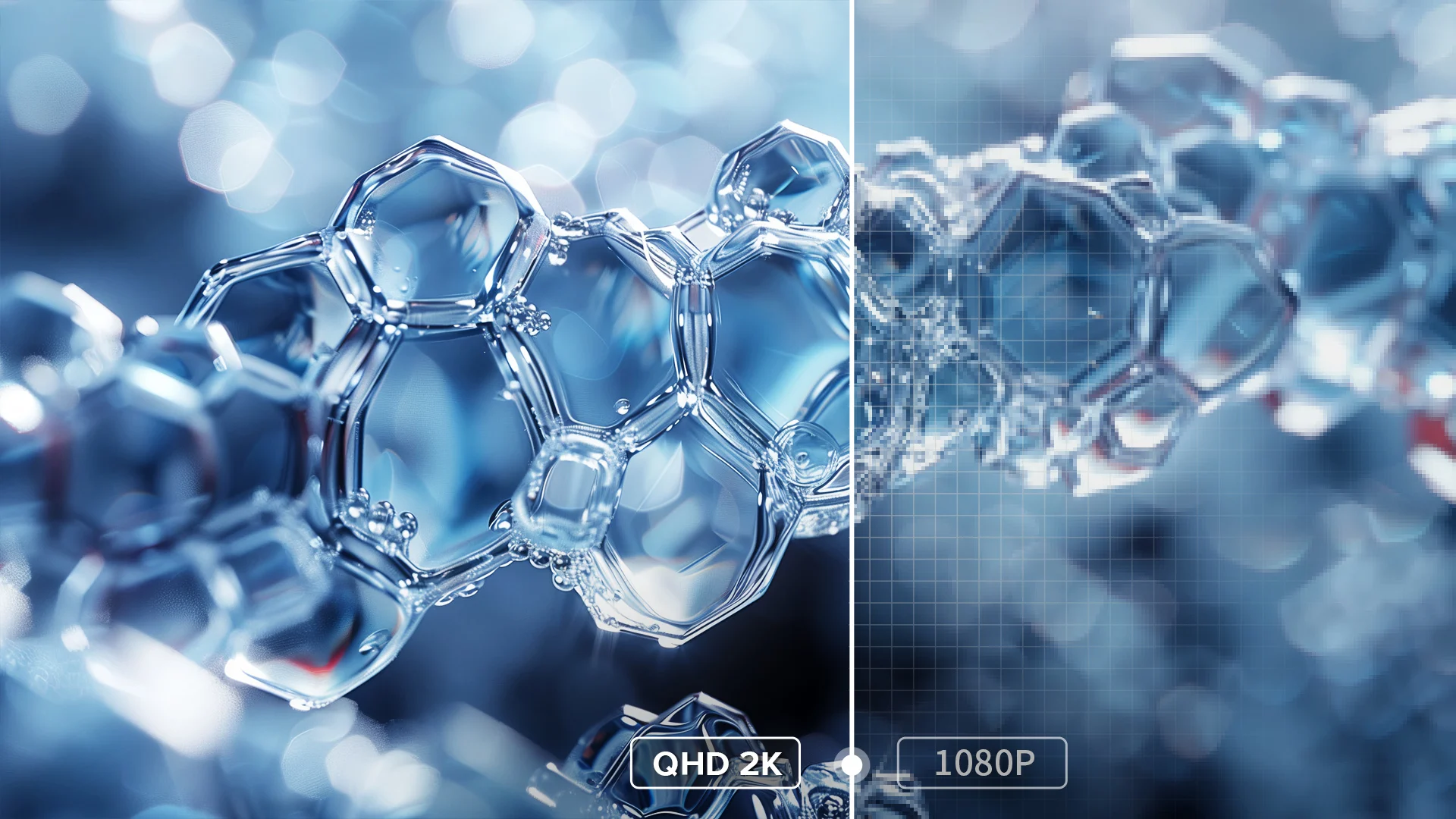
Explore More Detailed Picture Quality
2.5K resolution takes images to a whole new level with its high definition and outstanding detail. Every pixel becomes fuller, contours are sharper, and subtle textures and details are clearly visible. Combined with the 100% sRGB color gamut, a wide range of vivid and detailed tones can be accurately reproduced. This means colors in the picture are more vivid and full of depth, resulting in more vivid and realistic visual effects.
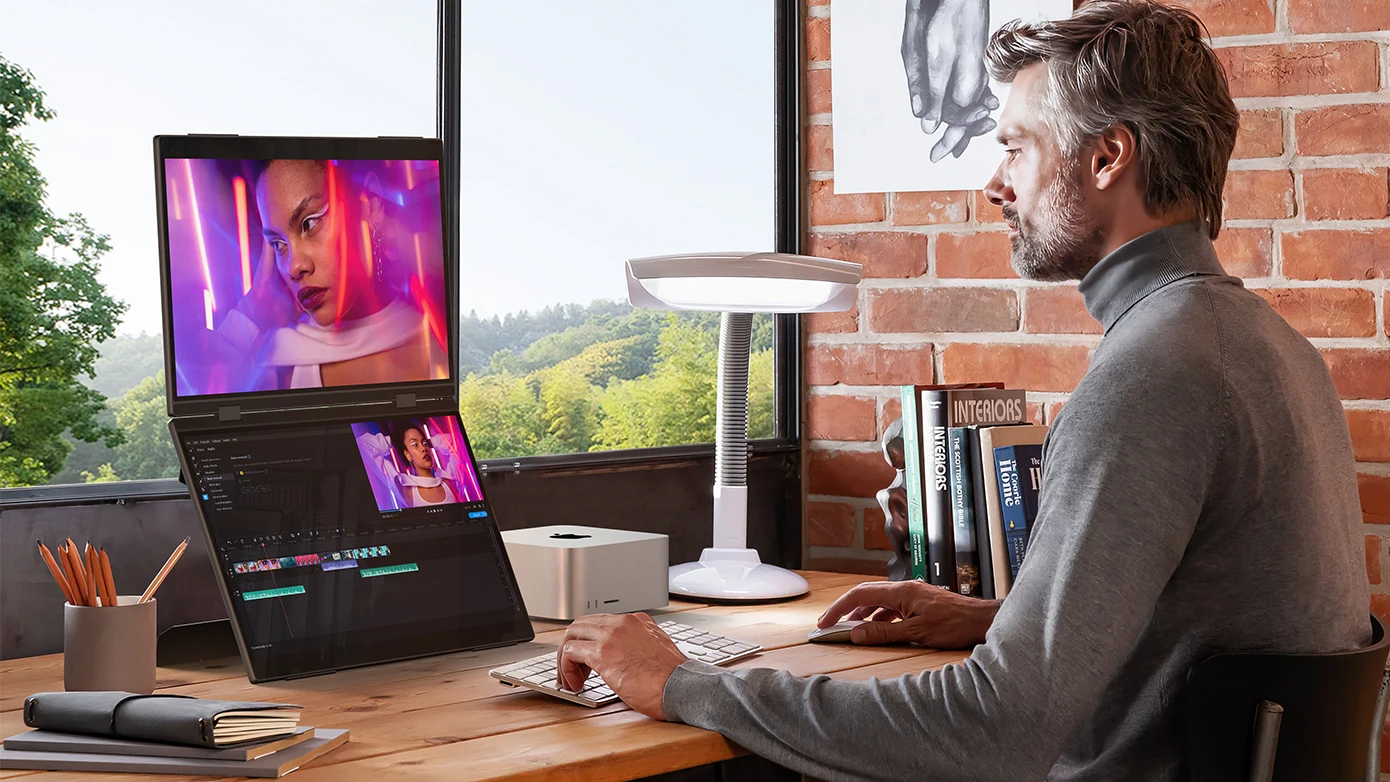
Endless Creative Inspiration
Delta Pro Touch provide a larger creative space, allowing each work assistant to have a place, making coordination and interaction between windows more comfortable, eliminating the need to frequently switch windows, and giving more room for inspiration.
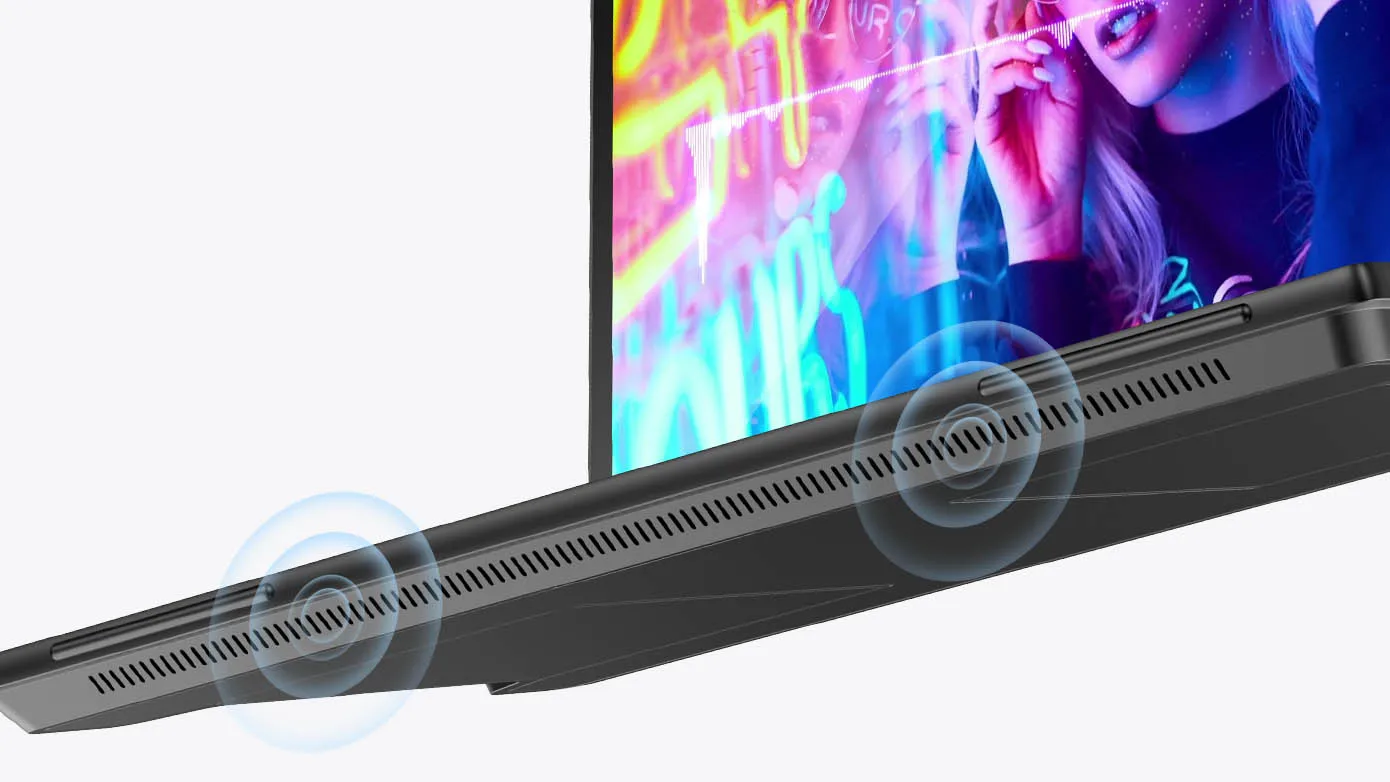
Dual Speakers
There are two built-in speakers, the volume can be adjusted separately, which is very friendly for creative design, games, movies, etc.
Seamless Multi-Space Collaboration
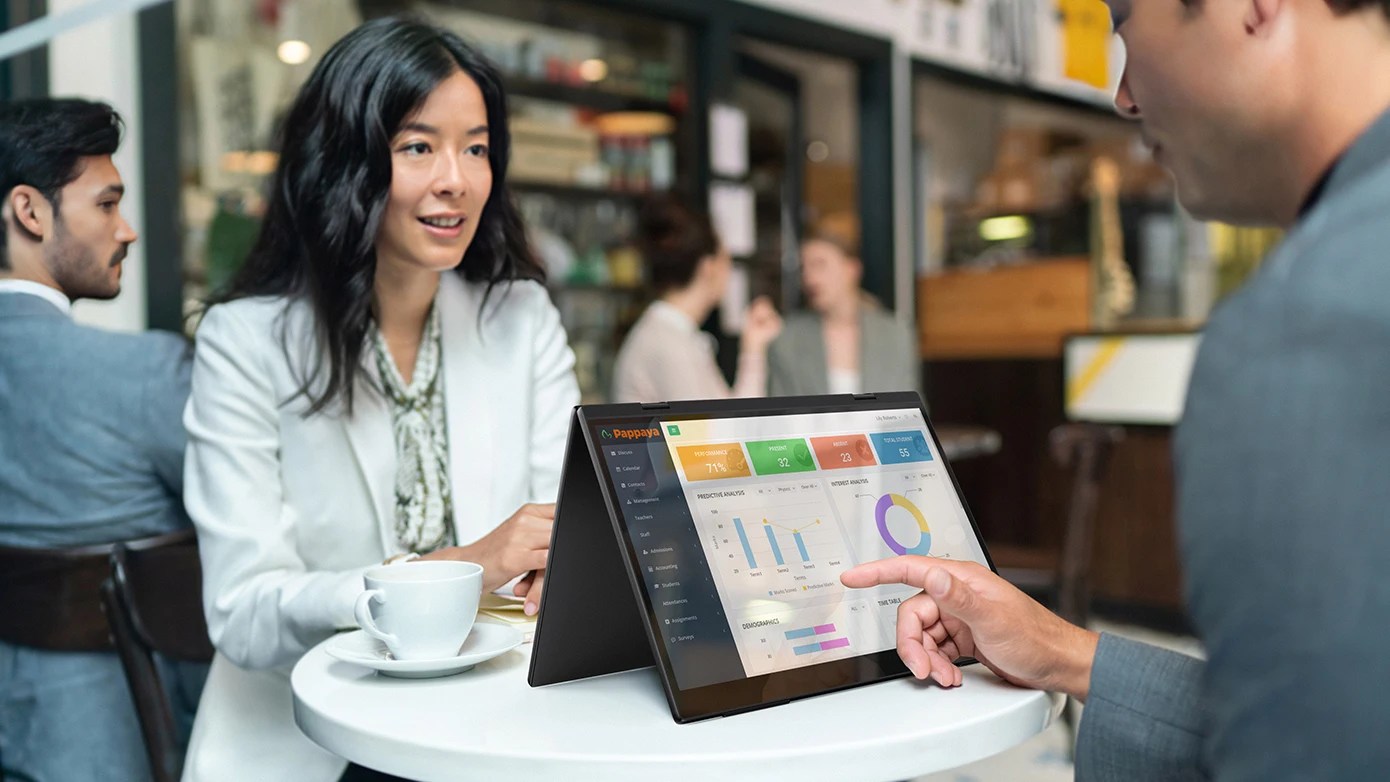
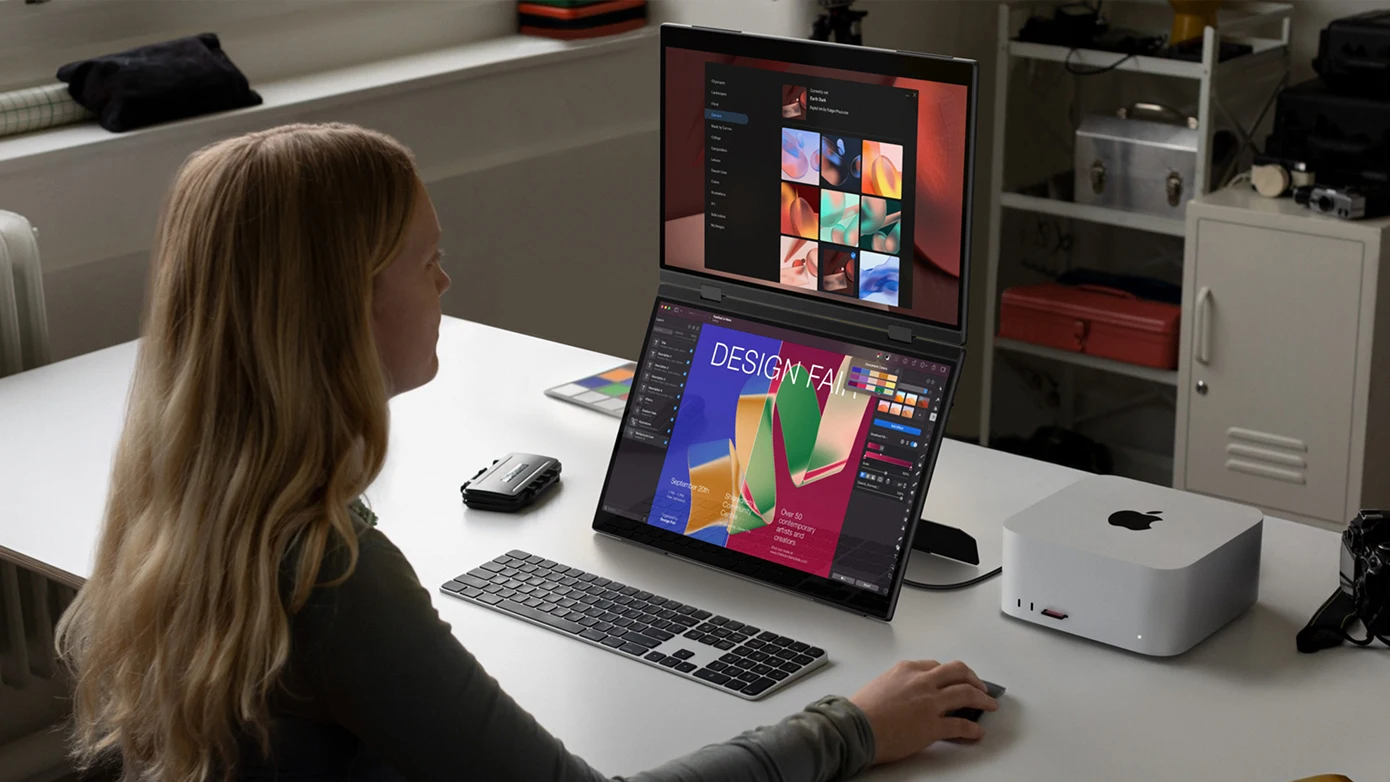
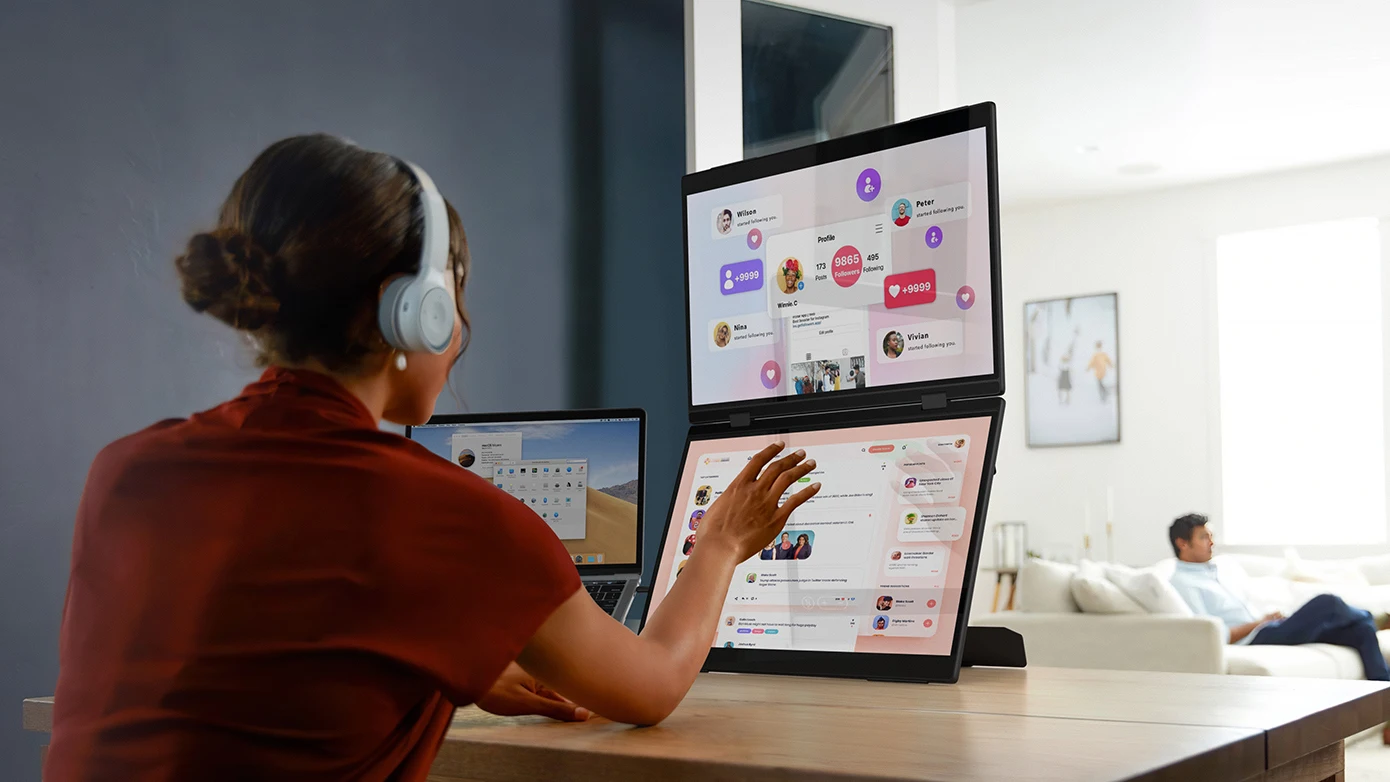
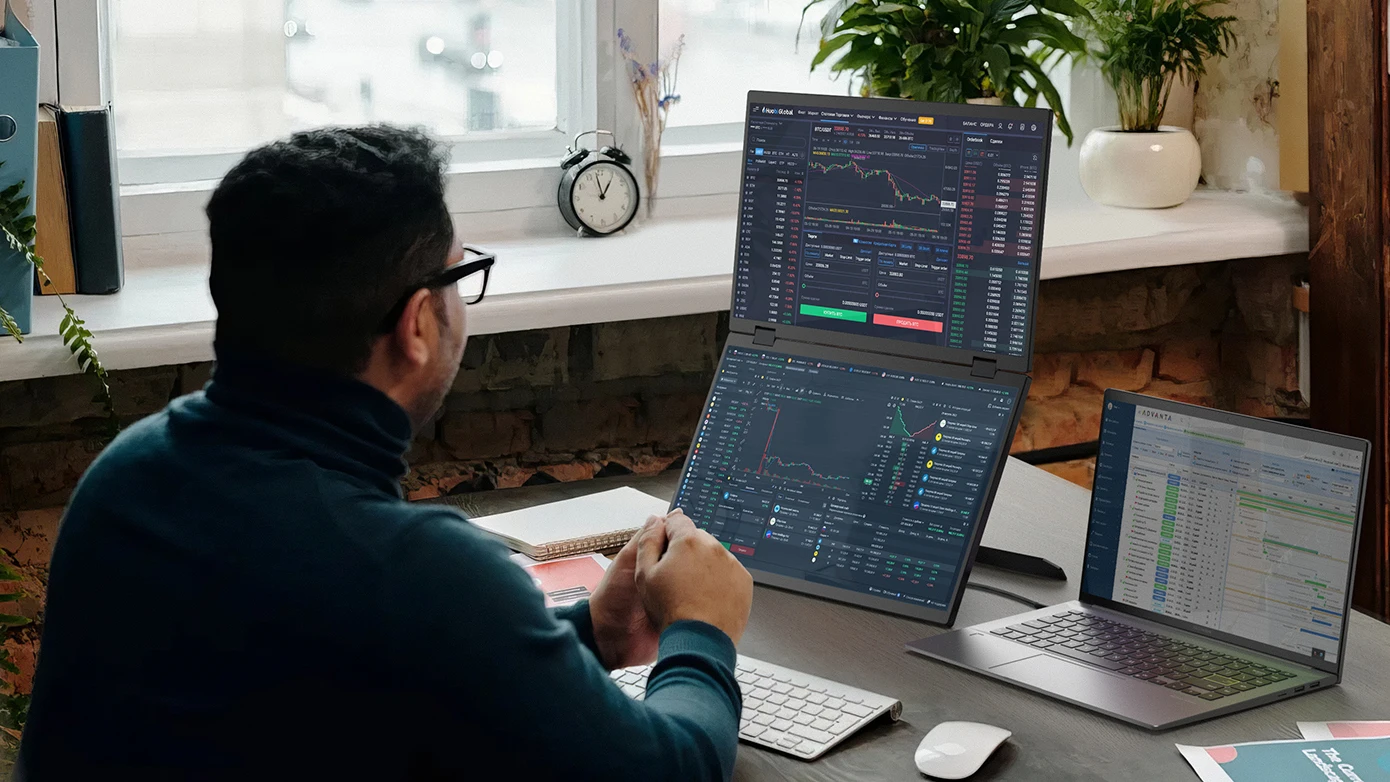
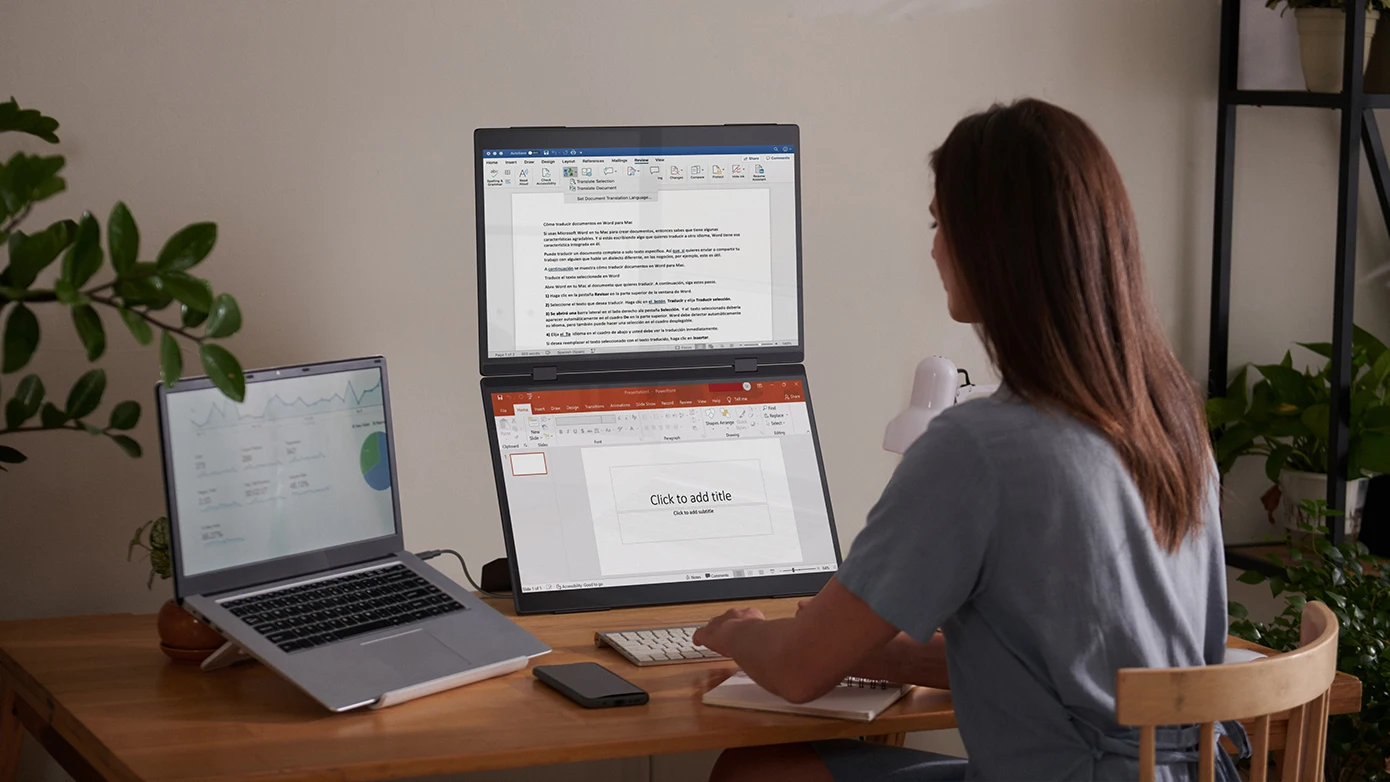
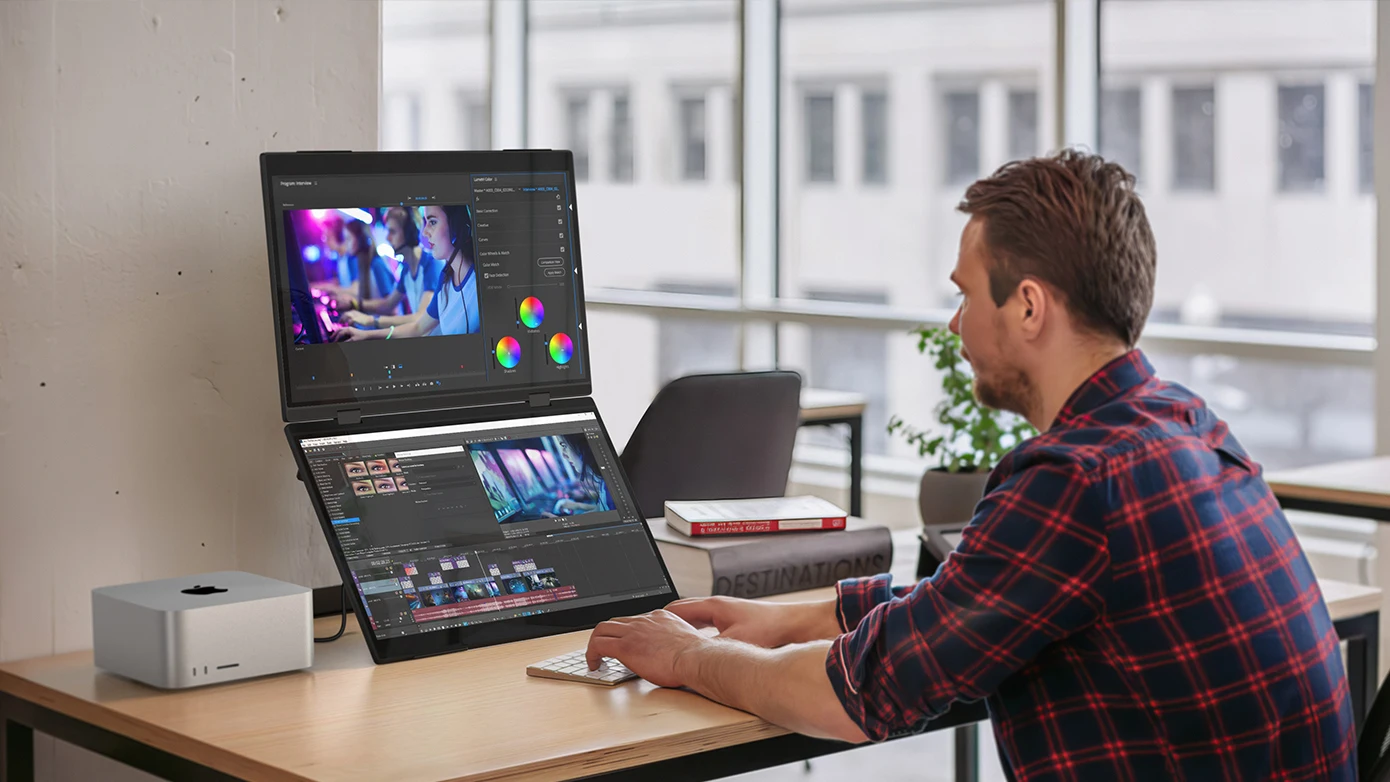
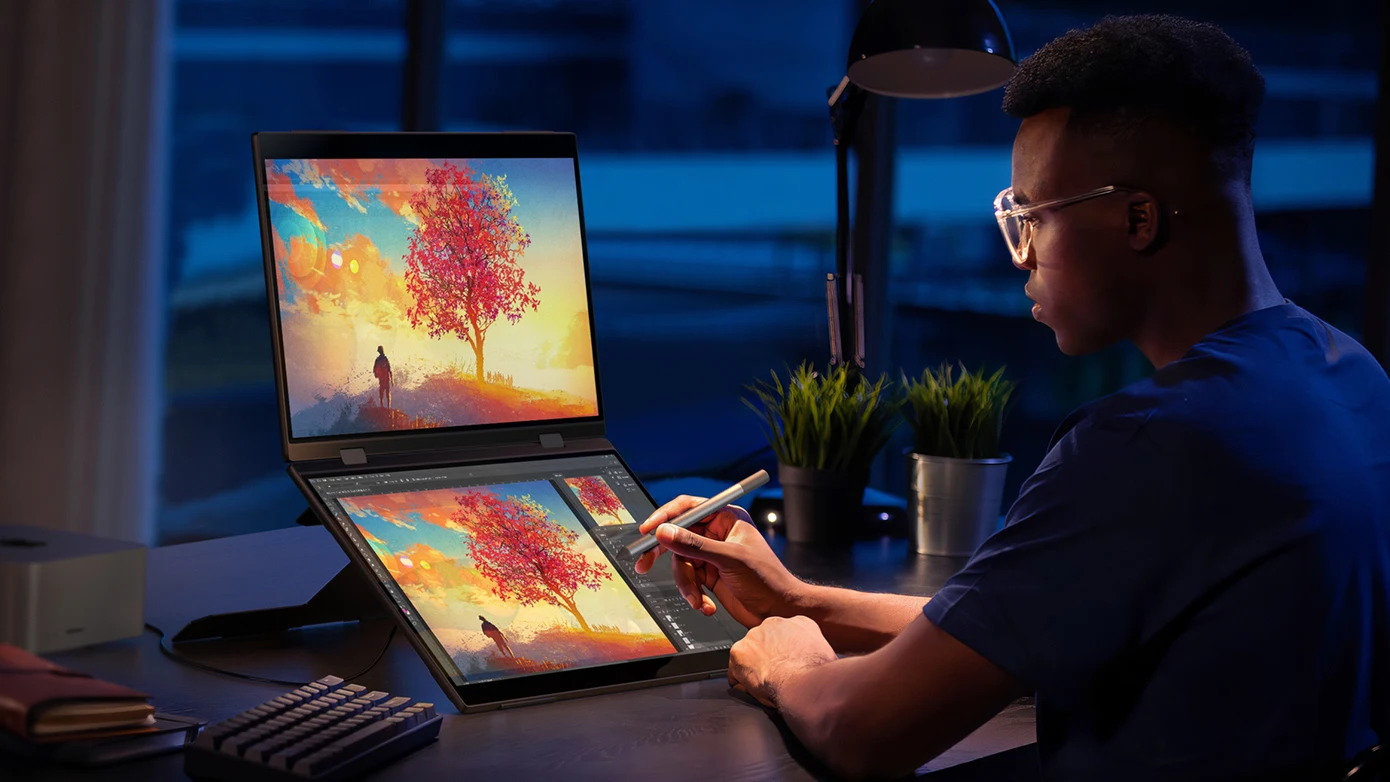
Delta Pro Real Shot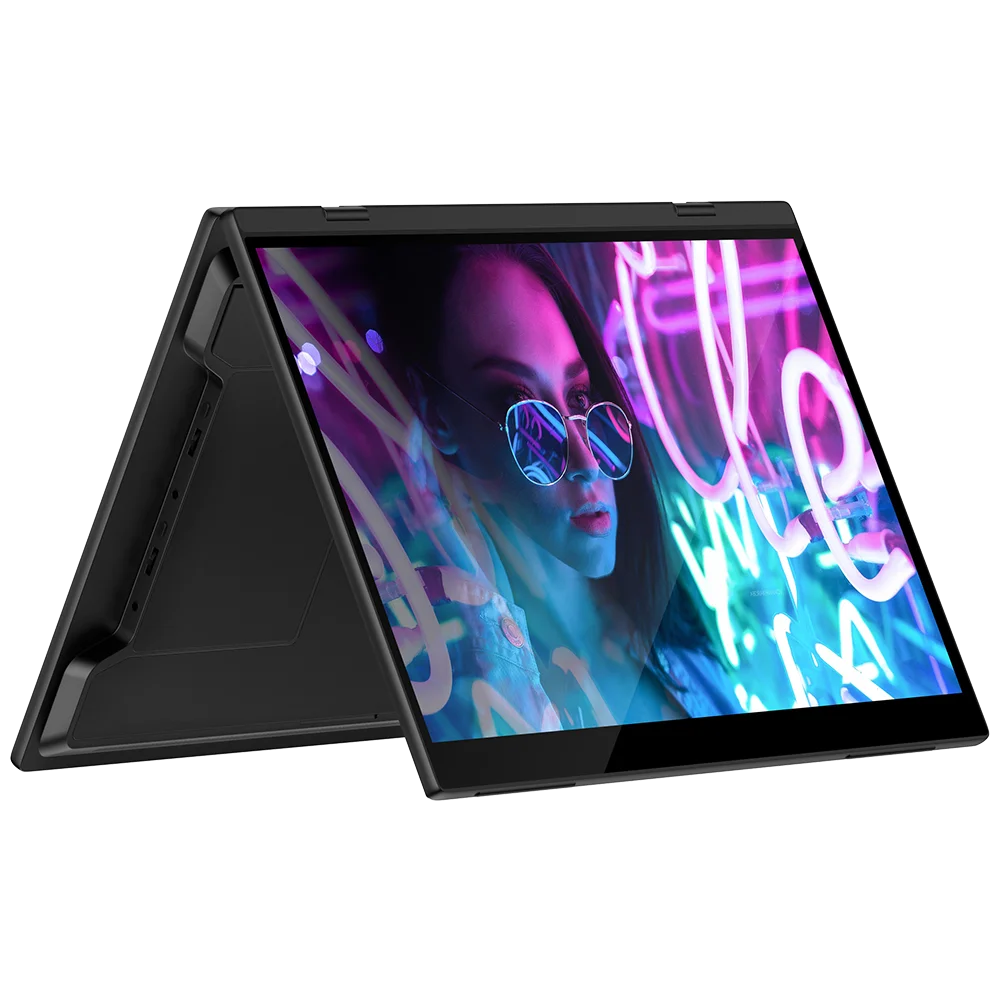
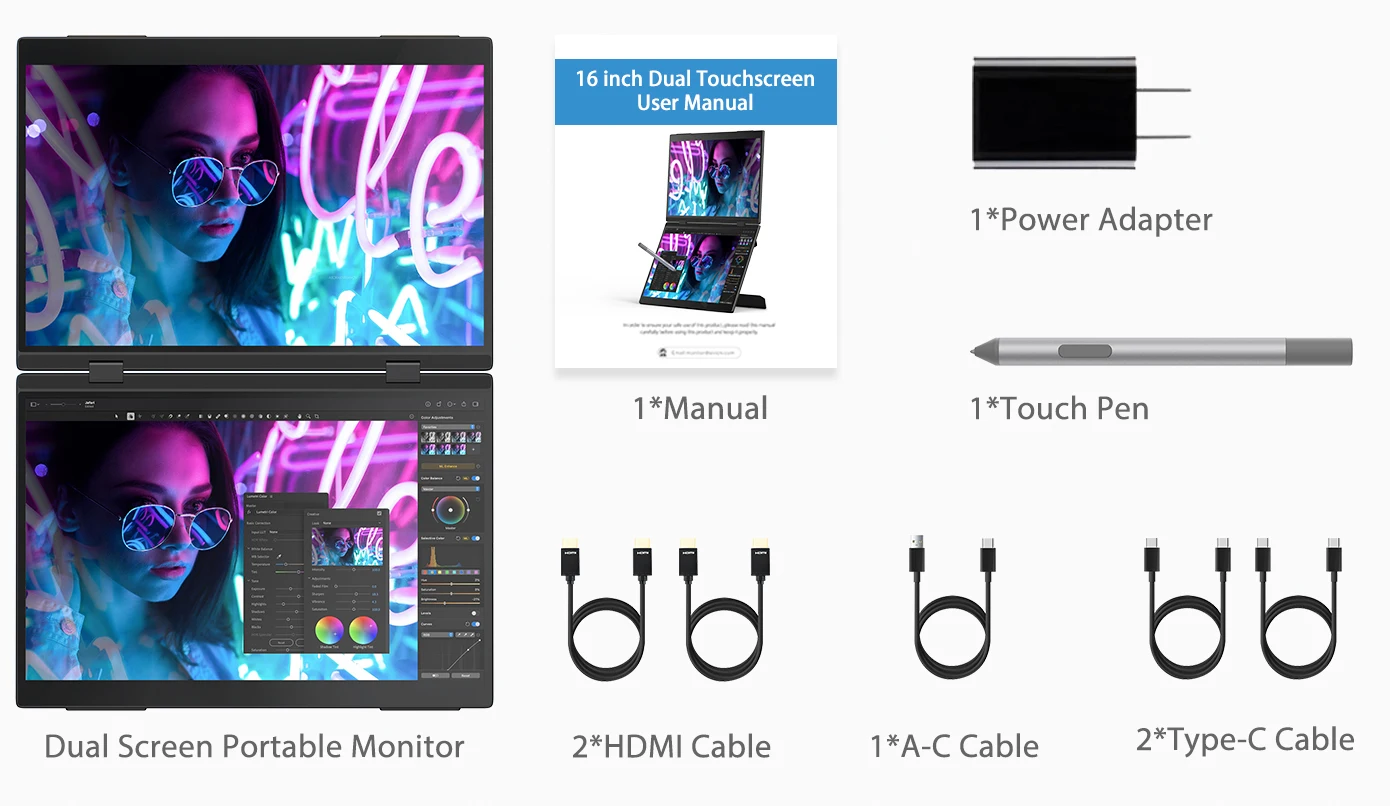
What's in the box?
1 × 16 Inch Foldable Dual Touchscreen
2 × Type C to Type C Cable
2 × mini HDMI to HDMI Cable
1 × USB-A to USB-C Cable
1 × Power Adapter
1 × Manual
Specifications
Series: UStation
Model: Delta Pro Touch
Refresh Rate: 60Hz
Screen Size: 16 inch
Resolution:2560 × 1600 (QHD)
Display Ratio: 16:10
Viewing Angle: 178°
Panel Type: IPS
Contrast Ratio: 1200:1
Brightness: 350 cd/m²
Color Depth: 16.7M(8bit)
Touch Screen: Pressure-sensitive Touch(with pen)
Gravity Sensor:Yes, Upper Screen 180°
Product Size:360 × 257 × 31 mm (14.17 × 10.12 × 1.22 inch)
Rated Power: 12W
Material: Aluminum
Built-in Speaker: Yes, 2*8Ω 1W
Built-in Battery: No
Display Area:344.678(W)×215.424(H)MM
Interface:
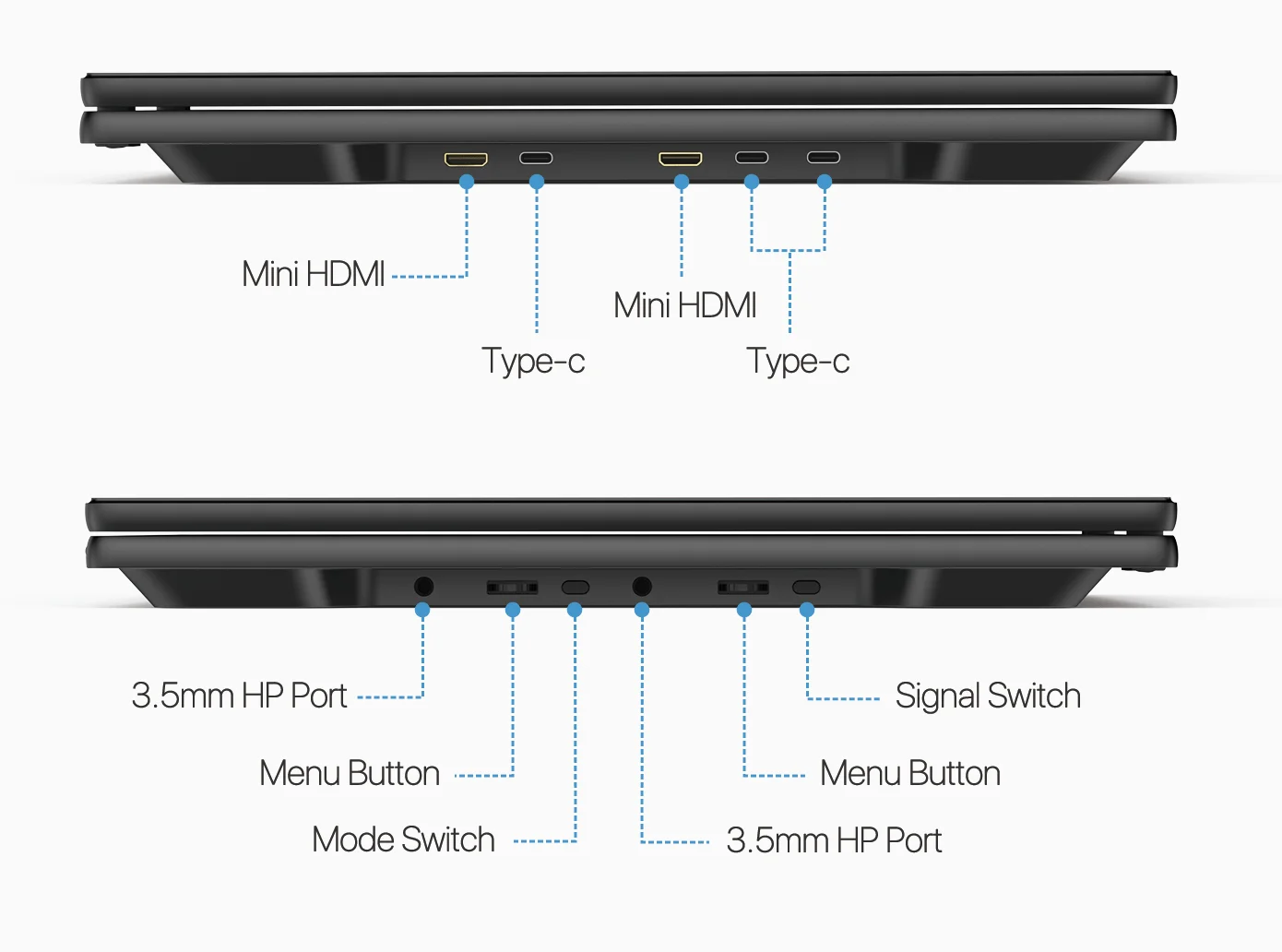
1 × Full-Featured USB Type-C for Audio & Video Input
1 × Full-Featured USB Type-C for Audio & Video Input (One Type-c Cable Connects Two Screens)
1 × USB Type-C for Power Input
2 × mini HDMI for Audio & Video Input
2 × 3.5mm AUX for Audio Output
Warm tips:
If the screen signal is poor or flickers, make sure you are only operating the monitor with the adapter that came with it. With other adapters, the voltage may be insufficient. If the screen still flickers, please swap the HDMI cable to test.
Please check the Type-C port of your PC/Laptop whether it supports the transmission of audio and video signals (Thunderbolt3). If it doesn't, you'll need a "Type-C to HDMI" adapter for signal transmission.
If "No Signal" or "Power Saving Mode" appears, please switch the Type-C cable head to another side and reconnect the monitor.
The monitor turns on in the default power save mode. (Note: No save function in sleep mode, you need to close it manually.)
The portable monitor has no built-in battery, without touchscreen function,you can't charge it.you cant touch it, just connect and get started.


Avaliações
Ainda não existem avaliações.