
- Hign-concerned Chemical: None
- POE: None
- e-Cloud(P2P): Yes
- Two-way Audio: No
- Backup Type: Hard Drive
- Supported Operating Systems: Microsoft Windows 2000,Microsoft Windows ME,Microsoft Windows XP,Microsoft Windows Vista,Microsoft Windows 98,Microsoft Windows 7
- Supported Mobile Systems: iPhone OS,Android
- IP Mode: Static IP address
- Network Protocol: TCP/IP
- Communication Interface: RS232
- Network Interface: RJ45 10/100M
- Hard Drive Size: 3.5''
- Hard drive Interface Type: SATA
- Audio Output: None
- Video Resolution: 1080p
- Video Standard: NTSC,PAL
- Audio Input: No
- Compression Format: H.265
- Technology: Network
- Model Number: NX1009K/N1016GL/NT1032K
- Brand Name: smar
- Origin: Mainland China
- Certification: None
- Alarm Type: FTP Photo
- Smart home platform: None
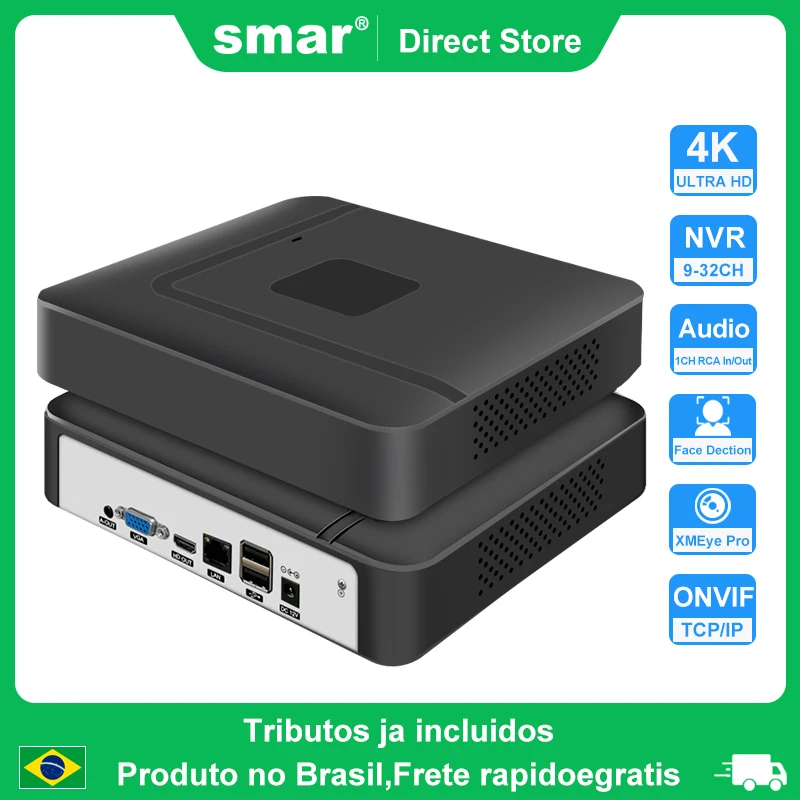
- Name: Digital Video Recorder
- Input for 9 Channel NVR: 10*4K 8MP IP Camera
- Input for 16 Channel NVR: 16*4K 8MP IP Camera
- Onvif/P2P: Support
- Compression Format: H.265
- Video Output: 1*1080P HDMI/1*VGA
- Type: Mini CCTV NVR
- Power: EU Standard(AU/UK can choice)
- Input for 32 Channel NVR: 32*4K 8MP IP Camera
Specifications | 9CH | 10CH | 16CH | 32CH | |
System | Main processor | XM8536D | XM8536E | XM8536E | NT98323 |
Operating System | Embedded Linux | ||||
System resources | Simultaneous multi-channel real-time recording, playback, network operation, USB backup | ||||
Interface | Operator interface | 16-bit true color graphic menu operation interface, support mouse operation | |||
Preview | 1/2/4/6/8/9 | 1/2/4/6/9/10 | 1/2/4/6/8/9/16 | 1/2/4/6/8/9/16/25/32 | |
Video | Video input (IP | 9*4K Unreal-time(Access bandwidth 60Mbps) | 10*4K(Access bandwidth 72Mbps) | 16*4K(Access bandwidth 72Mbps) | 32*4K |
Video compression | H.265AI/H.265+(compatible H.265/H.264) | ||||
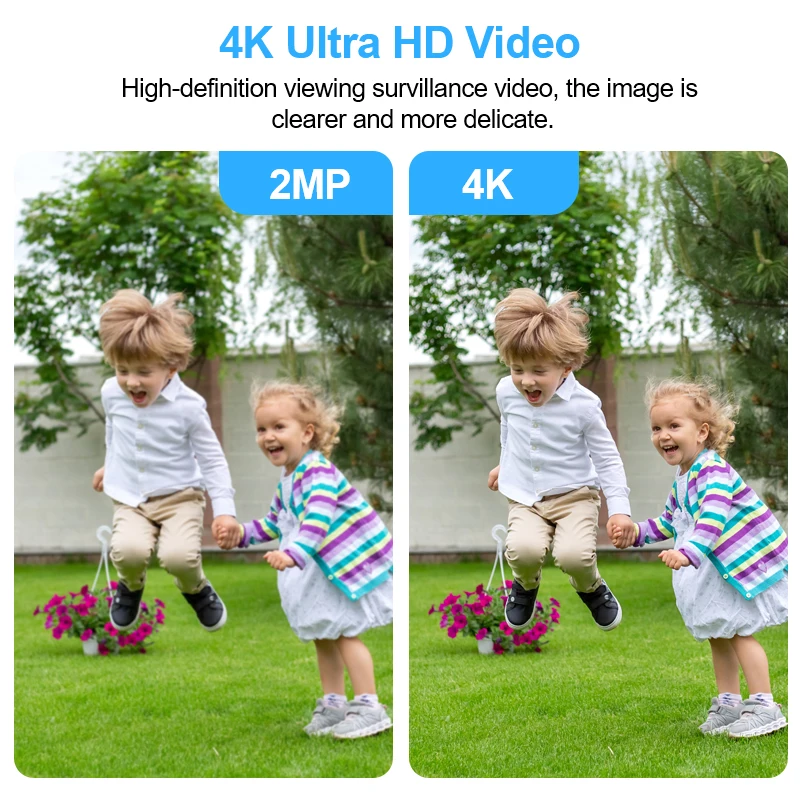
Display quality | Max:4K | ||||
Playback quality | 4K/5M/4M/3M/1080P | ||||
VR | Not support | ||||
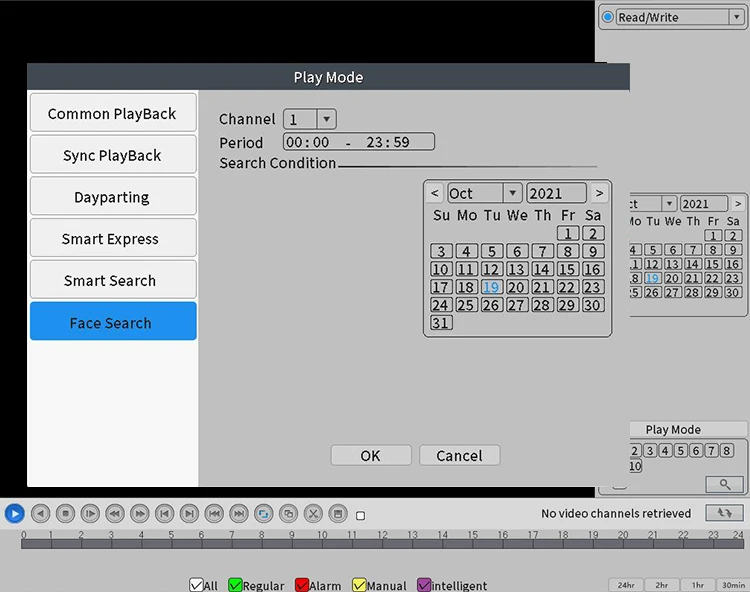
human shape / Face | Support(depend on camera,the camera of NETIP protocol can support face recognition) | ||||
Audio | Audio compression | G.711A | |||
Intercom | support | ||||
Record & playback | Recording mode | Manual>Alarm>Dynamic Detection>Timing | |||
Localpayback(real-time+ | 1ch4K/2ch5M/1ch4M | 1ch4k/2ch5M/2ch4M/ | 1ch4k/2ch5M/2ch4M/ | 2ch4K@12fps/3ch5M@20fps/4ch4M@20fps/4ch3M@20fps/6ch1080P@25fps | |
Search mode | Search by Time/Calendar/Event/Channel/Face | ||||
Record storage | HDD、Network | ||||
Backup mode | Network backup, USB hard disk, USB burner, SATA burner | ||||
External | Video output | 1ch VGA,1ch HDMI HD output | |||
Audio I/O | 1/1(3.5mm) | ||||
Alarm I/O | 0/0 | ||||
Network interface | 1*RJ45 10M/100M Adaptive Ethernet port | 1*RJ45 100M/1000M Adaptive Ethernet port | |||
USB interface | 2*USB2.0 ports(one USB extension interface is reserved) | ||||
HDD | 1 SATA(Up to 14TB for each disk) | ||||
ESATA | No | ||||
Serial interface | No | ||||
Other | ONVIF | Support | |||
power supplyr | DC12V 2A(If the hard drive is greater than 2TB, please replace it with a 3A or higher power supply) | ||||
Power Consumption | <10W(Without HDD) | ||||
Work environment | Temperature:0°C -55°C, Humidity:10%-90%RH , Atm:86kpa-106kp | ||||
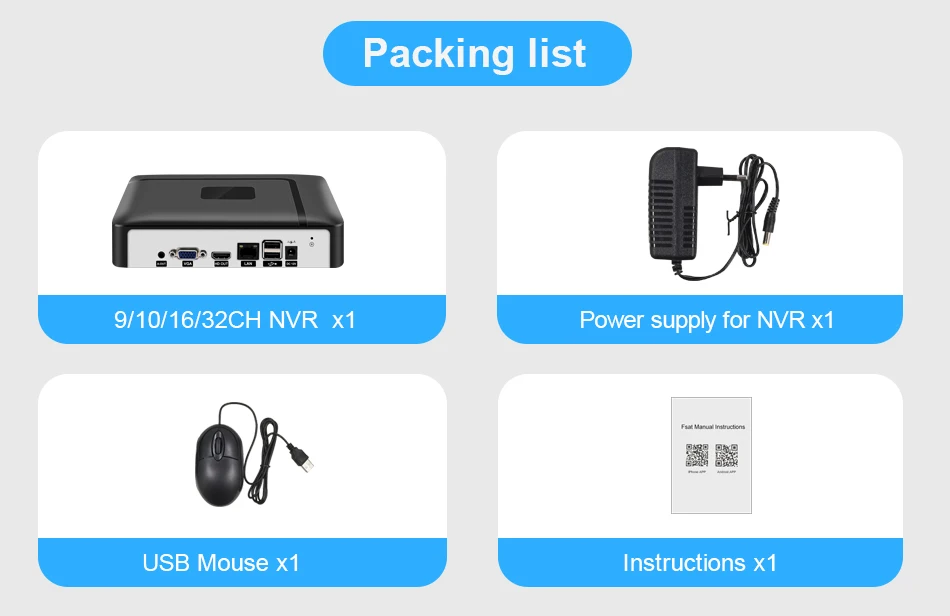
Packing List:
1* 10CH/16CH/32CH H.265 NVR
1* USB Mouse
1* DC12V Power Adapter for NVR
1* User's Manual

For 10CH NVR:
1. Max support 10*4K(8MP) IP Camera
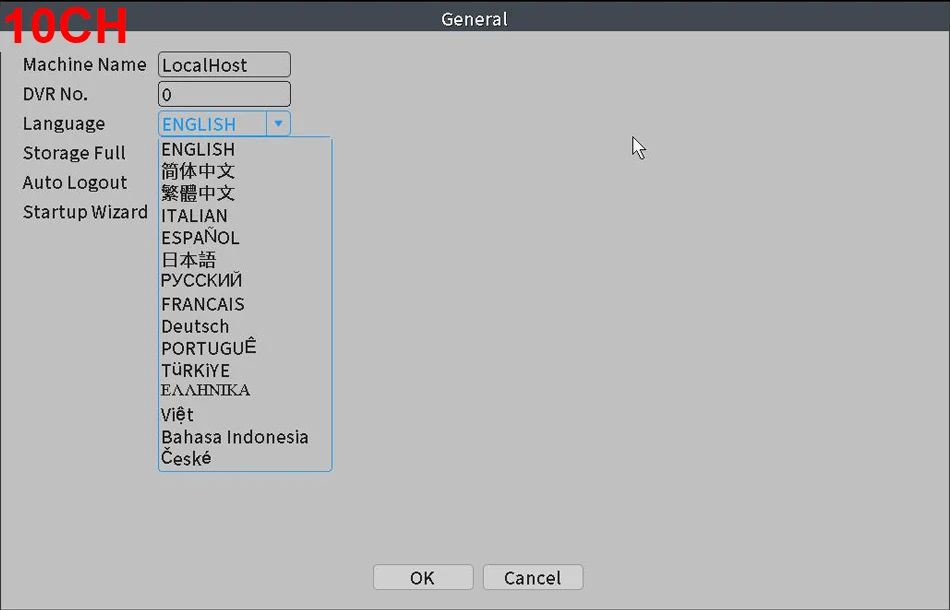
2.Support Multiple Languages: Chinese, English, Italian, Spanish, Japanese, Russian, French, Germany, Portuguese, Turkish, Greek, Vietnamese, Indonesian, Czech

For 16CH NVR:
For 16CH NVR:
1. 16CH is XM8536E Chip;
2. Max support 16*4K(8MP) IP Camera
3. Don't support WiFi Adapter
4. 16CH(XM8536E) Board Max Support the 4K Display
5.English, Chinese, Italian, Spanish, Japanese, Russian, French, German, Portuguese, Turkish, Greek, Vietnamese,Indonesian, Czech
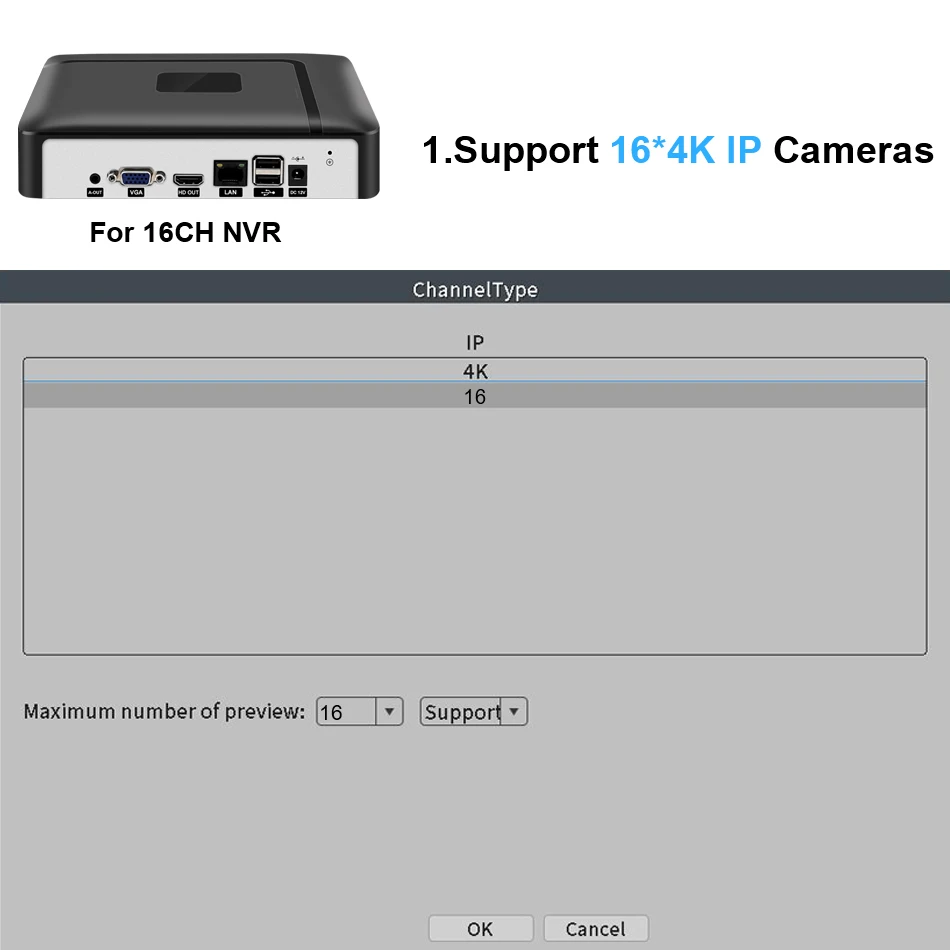

For 32CH NVR
1.32CH is NT98323 Chip;
2. Max support 32*4K(8MP) IP Camera
3. Support Wifi Adapter, the Wifi Adapter model is:7601
4.32CH(NT982323) Max Support the 4K Display
5.Support Multiple Languages: Chinese, English, Italian, Spanish, Japanese, Russian, French, Germany, Portuguese, Turkish, Polish, Romanian, Hungarian, Finnish, Persian, Thai, Greek, Vietnamese, Brazilian, Hebrew, Indonesian, Arabic, Swedish, Czech, Bulgarian, Slovak, Dutch
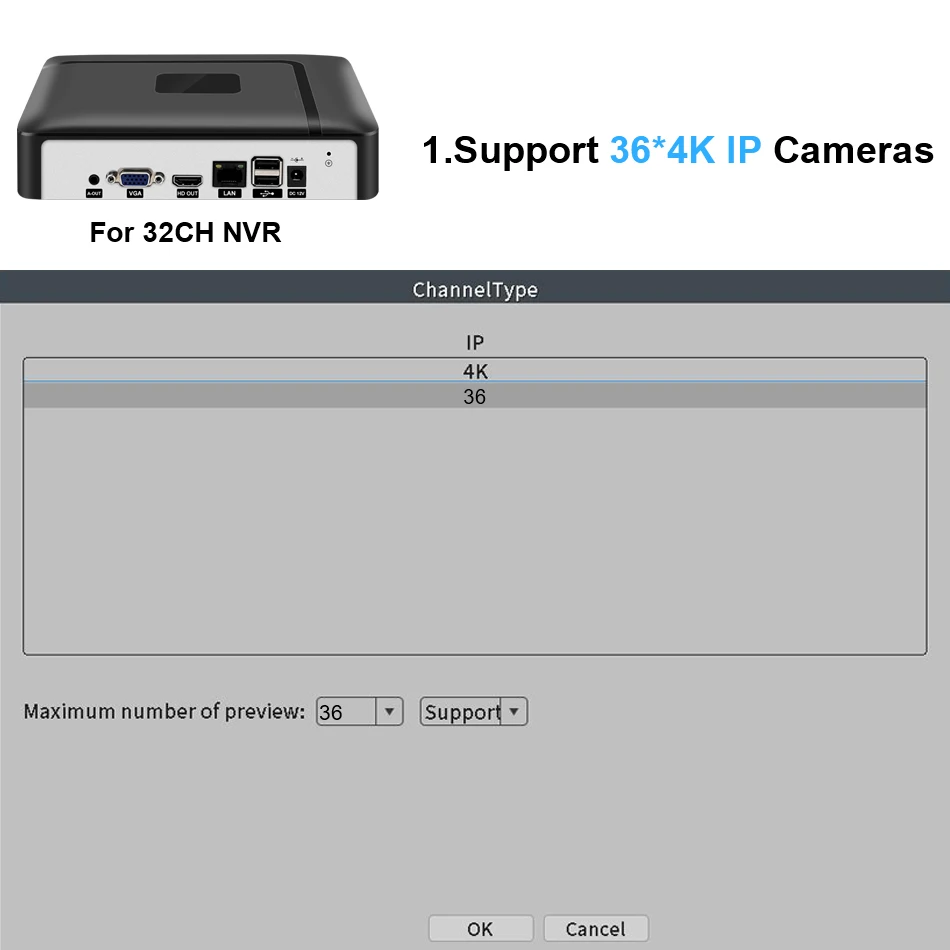

When the Detect Motion happened in your home and office. you'll get instant alarming email when the home or office is invaded. You can even ensure that false alarms are avoided by setting the motion detection "mask"to block areas with constant movement.
Note:Our DVR Motion Detection Function only Support the following Brand of IP Camera; As: XM, Dahua, Safer, HIVT, Part of HIKVISION. And if your IP Camera is other Brand, Can't used the Motion Detection Function with Our DVR. ( Please note before when you buying)

E-mail Set
Please note: SMTP Server only support these Email Box:126,163,gmail,sina,139,156,qq format, And the recipient can set up 5 vaild mail.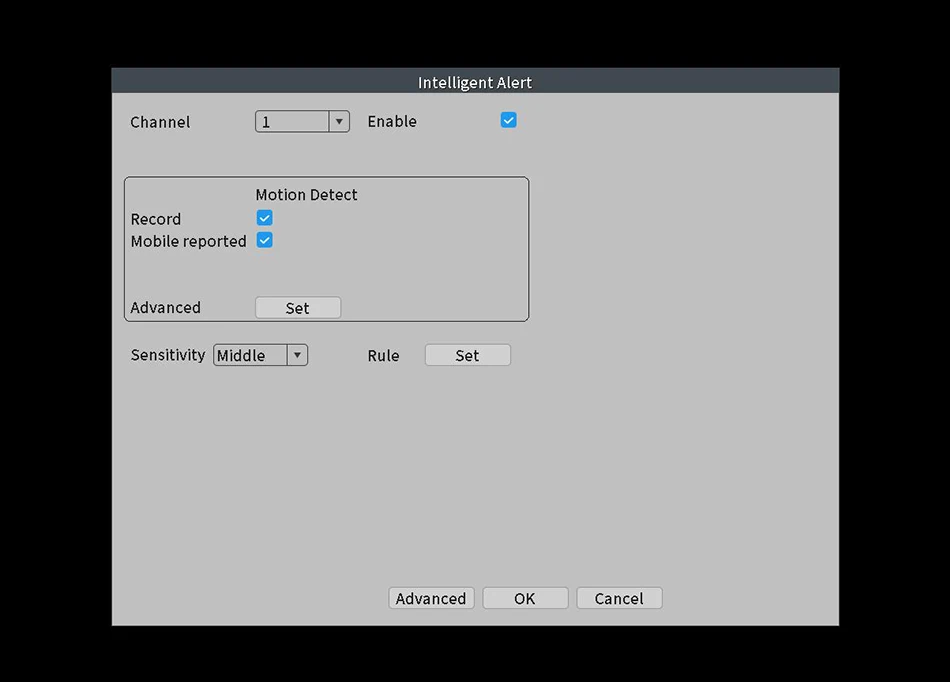
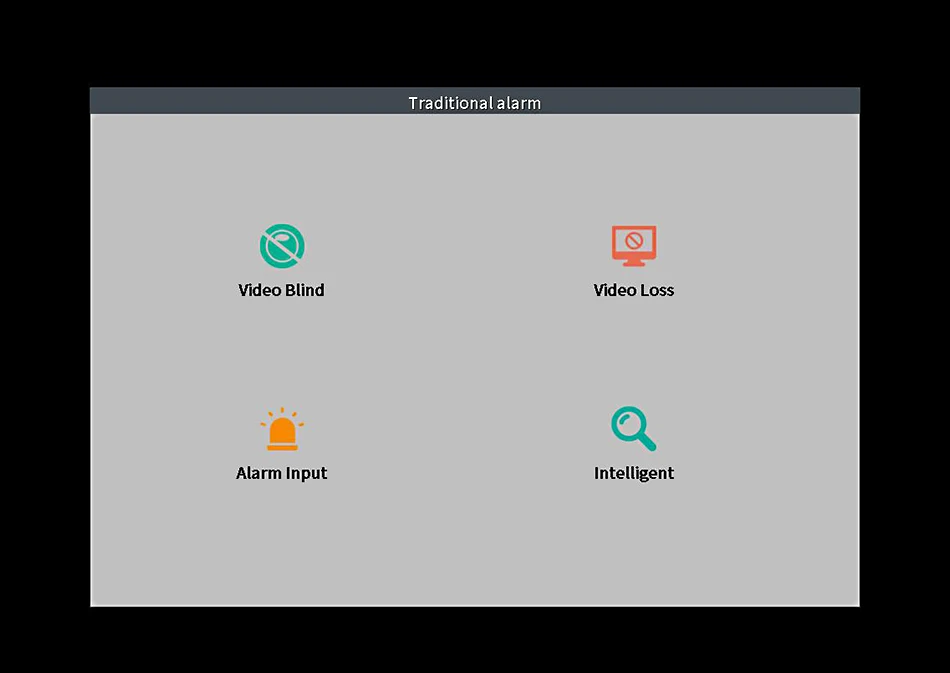
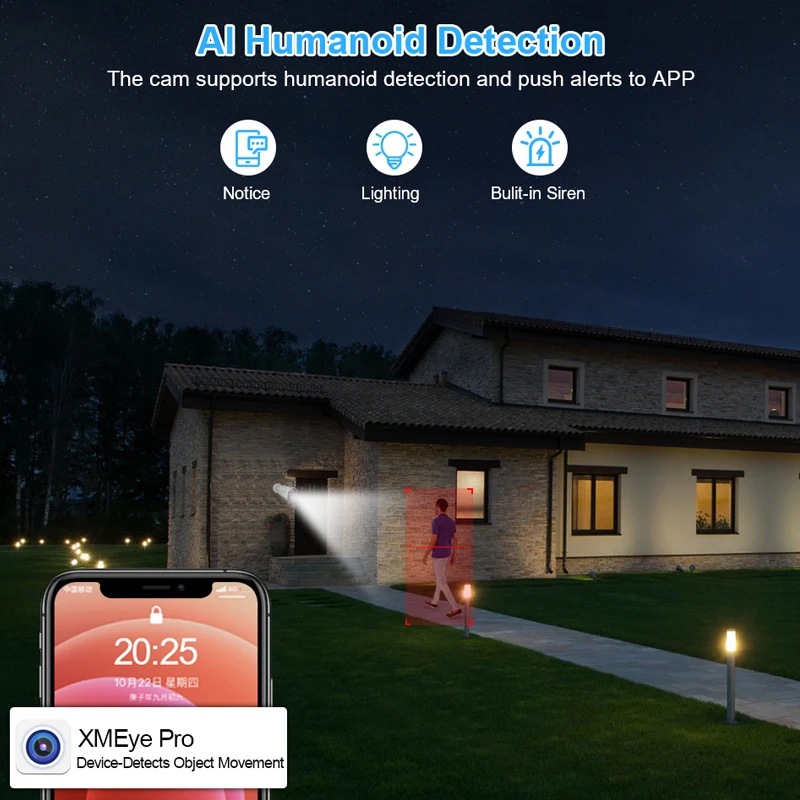
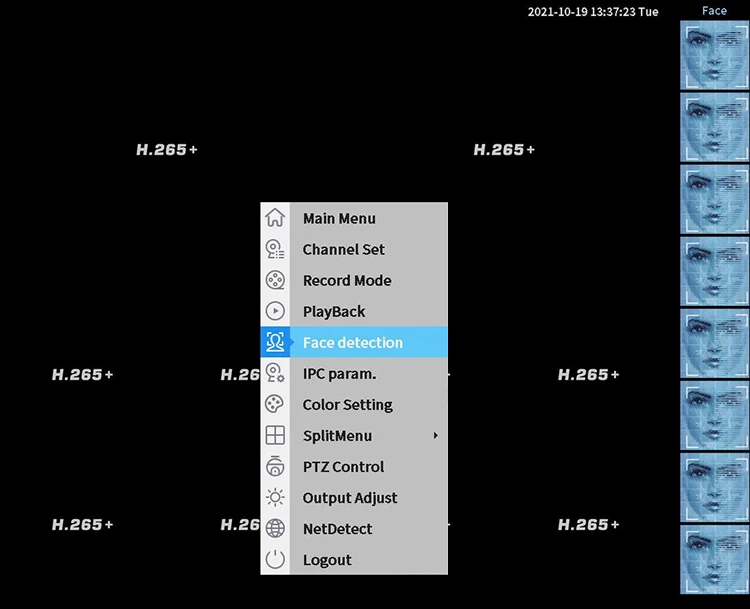
AI face detection is more easy to catch the detail arround you . When someone invades, the smar security camera can clearly capture the details of the person's face and protect your property at all times.
Support ONVIF
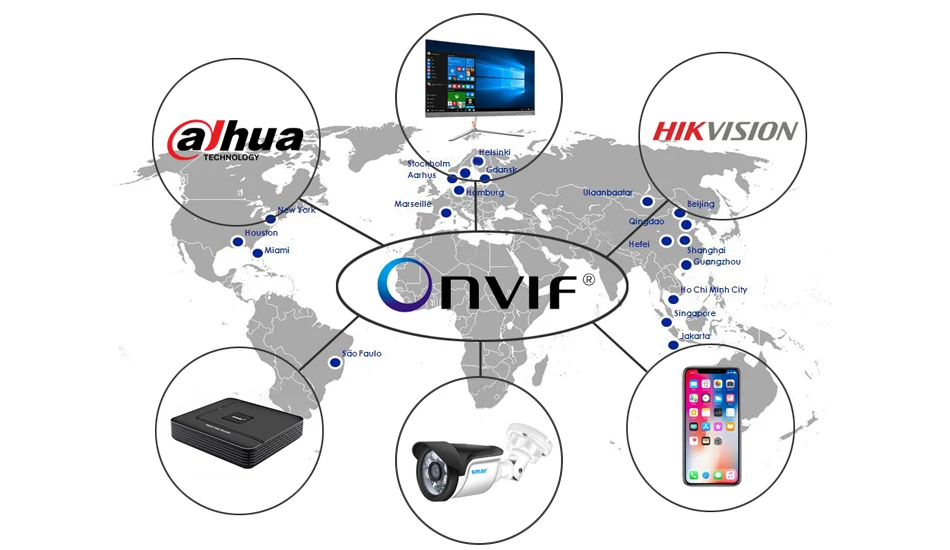
You can connect any brand's Onvif IP Cameras to our this NVR;
Reminder:
Smar's Video Recorder all support ONVIF and NETIP Protocol;
Netip: It is a Private protocol, only applicable to Network Video Products of XM Scheme;
Onvif: It is an international open network video product standard network interface protocol;
Onvif Advantages:
Onvif likes a communication bridge, It can implement multiple devices(IP Camera and Video Recorder) from different manufacturers connected to each other, mutual Communication.
Onvif Disadvantages:
The standards of onvif protocol are also different for video network products of different manufacturers;
So,Their communication with each other will cause some bad problems, such as: motion detection can not work normally; Audio and video can't be synchronized; Loss of video data, etc......
(Note: We recommend that when you buying the Network Video Recorder, also buying the IP Camera from our store, Because they have perfect private protocol between them, it can fully display products all of the functions.)
HDMI & VGA Output
Default Display of Resulution:1920*1080,Your monitor must be has the same display of Resolution, otherwise it will not image output

Easy access via multi-platform
Support Mobile Phone iOS, Android System,Remote view of mobile phones, any time... any where...

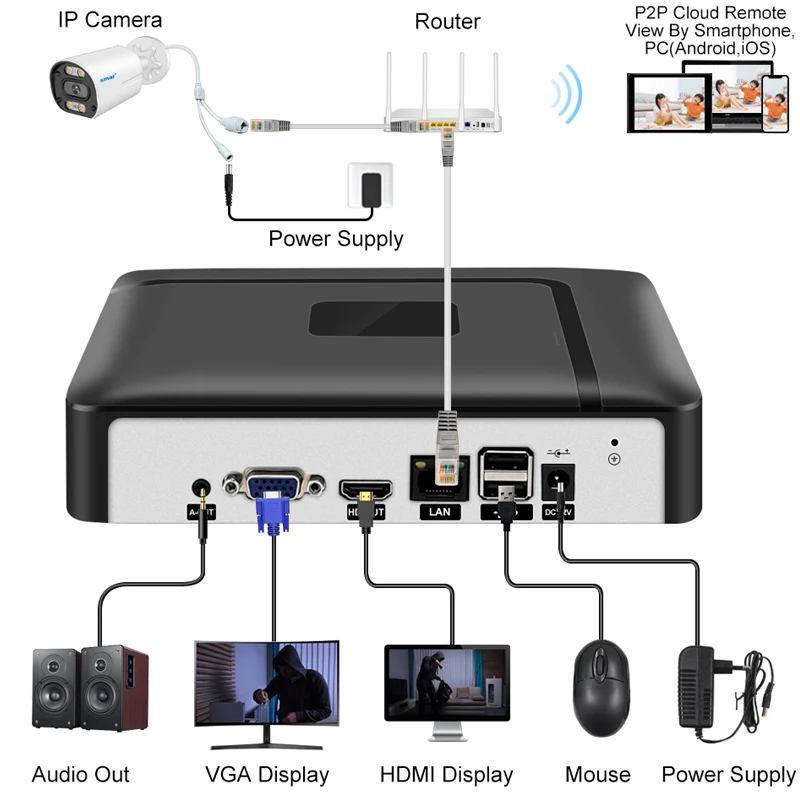
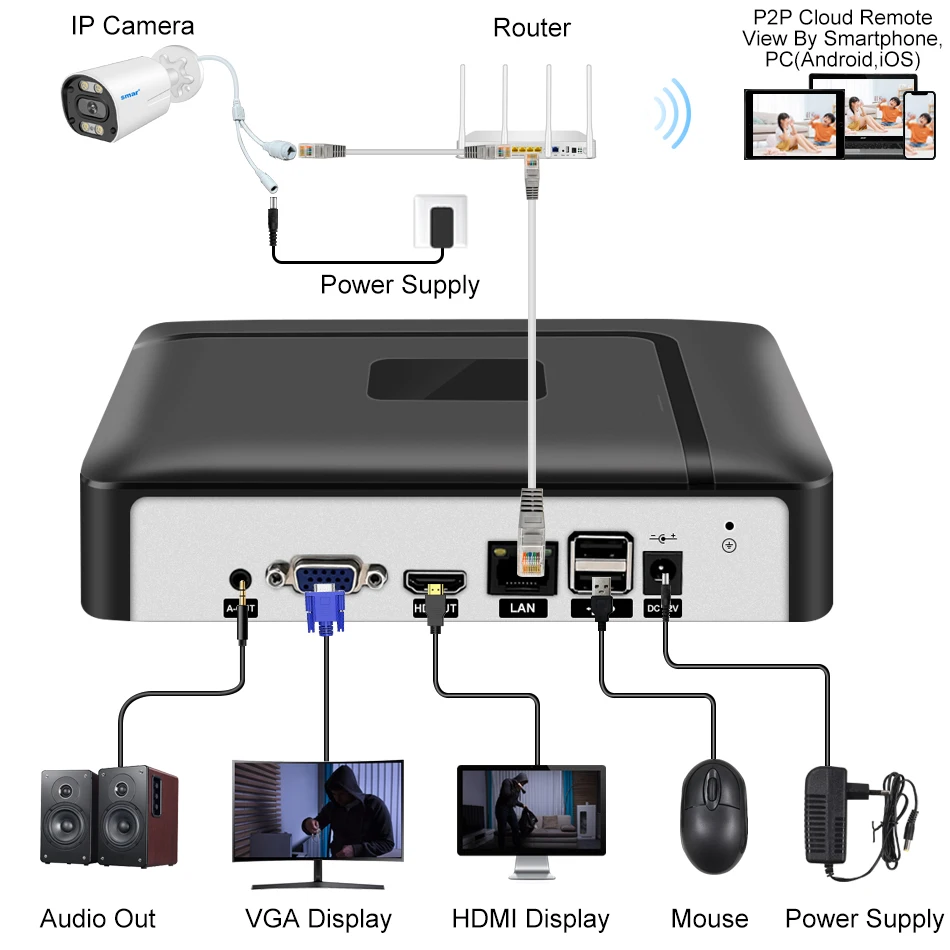
How to connect IP cameras to NVR?
1. Please connect the power supply to IP Cameras and NVR;
2. Please connect the IP cameras to the Router through the network cable (Select router for different channels according to the number of cameras)
3. Please connect NVR to Router through the network cable;
4. Log in to the NVR, then search the IP address of IP cameras through NVR, add the IP address of IP cameras to NVR, and then they will be able to work together!
(Note: If your IP Cameras is not ours, Please check whether your IP cameras support the onvif protocol, otherwise they will not work together!)
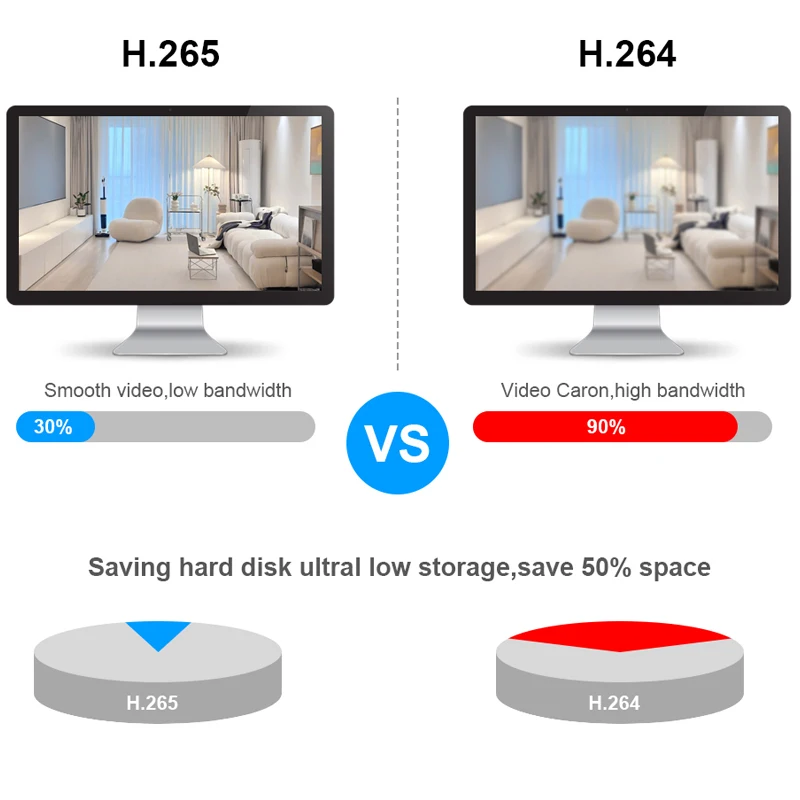
Why choose H.265 NVR?
H.265 More Clear , HD resolution offer you best image quality in a lower bit rate.
Save more storage space,can reduce 40%-50% file size,save your HDD storage space and reduce your purchase cost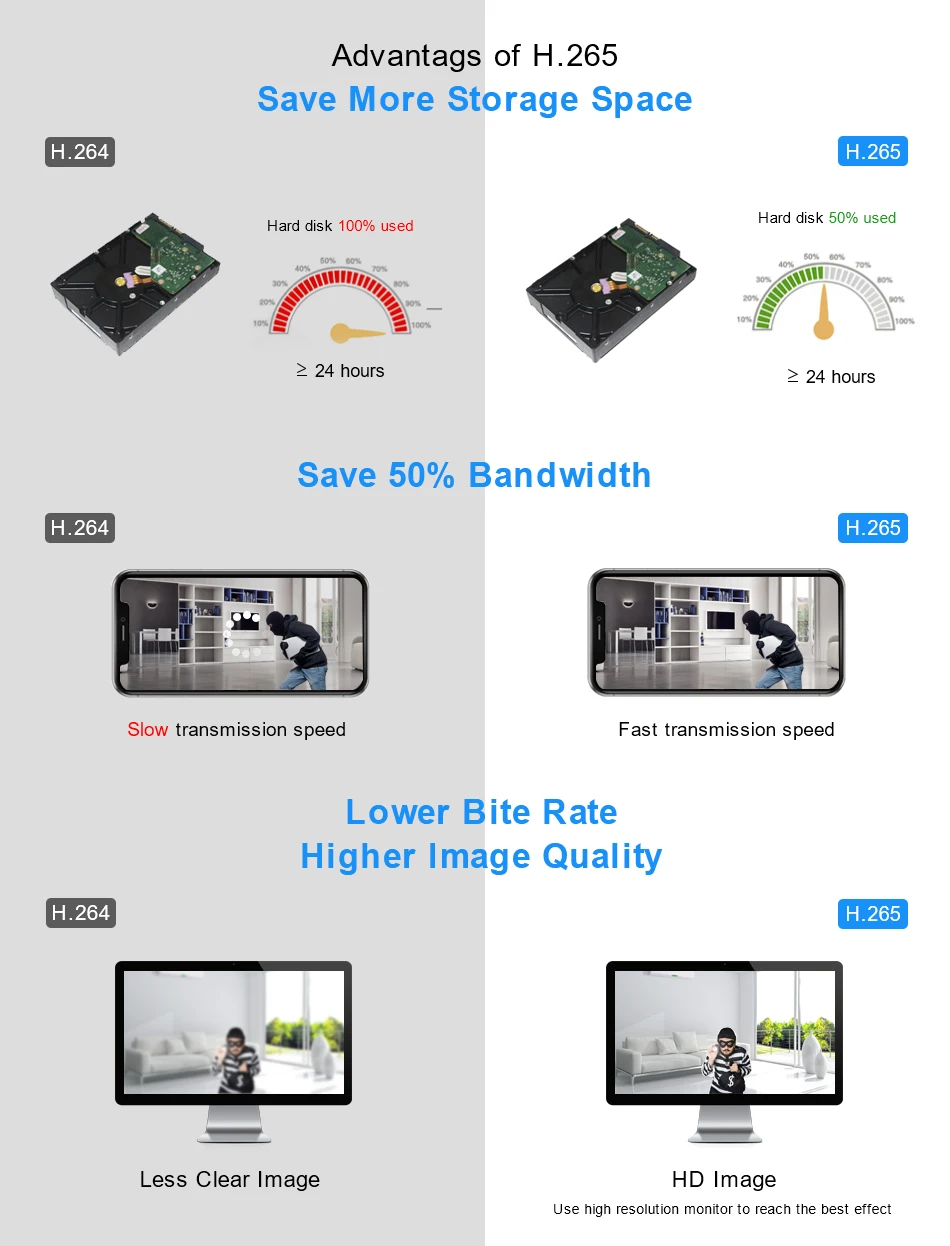
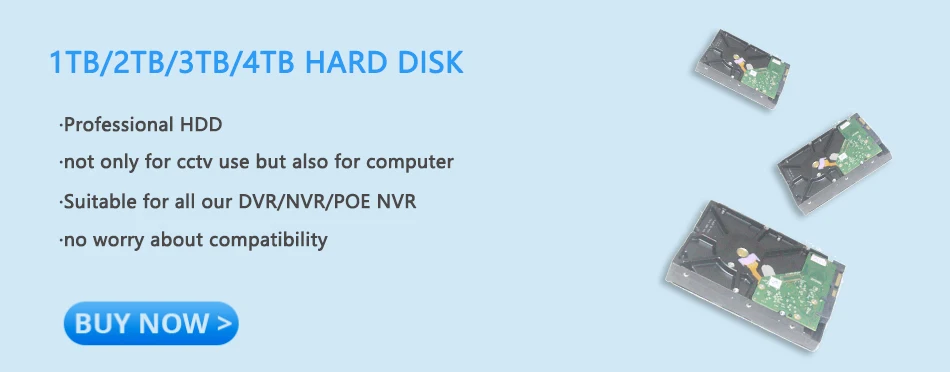
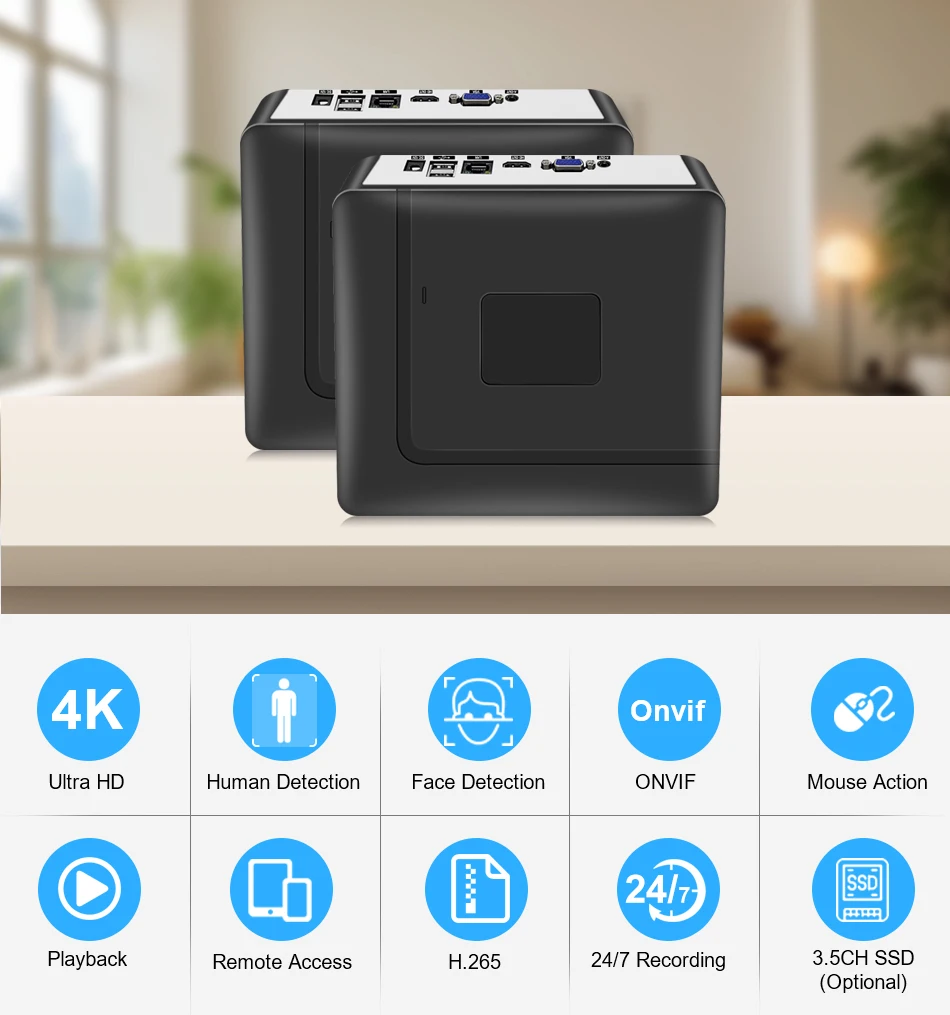
NVR Size and Multi angle display:
How to remote view through Mobile phone?
1How to remote view through Mobile phone?
1. Dowload XMEye Pro Free APP in your mobile phone;
2. Open the software register an account and login.
3. Add devices( Connect the camera to the NVR first)
4. Add successfully, enjoy live video.
How to manage the cameras through PC client?
1. Please used your mobile phone to scan the QR code as below, and then click to download;
2. Please install VMS software on your computer, then login VMS Software, Username: admin, Password:admin
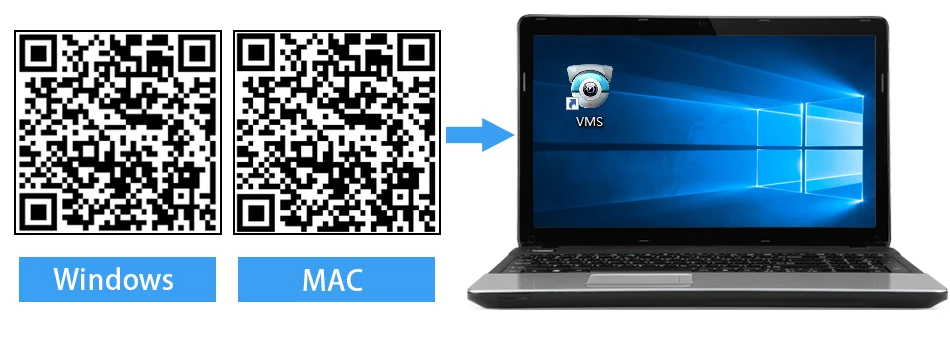

3. Please click the Device Manager-IPV4 Search-choose address of IP Camera- ADD-SAVE,Search and Camera successfully;
4. Click t he Live View, then click IP Address of Default Group, then you will can Watching Video.





Avaliações
Ainda não existem avaliações.