- Hign-concerned Chemical: None
- Battery Included: No
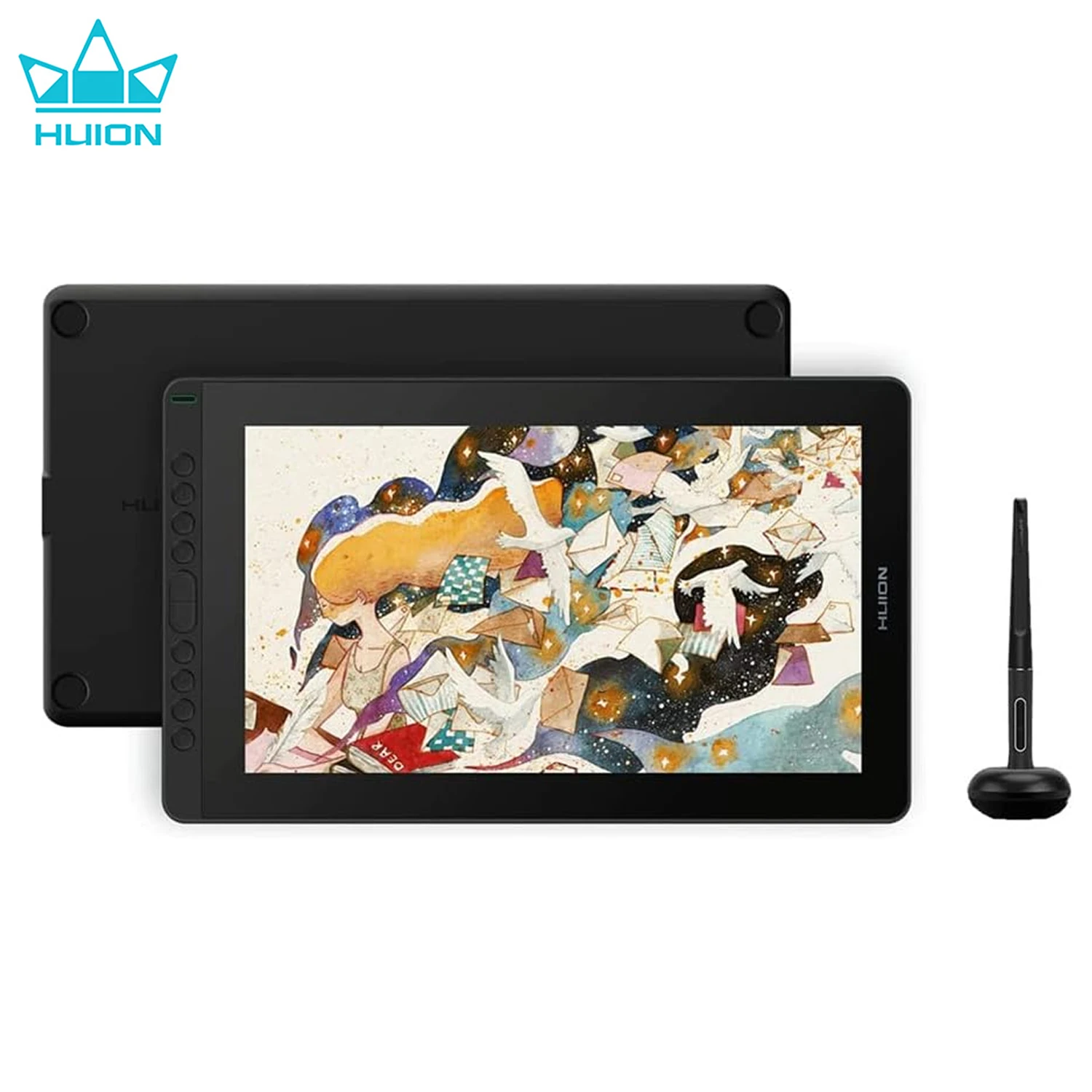
- Type: Pen Tablet Monitor
- Screen Resolution: 1920x1080
- Screen Size(diagonal): 15.6"
- Pressure Levels: 8192
- Resolution Ratio: 5080lpi
- Package: Yes
- Material: Acrylic
- Interface Type: USB
- Brand Name: HUION
- HUION Model: Kamvas 16
- Origin: Mainland China
- Type: Digital Tablets
- Certification: CE
- Report Rate: >220PPS
- Contrast Ratio: 1000:1
- Full Lamination: Yes
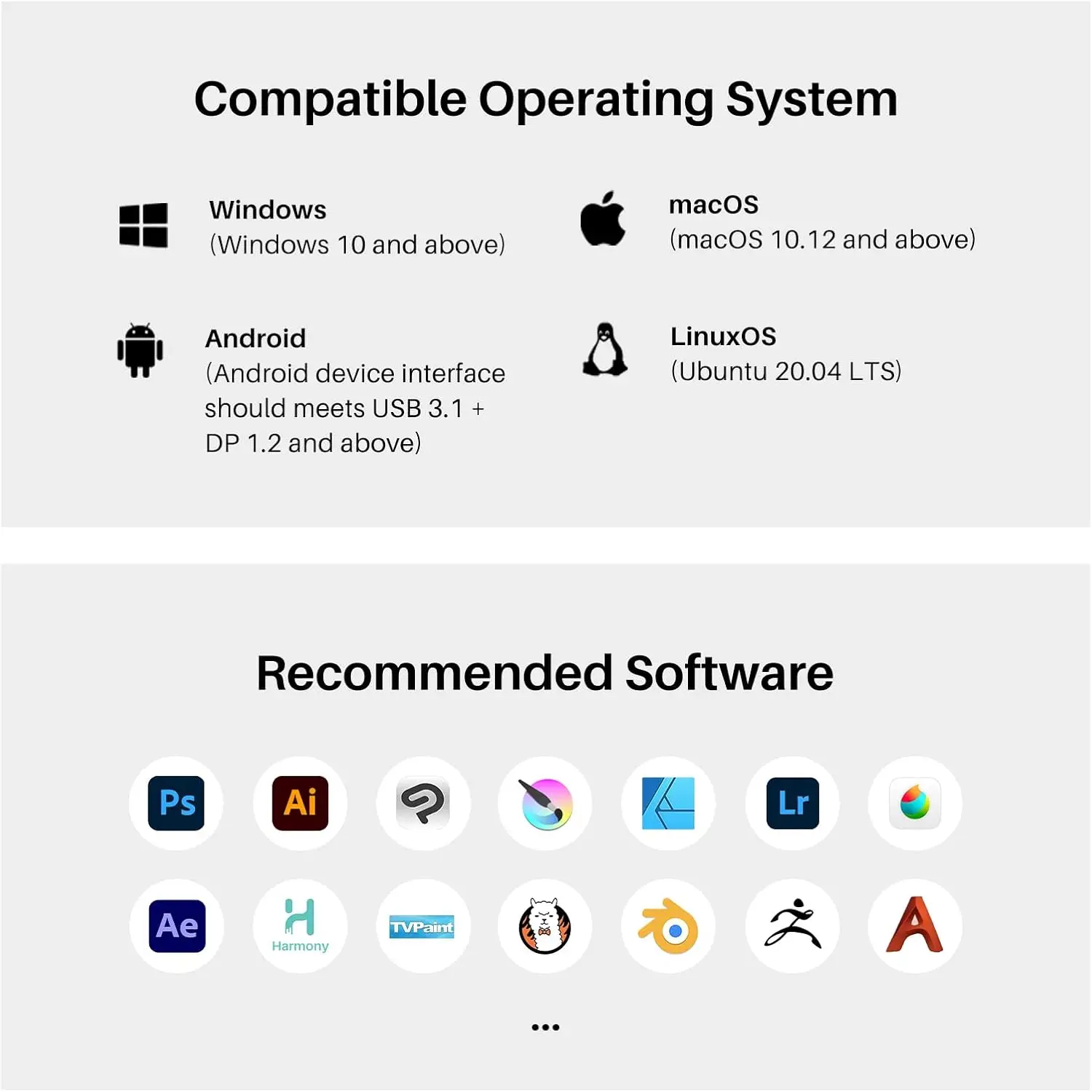
- OS Support: Windows 7 or later, macOS 10.12 or later, Android (USB3.1 DP1.2)
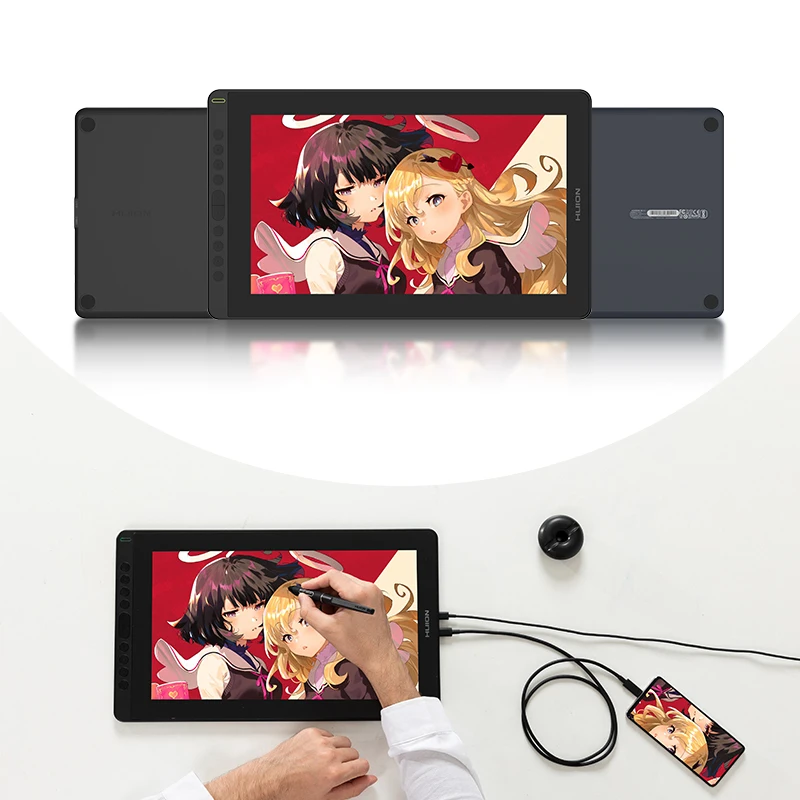
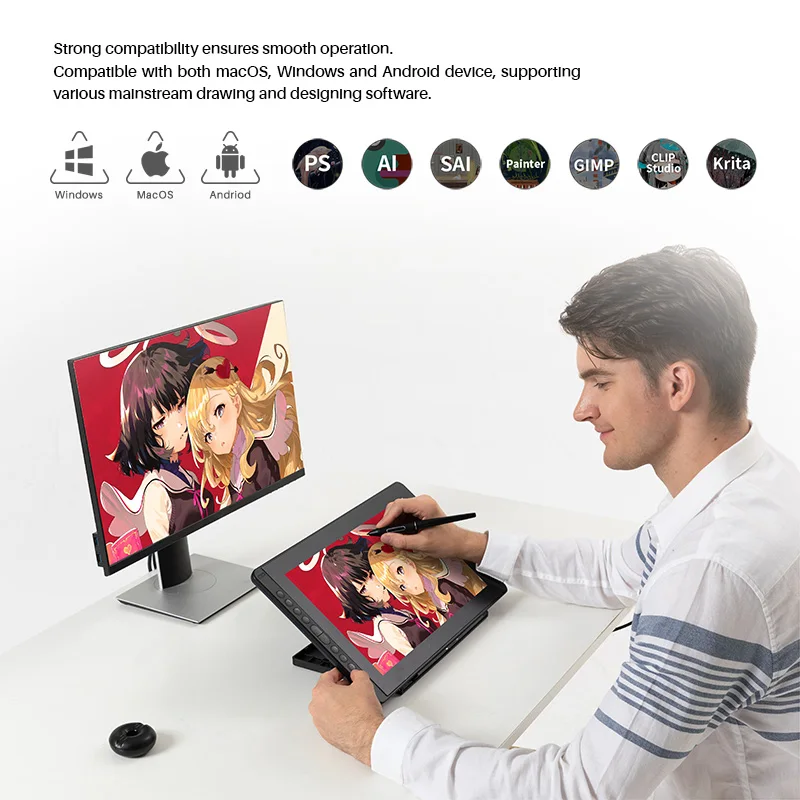
Connectivity with Android Device: Support usability on phones via USB-C to USB-C cable (optional) connection.
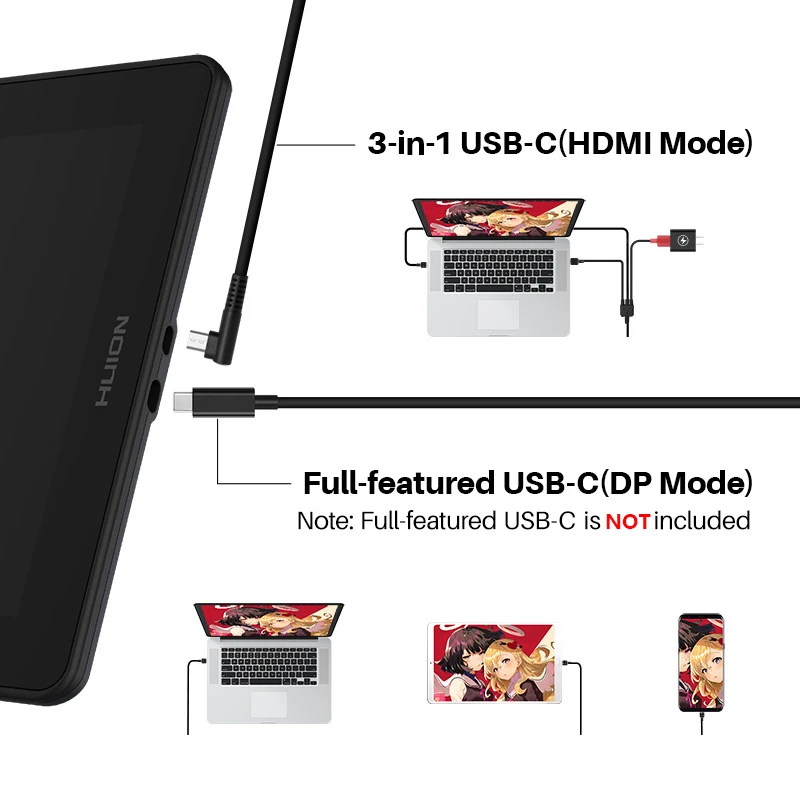
3-in-1 Cable(HDMI Mode): Insert the USB-C male plug of the 3-in-1 cable to the USB-C port on the device ①, and then connect the HDMI and the black USB-A cables to the PC respectively. If the output voltage of PC is insufficient, in such case, you need to insert the red male plug of 3-in-1 cable into a power adapter/USB 3.0(or above) port.
USB-C to USB-C Cable (DP Mode): Connect the pen display to PC or Android device with the USB-C to USB-C cable(NOT included) via port ②, When an Android phone/tablet is connected or the guage of laptop is insufficient, please use the USB power adaptor(optional on K12/K13,standard on K16 ) and USB charger cable(optional) /3-in-1 cable to power up the device via port ①.
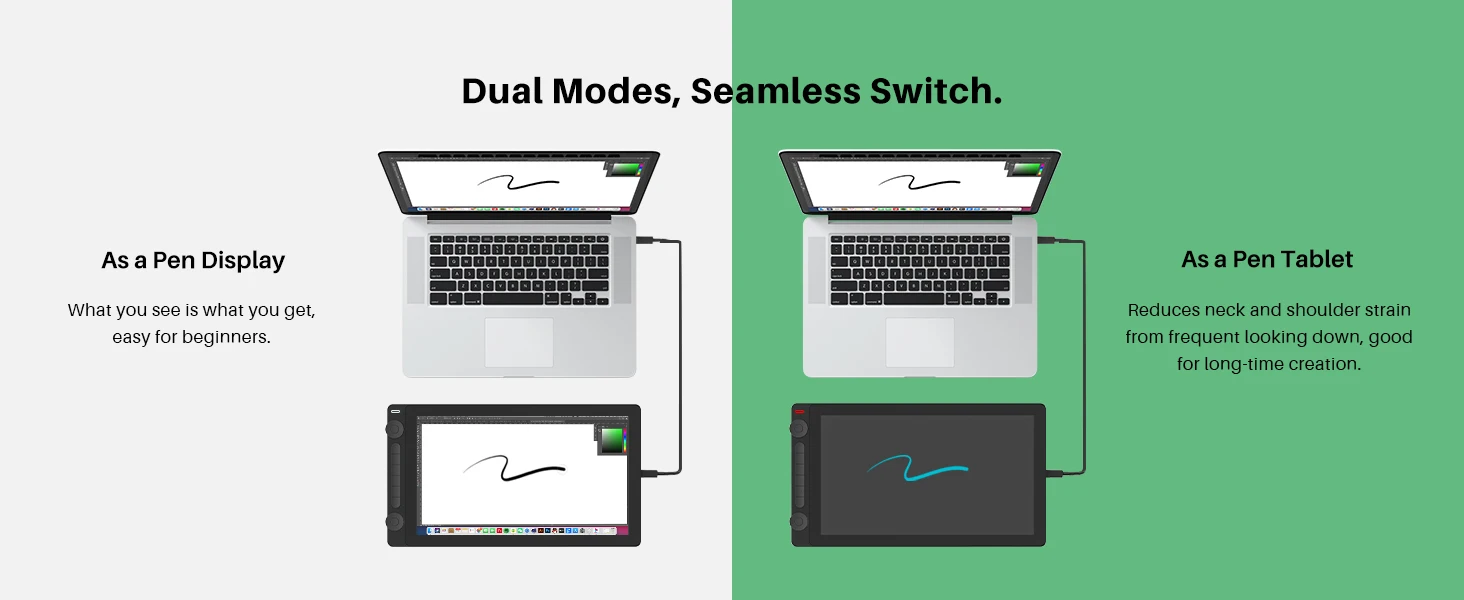
Pen Tablet Mode: Pen Tablet mode will be activated when the screen is off, which helps save power to offer a longer working time. Method to activate Pen Tablet Mode: 1, In case the pen display is off, just connect the pen display to the laptop with a USB cable and power the laptop on. 2, In case the pen display is on, please power Kamvas 13 off first and then reinsert the male plug of the USB cable to the pen display.
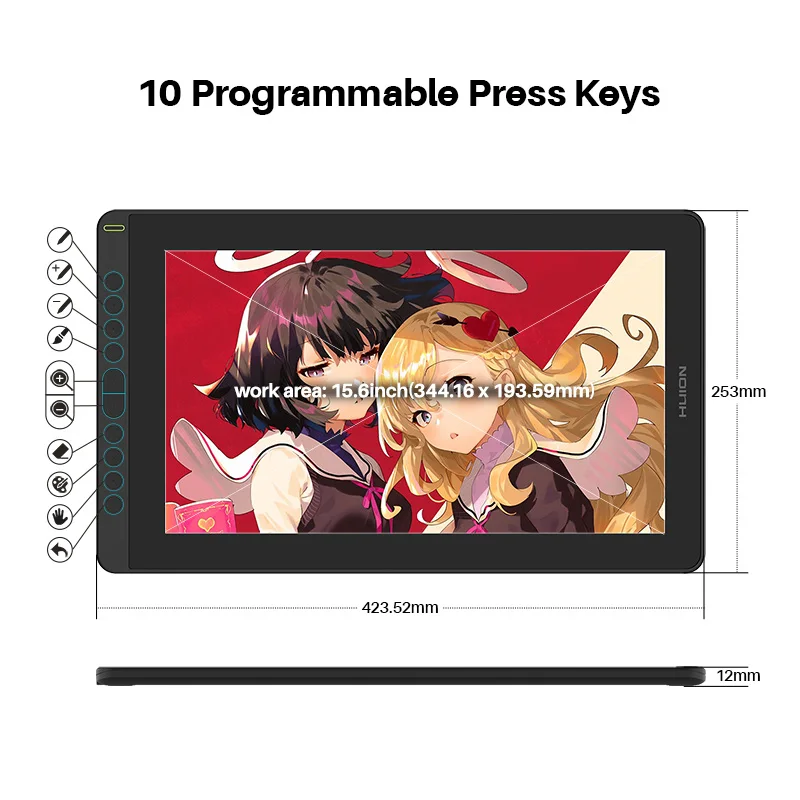
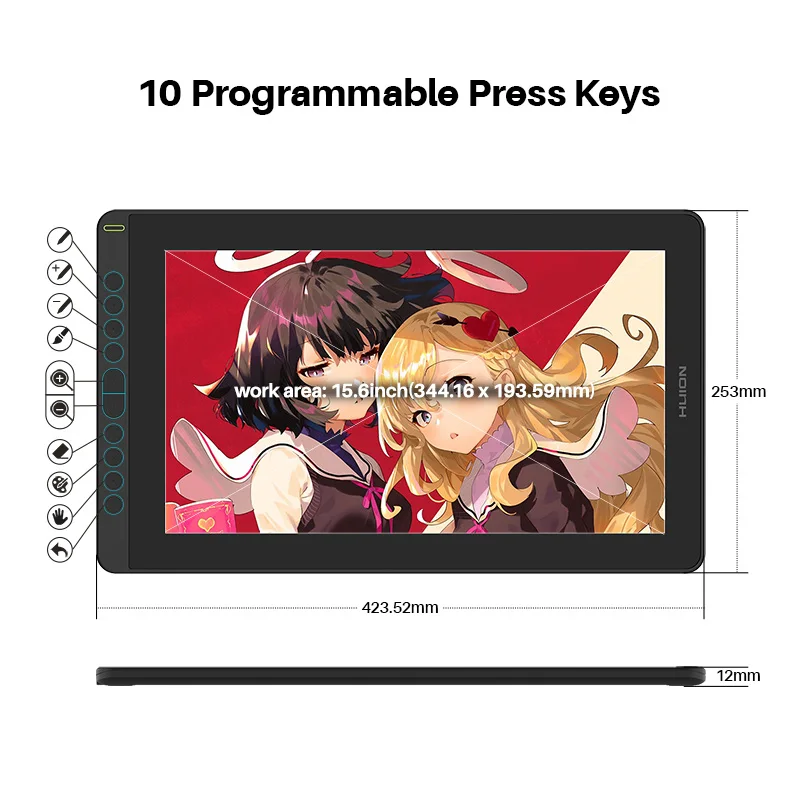
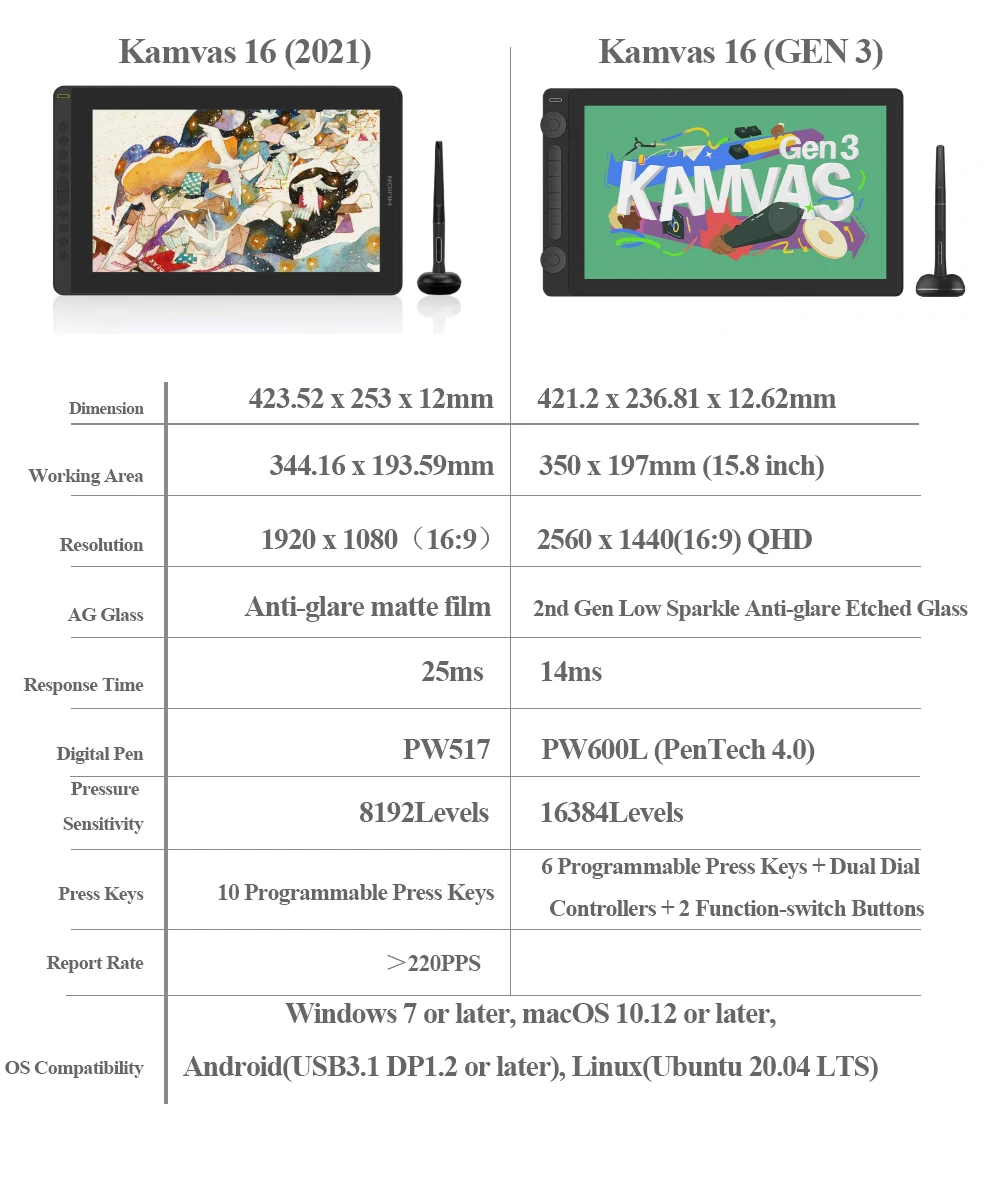
10 programmable press keys & Larger working area: 10 programmable press keys to set your hot keys, drastically enhance your workflow. The concave surface of press key to optimize user experience. User-friendly design with Braille on keys to facilitate your operation. With 423.52 x 253 x 12mm dimension and 344.16 x 193.59mm workspace, larger enough for you to draw your mind.
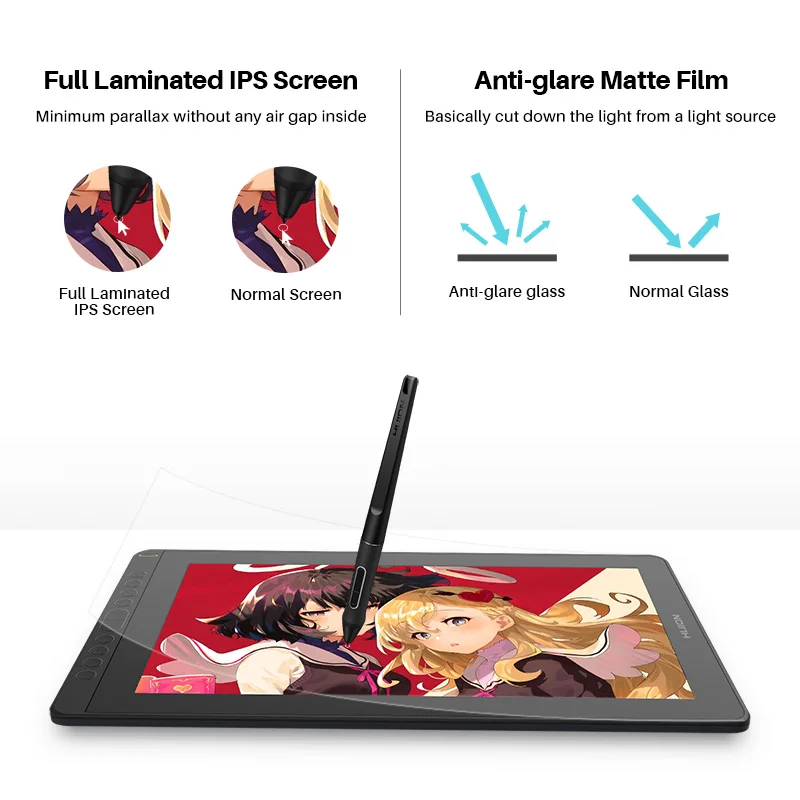
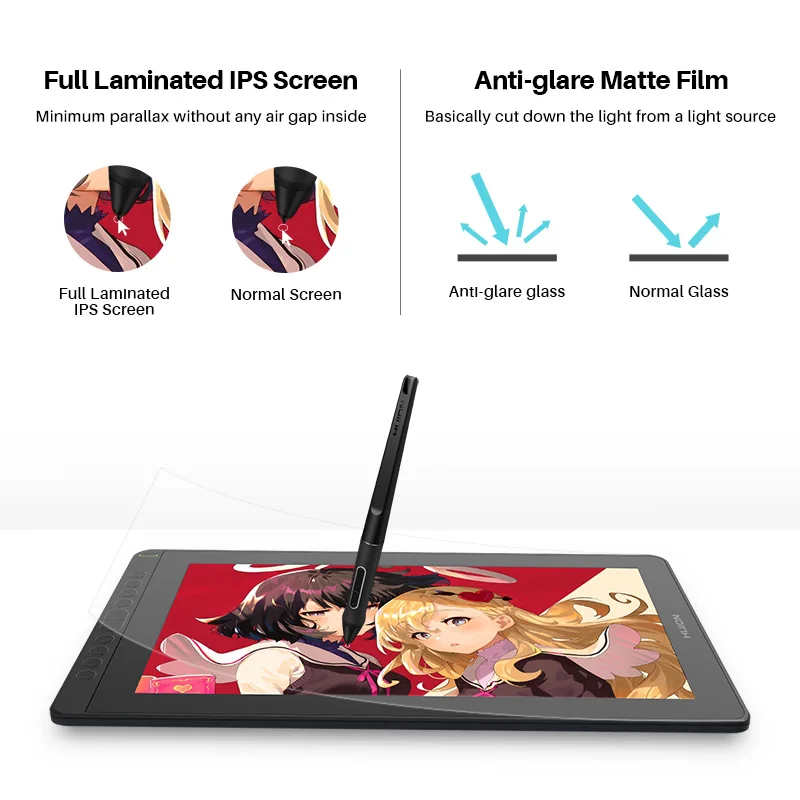
Full-laminated screen: 1, Parallax is minimized as the air gap between the IPS screen and AG glass is eliminated. 2, More luminace comes through the AG glss and thus an optimized drawing experience.
AG Screen Protector: 1, Alleviate the glare effect caused by surroundings and impove the brightness. 2, Matte finish that is more similar to the texture of paper.
120% sRGB color gamut: Compare to Kamvas 16, Kamvas 16 2021 version boasting 16.7M(8bit)display colors, 120% sRGB color gamut ensures a better display effect with more natural colors.
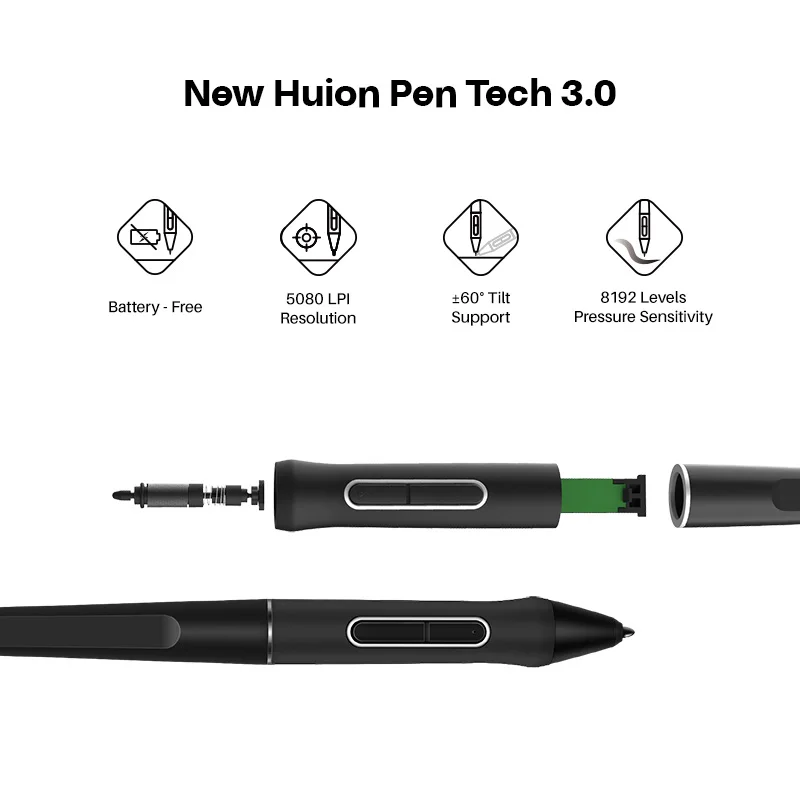
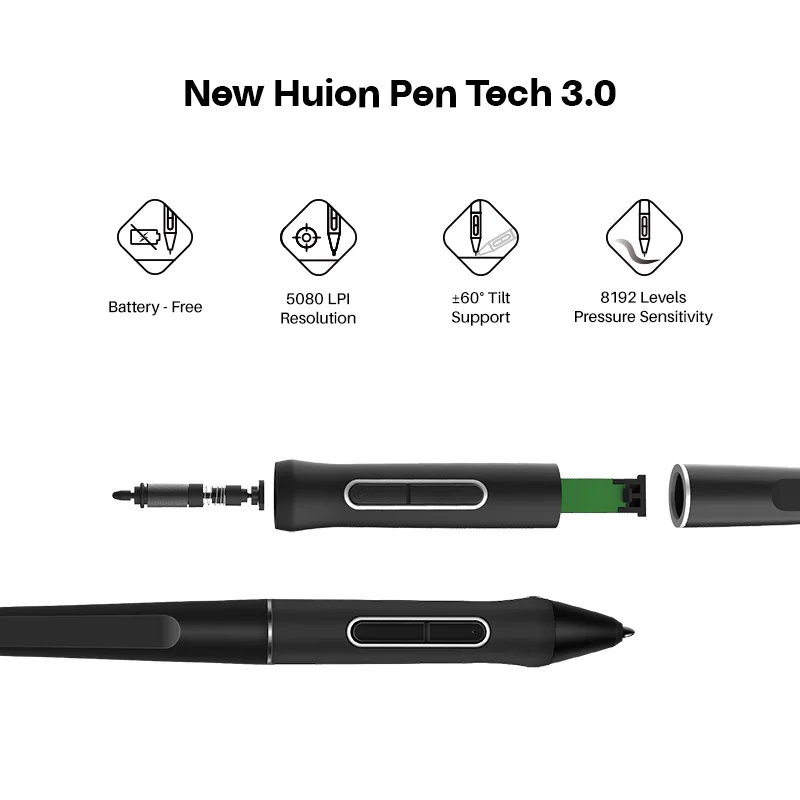
Digital Pen PW517: Digital pen PW517 developed based on PenTech 3.0 has not only free the pen from battery and charge, but also improved the accuracy with the inbuilt pressure sensitive capacitor, which can provide users more organic and accurate pen strokes as well as natural drawing experience.
Tilt support: Brush can be tilted in the range of 60 degrees without compromising accuracy. Various drawing techniques. A more lifelike drawing experience.
8192 levels of pressure sensitivity: Enables lines input to be rendered in various thickness just like real pen work on the paper.
5080LPI Pen Resolution: Works together with the latest battery-free digital pen PW517 to ensure a more clear image with delicate details.
OSD Menu
Switch between OSD menu & shortcut key functions:
1. Long press K5 and K6 for about 3 seconds to call up the OSD menu. The green power indicator will flash and the function of K1, K2, K3 and K4 will be switched as follow.
2. K1:This button can be used to automatically adjust the canvas, and when it comes to the OSD menu, it will serve as a return key.
3. K2:Button to call up OSD menu. On OSD menu, it will serve as a key for you to confirm your operation.
4. K3: Button that is equivalant to “+”. You can use it as Up or Right key.
5. K4: Button that is equivalant to “-”. You can use it as Down or Left key.
6. quit OSD menu: Long press K5 and K6 for about 3 seconds till the green power indicator stops flashing.
Note: Brightness, contrast ratio and color temperature can be set via driver on Windows,
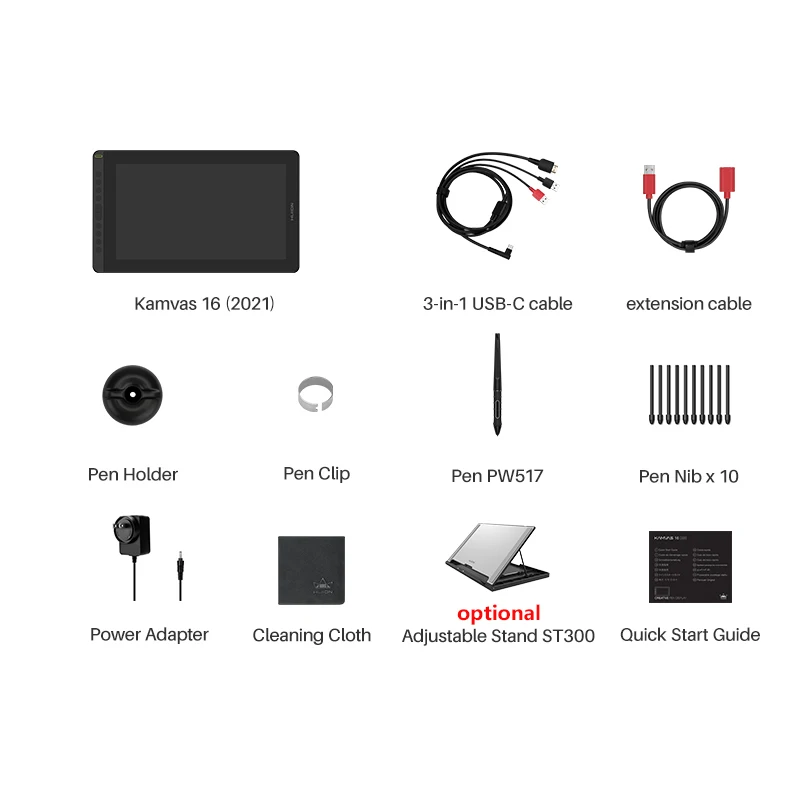
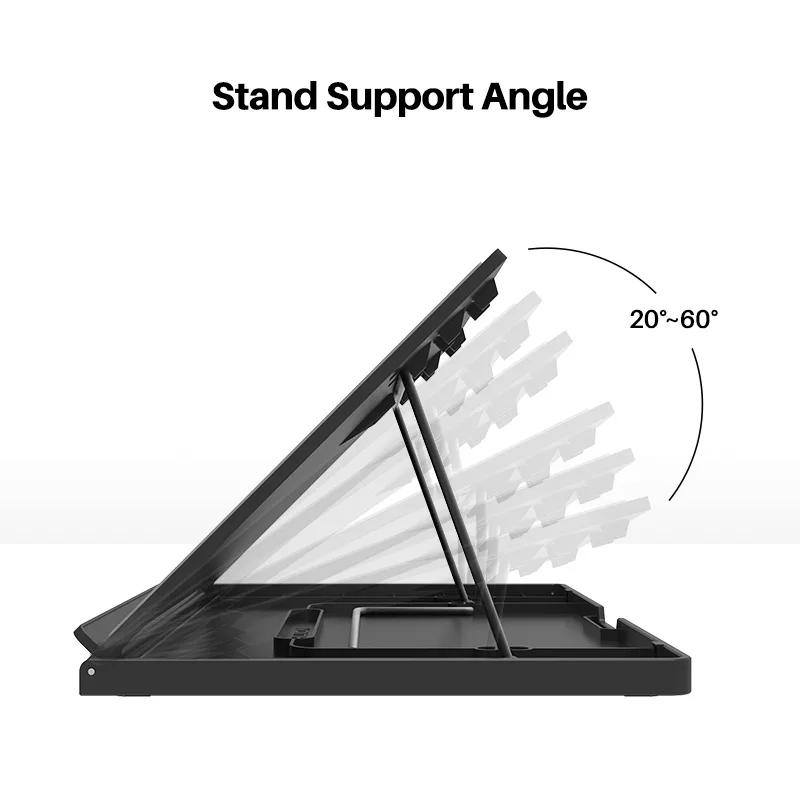
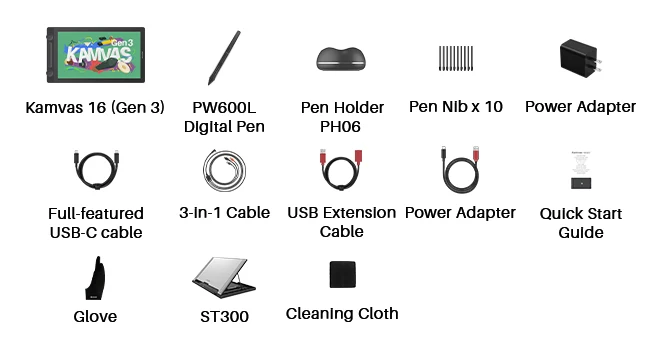
Package: KAMVAS 16(2021) Drawing Monitor, 1 x Digital Pen PW517, 1 x 3-in-1 Cable, 1 x Extension Cable, 1 x Power Adapter, 1 x Pen Holder PH05A, 10 x Pen Nibs, 1 x Nib Clip, 1 x Quick Start Guide, 1 x Cleaning Cloth. *Foldable stand is optional. * Full featured type-C cable is not included.
List of Compatible Android Devices:
Huawei P20/P20Pro/P20RS
Huawei P30/P30Pro
Huawei P40/P40 Pro/P40 Pro+
Huawei Mate 10/Mate10 Pro
Huawei Mate 20/Mate20 Pro/Mate20 X
Huawei Mate 30/Mate30 Pro/Mate30 RS/Mate 30E Pro
Huawei Mate 40/Mate40 Pro/Mate 40 Pro+/Mate 40 RS
Huawei Mate X
Huawei Mate X2
HONOR Note 10
HONOR V20
HONOR 30Pro+
Galaxy S20 5G/S20+ 5G/S20 Ultra 5G
Galaxy Galaxy S21 5G/S21+ 5G/S21 Ultra 5G
Galaxy Fold
Galaxy Fold 2
Galaxy A90 5G
Samsung Galaxy S8/S8+
Samsung Galaxy S9/S9+
Samsung Galaxy S10/S10+/S10e
Samsung Galaxy Note 8
Samsung Galaxy Note 9
Samsung Galaxy Note 10/10+/10+5G
Samsung Galaxy Note 20/20 Ultra 5G
Samsung Galaxy Tab S4
Samsung Galaxy Tab S5e
Samsung Galaxy Tab S6
Samsung Galaxy Tab S7/S7+
Smartisan Nut R1
Smartisan Nut R2
Smartisan Nut Pro 2S
Smartisan Nut Pro 3

2. Kamvas 16 (Gen 3) ===GS1563
Kamvas 16 (Gen 3) optimizes its size to 15.8 inches and upgrades the resolution to 2.5K QHD from the predecessor, offering incredibly sharp details. With revolutionary PenTech 4.0 technology and exceptional color accuracy, Kamvas 16 (Gen 3) is the top choice for artists seeking the perfect balance of cost and performance to take their art to the next level.
The Best Match of Size and Resolution.
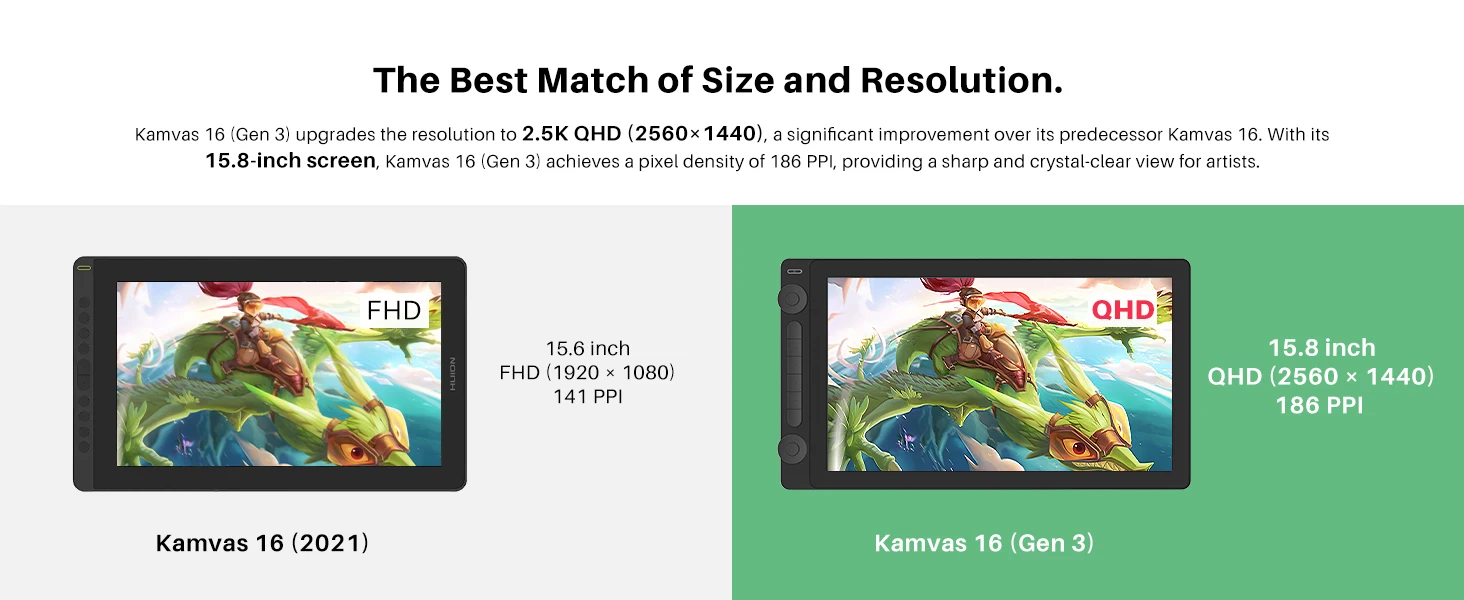
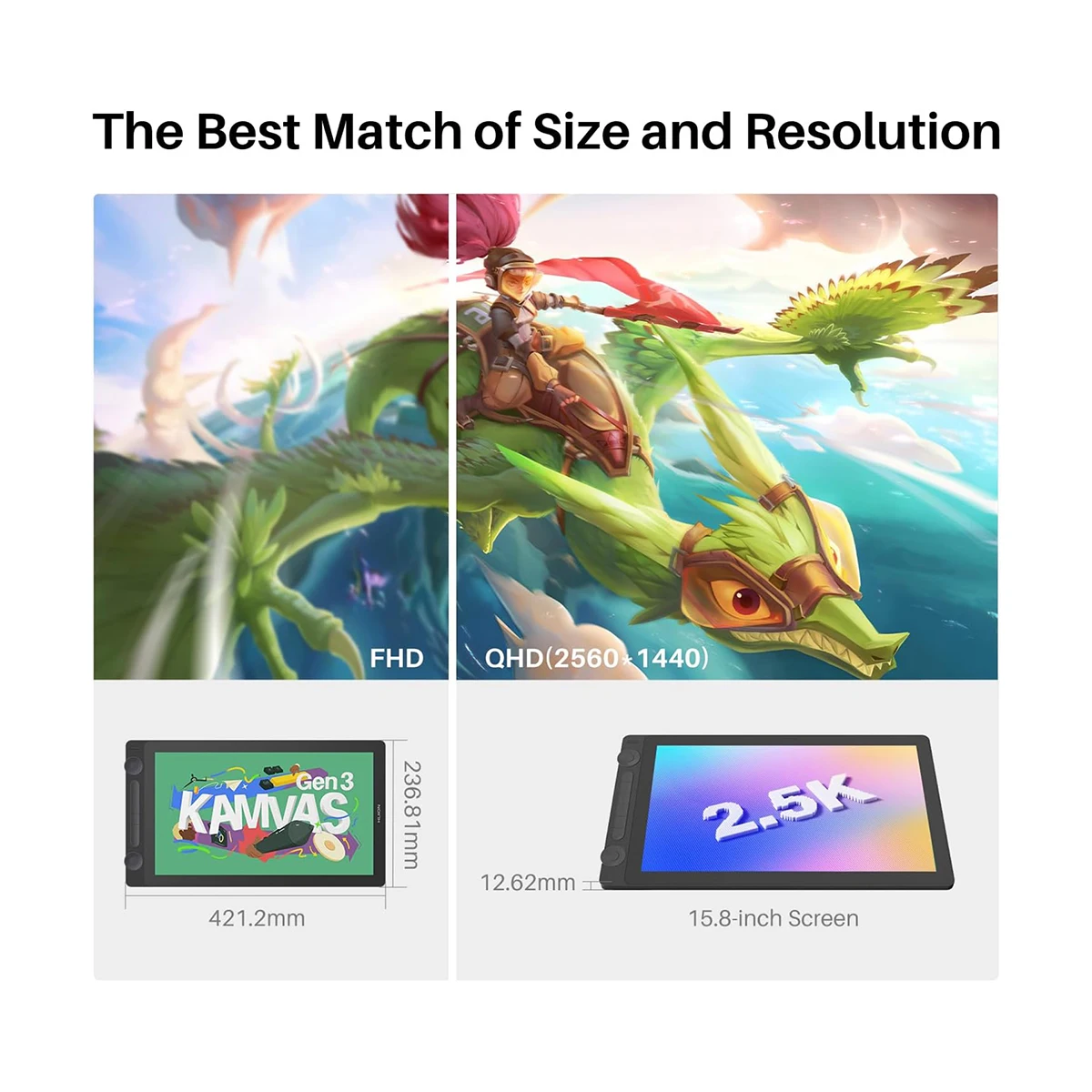
Kamvas 16 (Gen 3) upgrades the resolution to 2.5K QHD (2560x1440), a significant improvement over its predecessor. With its 15.8-inch screen, Kamvas 16 (Gen 3) achieves a pixel density of 186 PPl, providing a sharp and crystal-clear view for artists.
The First Step in Drawing,The Beautiful Color.
Kamvas 16 (Gen 3) boasts a high-quality screen that covers 99% of the sRGB and Rec.709 color gamuts, as well as 90% of the Adobe RGB color gamut. The accurate color ensures that the colors displayed on the screen closely match your original illustrations, comics, animations, and other artworks.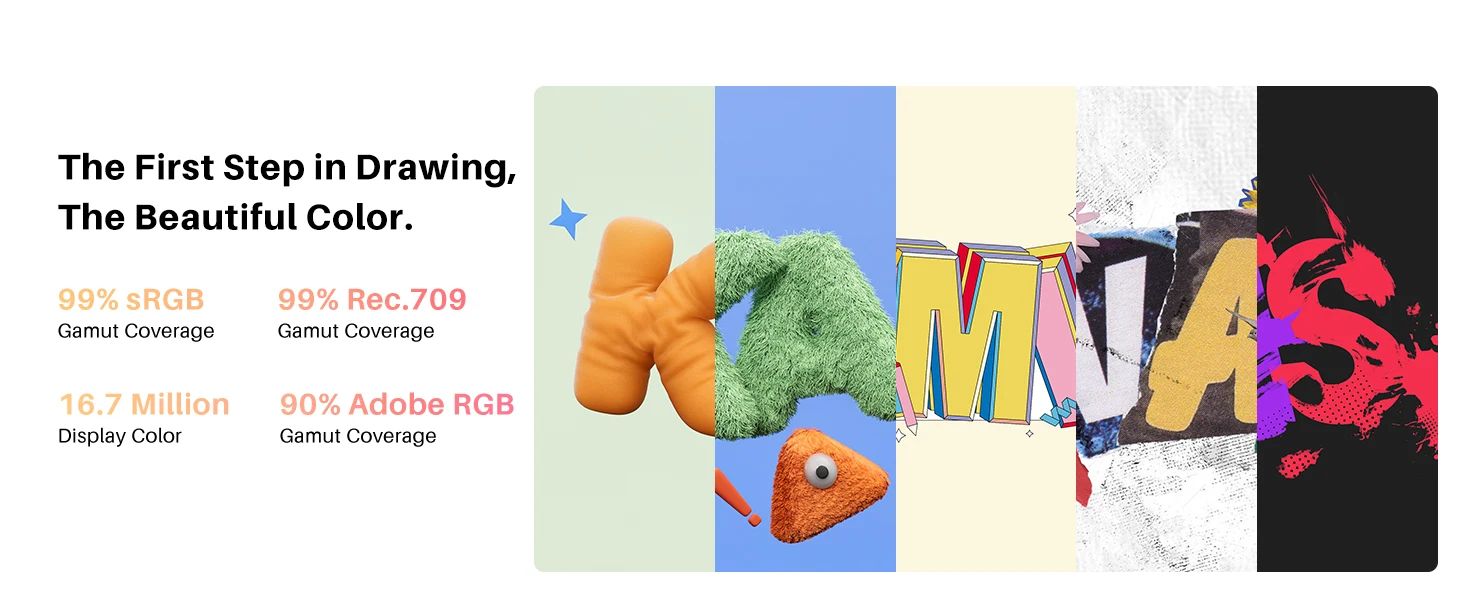
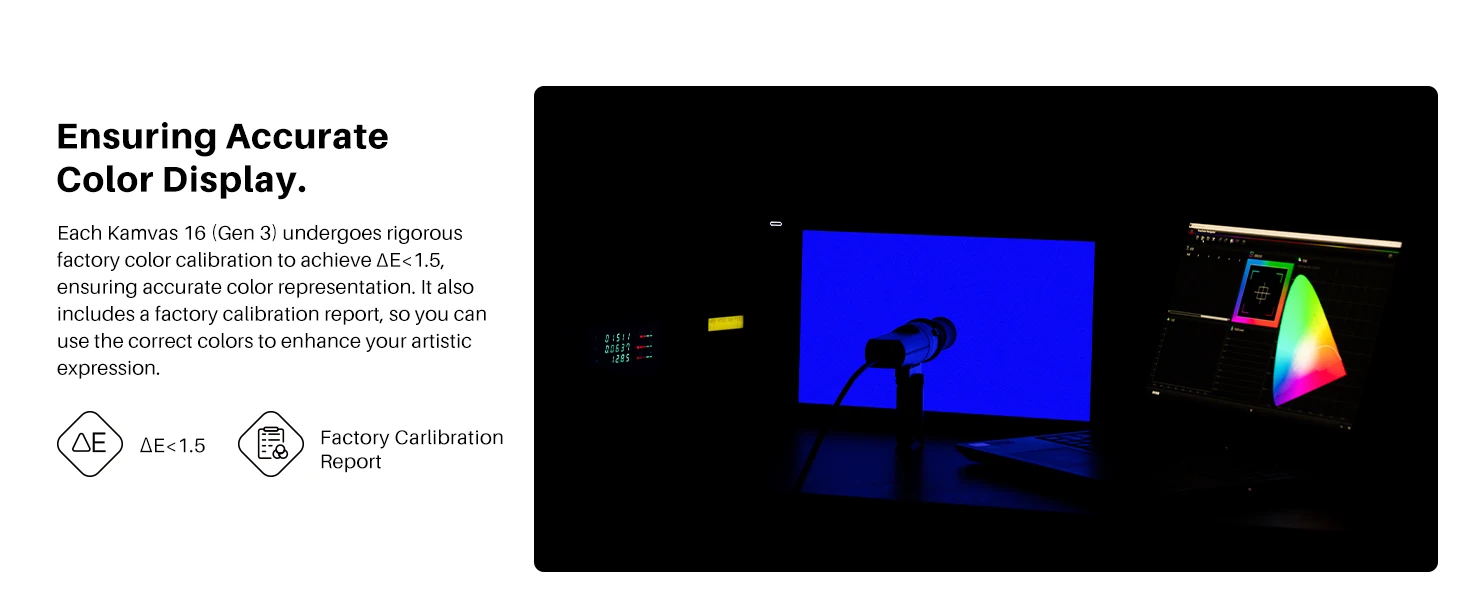 Ensuring Accurate Color Display.
Each Kamvas 16 (Gen 3) undergoes rigorous factory color calibration to achieve ΔE<1.5, ensuring accurate color representation. It also includes a factory calibration report, so you can use the correct colors to enhance your artistic expression.
Digital Pen PW600L, Like a Real Pen.
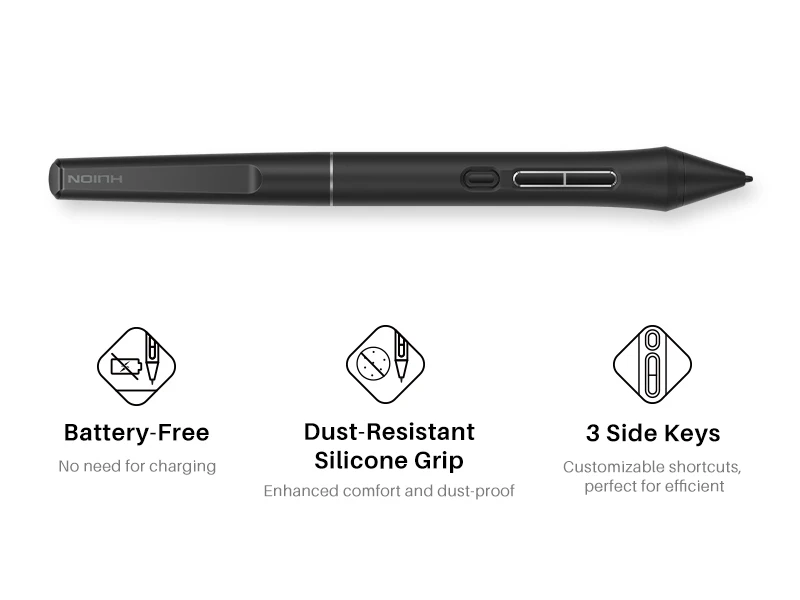
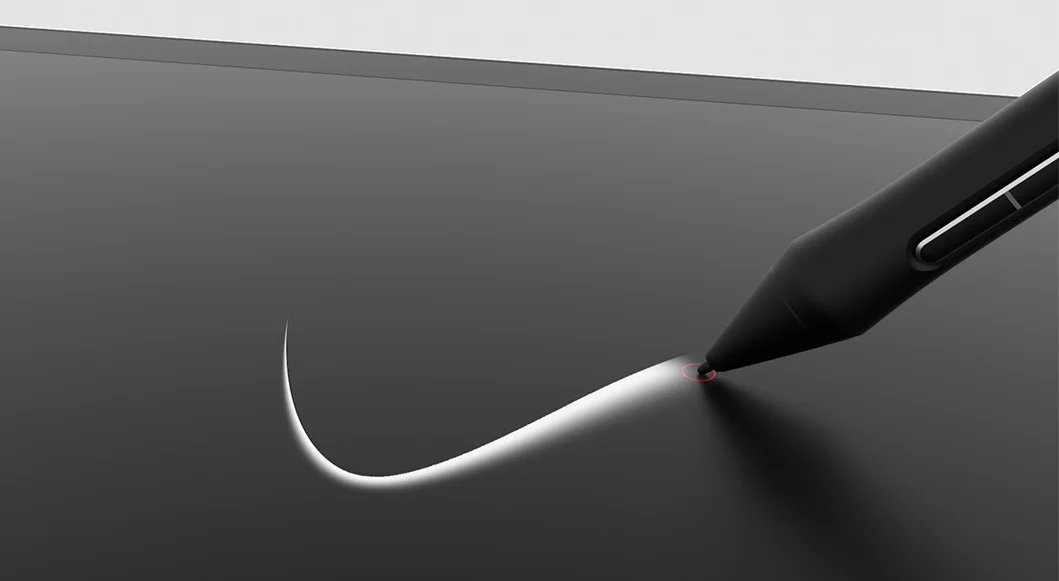
Kamvas 16 (Gen 3) features Huion's latest PenTech 4.0 technology. The PW600L pen is equipped with the HV200 chip, significantly enhancing pen pressure sensitivity and cursor tracking. With three side buttons and a dust-proof grip, it not only provides a real pen-like experience but also boosts efficiency.
Enhanced Drawing Precision.
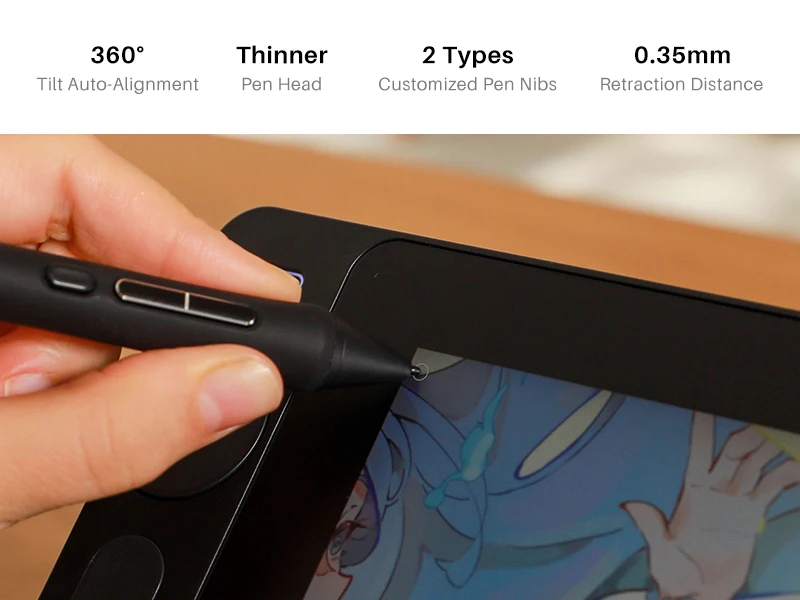
With revolutionary PenTech 4.0, the edge precision of the screen was enhanced, and Tilt Auto-Alignment technology decreased the cursor offset issues. Additionally, we’ve made the pen head smaller to avoid any obstruction of your view. With a 0.35mm retraction distance, the drawing experience becomes more stable and free of wobble.
Capture Even the Lightest Strokes.
PenTech 4.0 divides pen pressure into 16,384 levels and offers a 2g initial activation force, capturing even light strokes. The adjustable maximum force range from 200g to 500g makes coloring and shading easier. Additionally, ±60° tilt support helps imitate effects like shading or broad strokes, like a real pen.
The Toughest Glass,For the Best Canvas.
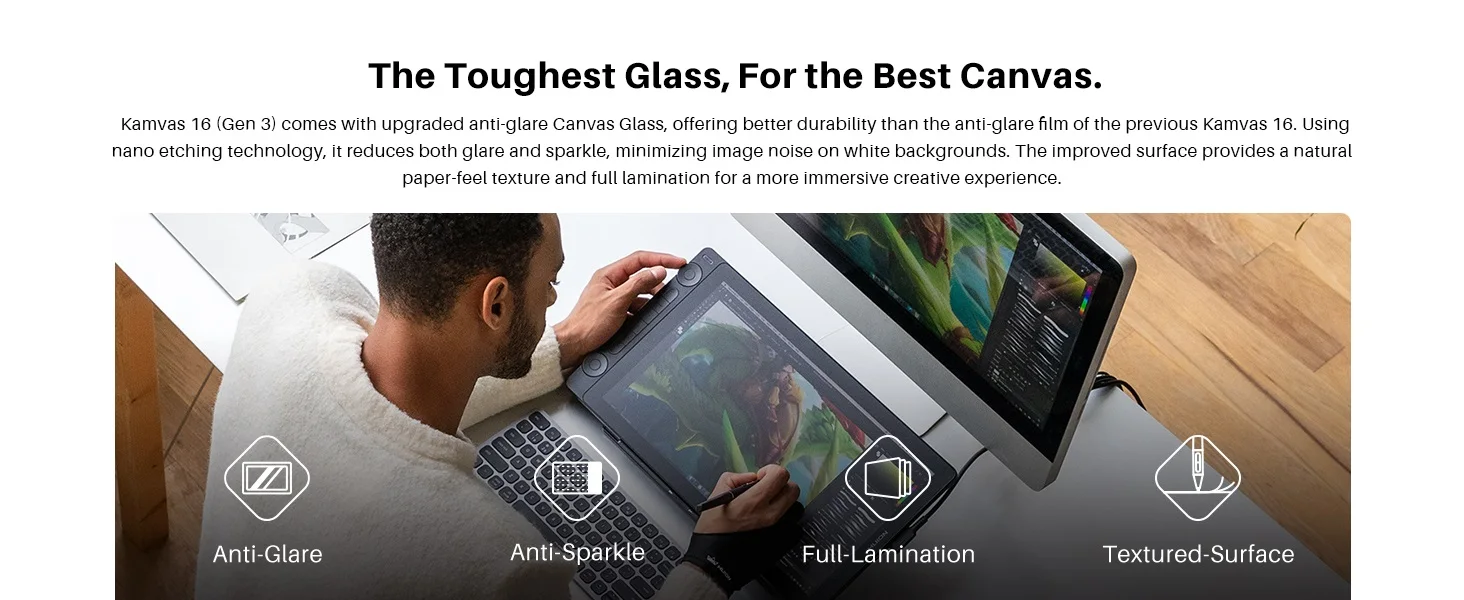
Kamvas 16 (Gen 3) comes with upgraded anti-glare Canvas Glass, offering better durability than the anti-glare film of the previous Kamvas 16. Using nano etching technology, it reduces both glare and sparkle, minimizing image noise on white backgrounds. The improved surface provides a natural paper-like texture and full lamination for a more immersive creative experience.
Dual Dials,Double Your Productivity.
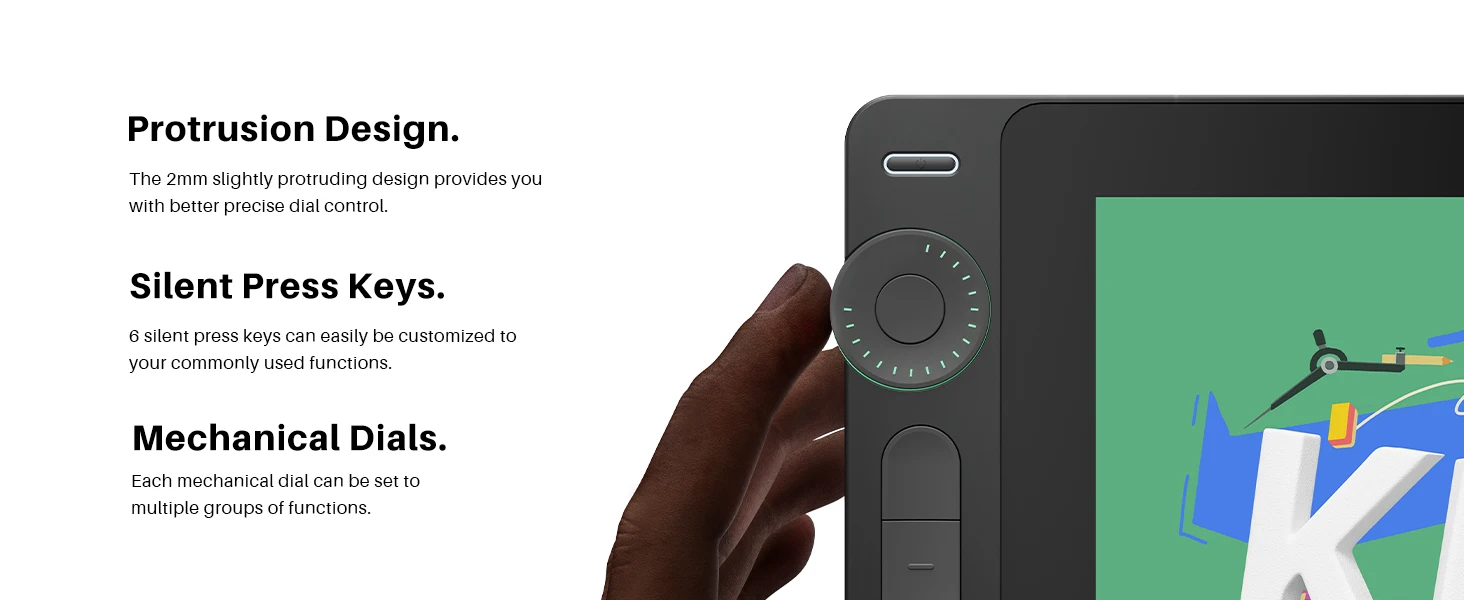
Kamvas 16 (Gen 3) is equipped with 2 dial controllers and 6 silent press keys, allowing you to precisely adjust canvas, brushes, sliders, flow, opacity, frames, parameter sliders, and more.
Stable Cable Connection.
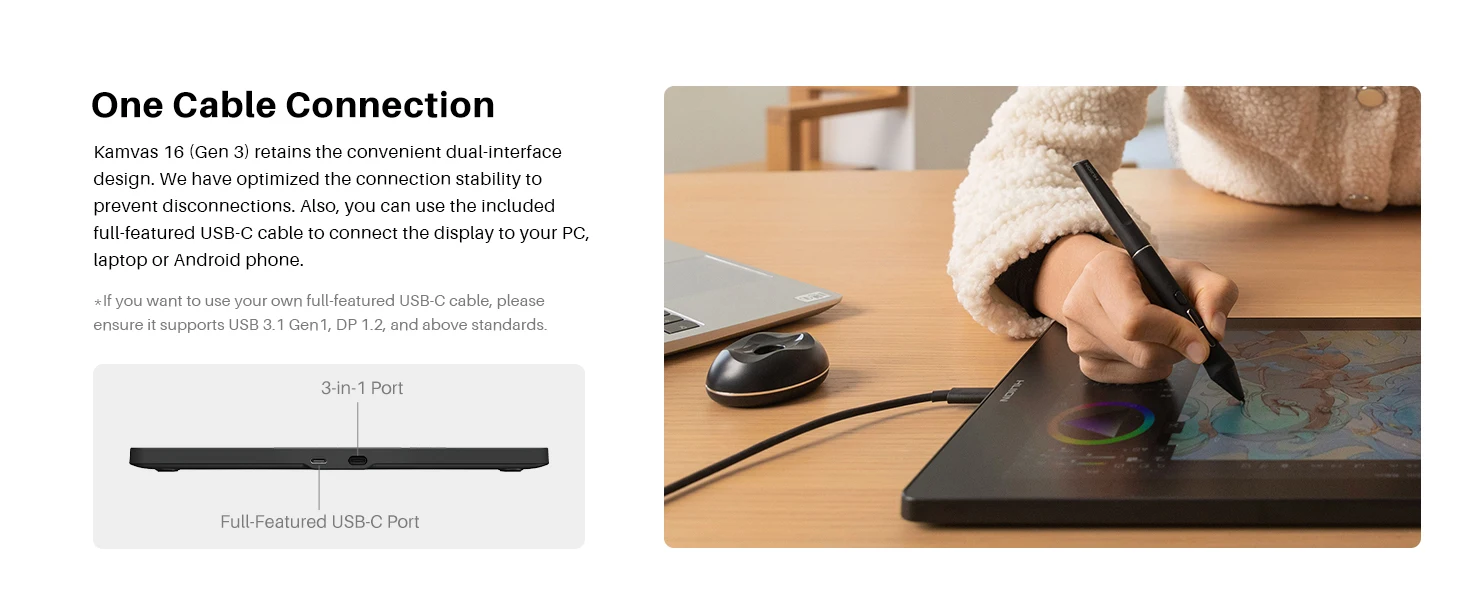
Kamvas 16 (Gen 3) retains the convenient dual-interface design. We have optimized the connection stability to prevent disconnections. Also, you can use your own full-featured USB-C to USB-C cable to connect the display to your PC, laptop, or Android phone.
*If you want to use your own full-featured USB-C cable, please ensure it supports USB 3.1 Gen1, DP 1.2, and above standards.
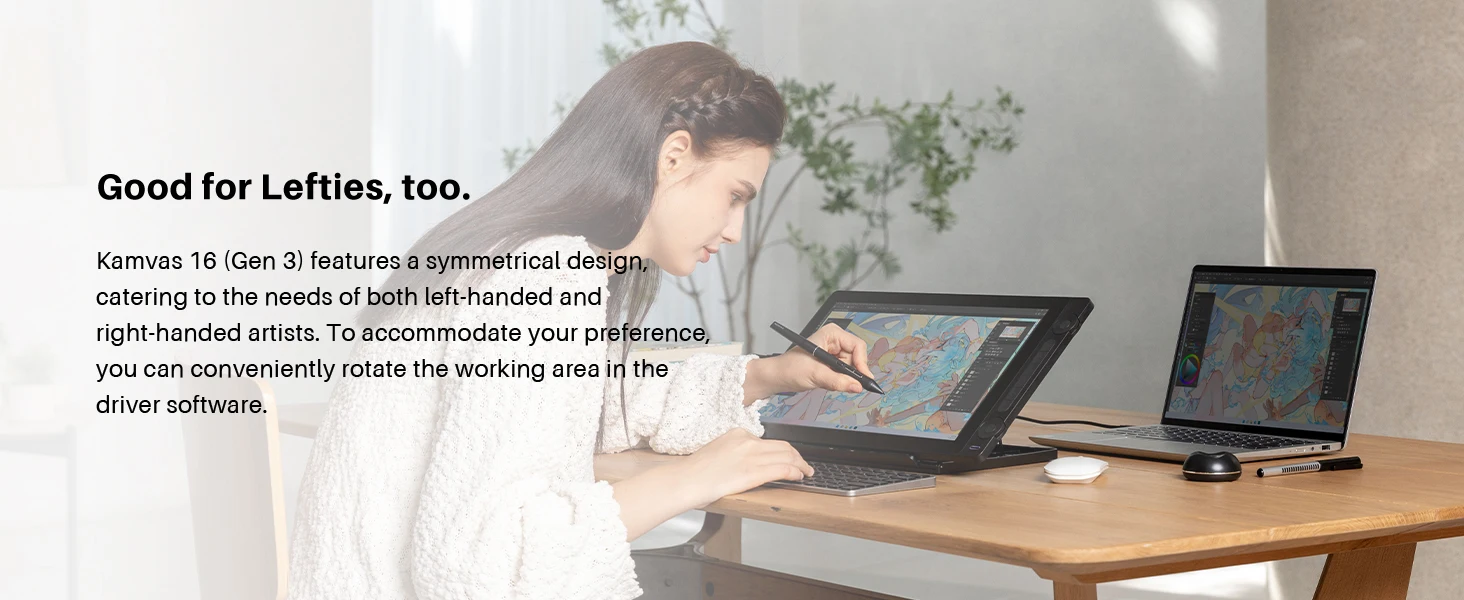
Kamvas 16 (Gen 3) features a symmetrical design, catering to the needs of both left-handed and right-handed artists. To accommodate your preference, you can conveniently rotate the working area in the driver software.
Dual Modes, Seamless Switch.
As a Pen Display: What you see is what you get, easy for beginners.
As a Pen Tablet: Reduces neck and shoulder strain from frequent looking down,good for long-time creation.
The terms HDMI, HDMI High-Definition Multimedia Interface, HDMI Trade dress and the HDMI Logos are trademarks or registered trademarks of HDMI Licensing Administrator, Inc.
Avaliações
Ainda não existem avaliações.